Opera is a browser for surfing the Internet, developed by Opera Software. It was created in 1994 by researchers at Telenor, a Norwegian company. Since 1995, it has been a product of Opera Software, a company formed by the browser's authors. The combined market share of Opera Mobile and Opera in April 2012 was 2.3%.
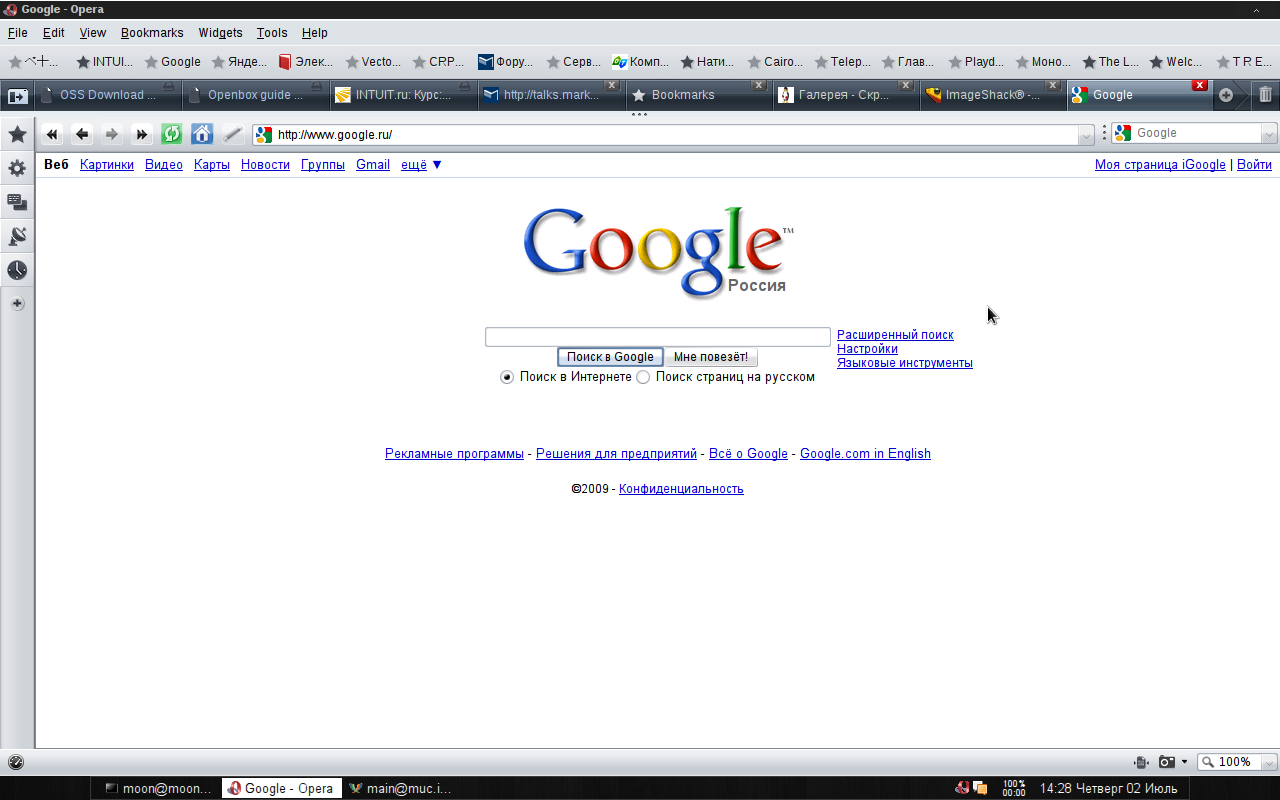
The Opera browser has high speed, is compatible with major popular programs and email clients. For a long time, the features of the Opera browser included a multi-page interface (tabs in a window) and the ability to scale displayed documents as a whole, including graphics. Extended mouse functionality: in addition to standard navigation methods, "mouse gestures" work.
Features and functions of the Opera browser
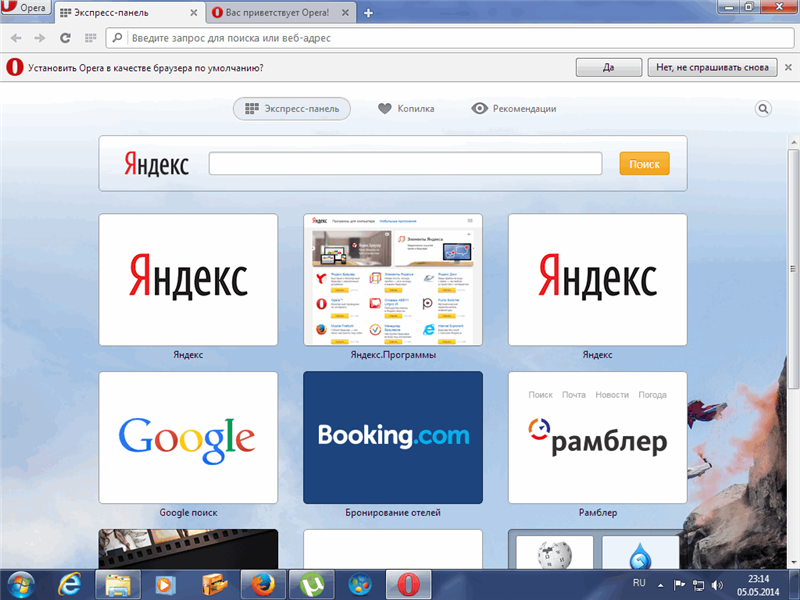
The security of the Opera browser is ensured by built-in anti-phishing protection; additional encoding of information flows when working on pages that request confidential data; deletion of HTTP-Cookies, the "Speed Dial" start panel, and clearing browsing history with a mouse click.
In addition to the main functions, the Opera browser integrates an address book, the OperaMail email/news client, a BitTorrent peer-to-peer client, an RSS aggregator, an IRC client, a WAP browser, a download manager, Opera Link, and widgets — graphics modules that work outside the Opera window using HTML technologies. Opera is the only browser for the Wii and Nintendo DS gaming systems.
The abundance of various browsers has created fierce competition in the niche, and today, to become a popular browser, it is not enough to have a beautiful appearance. Opera not only has an attractive design but also high performance. According to the leading computer technology magazine (PC World), Opera is recognized as the fastest browser, beating its closest competitor Google Chrome by several seconds, which is an impressive result.
What is notable about Opera?
The browser has an auxiliary panel – Messenger. It is located on the left and is fixed, meaning it can open regardless of the content being viewed on the page. By expanding the list, you can immediately use Facebook,
WhatsApp.
Among the additional features of the panel is a snapshot – a function for creating screenshots, the "
Speed Dial" – which is the browser's start page where the browser navigation is located. Also on the panel you can find "
Bookmarks", which shows previously added sites. "
Personalized news" allows you to select events of interest to the user, depending on the region, area of interest, and other indicators. Below, you can open the "
History" tab and "
Extensions" without searching for items in the settings, directly from the left panel.
An important feature is the built-in VPN, which allows you to hide your location or access blocked sites.
Economical operation is a significant advantage of the browser, as power consumption is up to 35% less than competitors. A laptop can work for 1 hour longer on a single charge.
There is a built-in currency converter. When searching for a product in foreign stores, the user faces difficulty in determining the cost of the product. In Opera, you can select the price and get the amount converted into the user's currency. Daily exchange rate updates and 32 supported currencies help make purchases quickly and conveniently.
Advantages of the browser
Opera cares about users and ensures a high level of connection security. In case of any threats, the browser will disable a plugin, extension, or show a message about the potential danger of a site or fraudulent actions on its part.
To never lose your favorite pages and always have access to them, and to avoid reconfiguration in case of reinstallation, you can create a profile. If you register an account, you can get the same settings on all devices.
Today, Opera holds a high position in the ranking and has all the qualities to become the default browser.