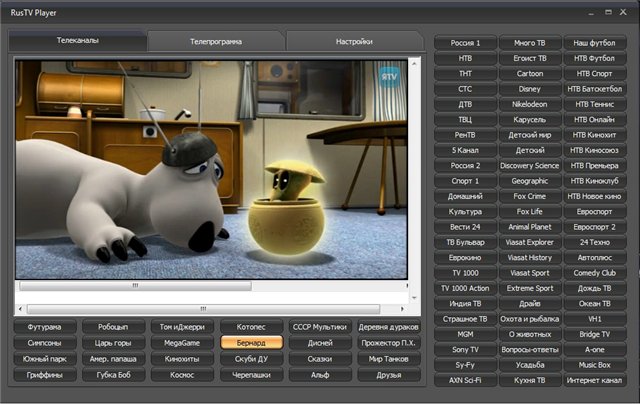
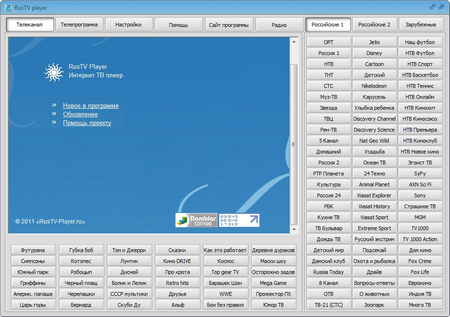
RusTV Player is a free internet TV for watching online TV programs. RusTV Player has a convenient and simple interface in Russian. Viewing is possible in full-screen and windowed modes. An internet connection is required for the program to work.
Program Features
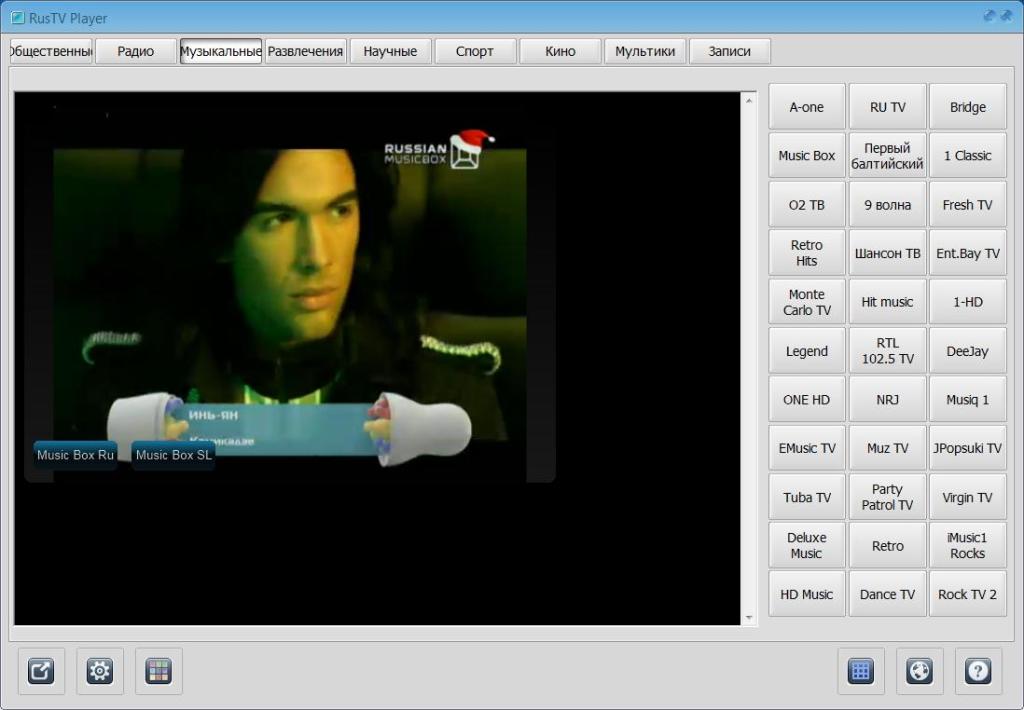
For watching TV channels online, without any restrictions or interference. All you need for RusTV Player is an internet connection. After downloading the program, a window opens that offers the user to select channels by genre.
This function is very convenient because with a large number of TV programs it is sometimes very difficult to navigate, and sometimes you have to search for what you need for a long time. The developers took care of everyone's time and made such a convenient function.
One of the pleasant additions is the presence of foreign TV channels. Their number is not large, but this selection includes some of the most popular and frequently watched channels in our country. Users note their high-quality uninterrupted operation, provided there is a stable internet connection.
Feature
It is worth noting that absolutely all channels are free, access to them is always open. This point is one of the main advantages, because more and more often there are TV applications that provide only a dozen free channels, and you have to pay a lot of money for the rest.
This fact makes you get rid of paid versions forever and never return to them. The developers of RusTV Player took this into account and made access to all channels open.
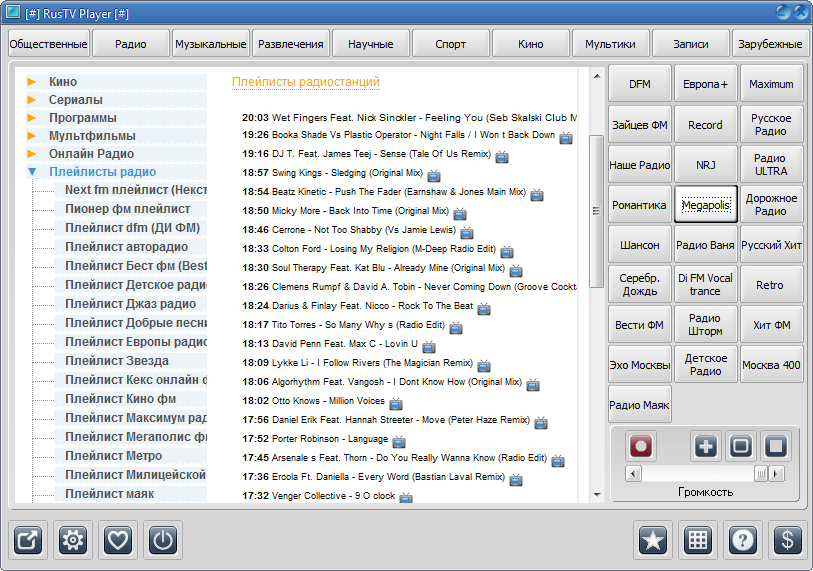
In addition to TV channels, RusTV Player opens access to hundreds of radio channels. The quality is excellent, you can also choose sorting by genre, select the country of listening. One of the important points in radio is the ability to view playlists. This addition significantly increases the number of users who call RusTV Player one of their favorite TV applications.
Advantages
In terms of its functionality, this application is very simple to understand, anyone can figure it out, everything is extremely clear on an intuitive level. Visually, by default, RusTV Player seems very simple and inconspicuous, but there is an option to change the skin.
There are many transformations, you can choose both a light and a dark theme. You can also adjust transparency, saturation, and tone.
RusTV Player is a fairly simple and high-quality working program that can immerse the user in the world of television and turn their PC into a full-fledged TV, you just need to have internet access.
The quality of the channels is standard, there is no HD format, which may upset some lovers of high-quality viewing. When you go to the service website, you can see all kinds of updates, information about channels and radio.
RusTV Player only works on the Windows system, so it is not suitable for TV box consoles and smartphones running on the Android system. Therefore, you just have to patiently wait for the release of new versions to fully enjoy your favorite application on a variety of gadgets.
Main features and key functionality of RusTV Player:
RusTV Player specializes exclusively in TV channels broadcasting in CIS countries and via foreign satellite TV. There are 24-hour broadcast channels such as The Simpsons, Futurama, Disney, and others; a huge number of radio stations. A new unique section for adults has been added. A total of 400+ channels and 30+ radio stations. RusTV Player has a TV on and off timer.
The program can record some channels, has a TV guide, and allows you to create your own list of favorites. And all this is absolutely free, with a bonus package of 60 different design themes.
To ensure stable operation of RusTV Player, you need to install Microsoft Silverlight, Adobe Flash Player, Windows Media Player, and VLC applications, as well as IE version 7 or higher.
System Requirements:
- Windows XP, Vista, 7
- Internet speed not less than 1 Mbps