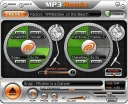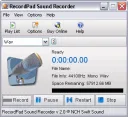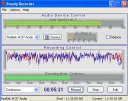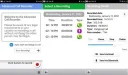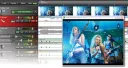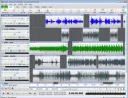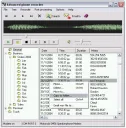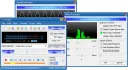
The microphone program allows you to record voice messages and dictations for voicing books or printing. This software is quite simple to use. It is distributed for free. Choose any computer program and download it from our website. Software that allows you to record audio is offered by developers in several options – recording from a microphone, from a sound card, or from both simultaneously. For example, you can record your speech on a laptop with background music. Before starting recording, select a folder to save files and set the audio format. Typically, the microphone audio recording program offers various save formats, such as MP3, Wav, etc. Some programs are equipped with a function to change the microphone voice. Note that recording quality is configured by parameters such as codecs, bitrate, and others. Use special software for recording audio during karaoke. This way, you will get an audio track with your own performance or your friends' singing. A modern microphone recording program can upload the resulting recordings to FTP and also send them via email. Note that you will find it convenient to work with microphone programs. They are all compatible with Windows 7 and provide a fast and continuous recording process. There are special buttons for starting, pausing, and stopping recording. If the system has different devices that allow audio recording from them, the program will prompt you to select the desired one.