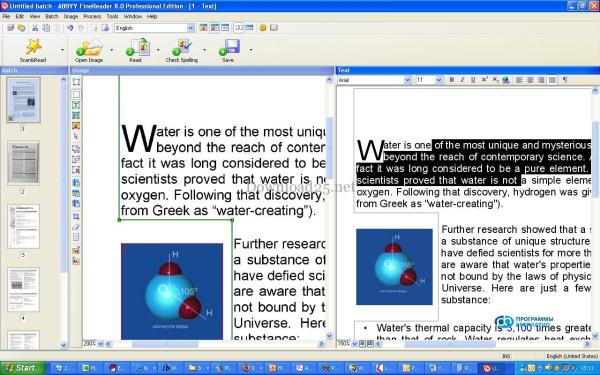
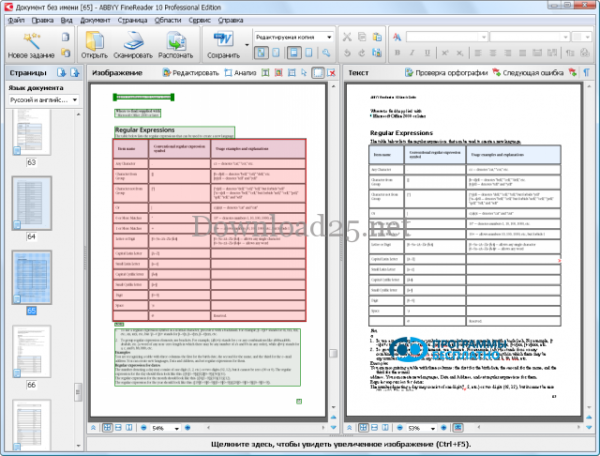
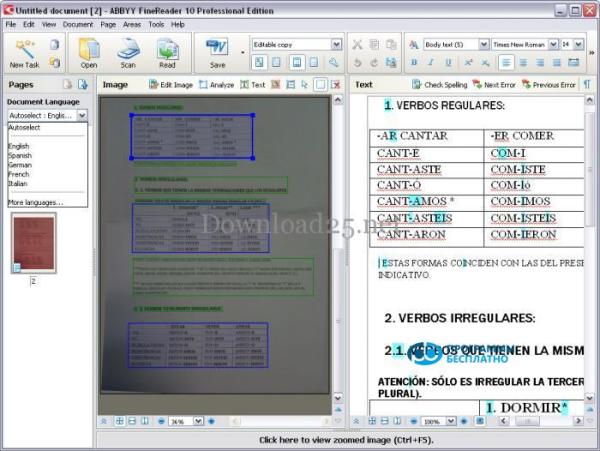
ABBYY FineReader is an optical text recognition system developed back in 1993 by the Russian company ABBYY. This program is designed to convert PDF documents, scanned documents, and simply photos of text into formats that can be edited afterwards. Thanks to the developers' efforts, the program has many functional capabilities, which allowed it to become the absolute leader among similar text recognition programs. In ABBYY FineReader, you do not need to set the document language – it features automatic language recognition, so the program independently selects one of the 186 languages it knows. Conversion results can be saved in various formats (RTF, DOCX, PDF, XLSX, TXT, and other text formats), sent via email, and used for further work in other applications. The ease of use and simplicity are reflected in the clear interface of this program.
One of the main advantages of FineReader can be confidently called high accuracy and speed of text recognition. The optical recognition system used in the program quickly and efficiently performs its main task and allows preserving the original document formatting. You can work with documents in this software both page by page and with the full text. This allows, if necessary, to keep footnotes, headers and footers, captions for figures and tables, and page numbers.
To work with it, absolutely no additional knowledge is needed, everything is easy to figure out on your own. Typically, the document processing in this program follows the same algorithm – scanning the document, recognition, checking and editing the resulting text, and then saving in the chosen format. Therefore, for working with ABBYY FineReader, the program has built-in scenarios that cover a list of frequently performed tasks for converting documents into editable formats with just one mouse click.
You can launch a built-in scenario from the 'New Task' window. The new version of ABBYY FineReader also has new improved capabilities.
Thus, it is now possible to work with the full text immediately, not page by page. This technology is called Adaptive Document Recognition Technology (ADRT). Also, the program now automatically edits the processed images – aligns lines, corrects skew, removes noise. The program independently detects defects in the text and eliminates them. The improved MRC (Mixed Raster Content) PDF compression technology allows reducing file size without reducing quality, which is an important nuance when working with color documents. We would also like to draw your attention to the new improved interface of the software.
To get acquainted with the new toolbars that provide access to the main commands, you can download FineReader for free. In the updated version, a new window has appeared to simplify working with built-in scenarios ('New Task'), and it is now possible to set up hotkeys for convenience when working with the program.
FineReader is available for free on our web portal. To reduce text processing time, it is better to give preference to the most modern computers equipped with multi-core processors. The program will also work on less functional PCs, but slower. As you can see, ABBYY FineReader is truly a universal program, still without a worthy competitor in terms of functionality.
Getting started with this application is extremely easy – you need to download FineReader without registration from our website and install it on your personal computer. Now text recognition has become even more accessible!