Wireless network – what is it? It is a network in which workstations (servers, PCs, laptops, as well as tablets, smartphones) are united into one workgroup via a wireless connection.
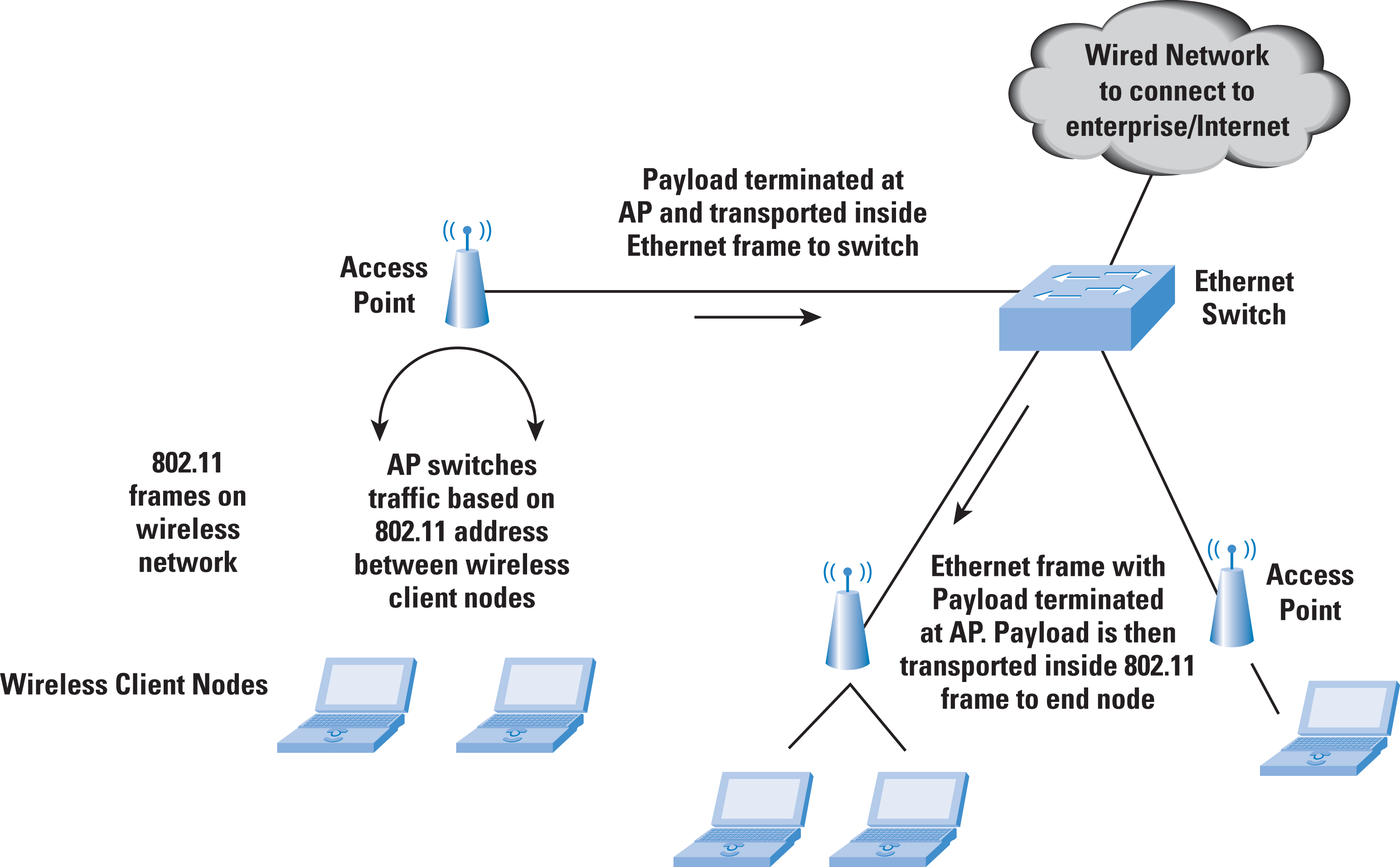
In this case, each network station is equipped with a network adapter, through which a connection is made to the access point(s) of the wireless network.
Wireless networks by connection type are:
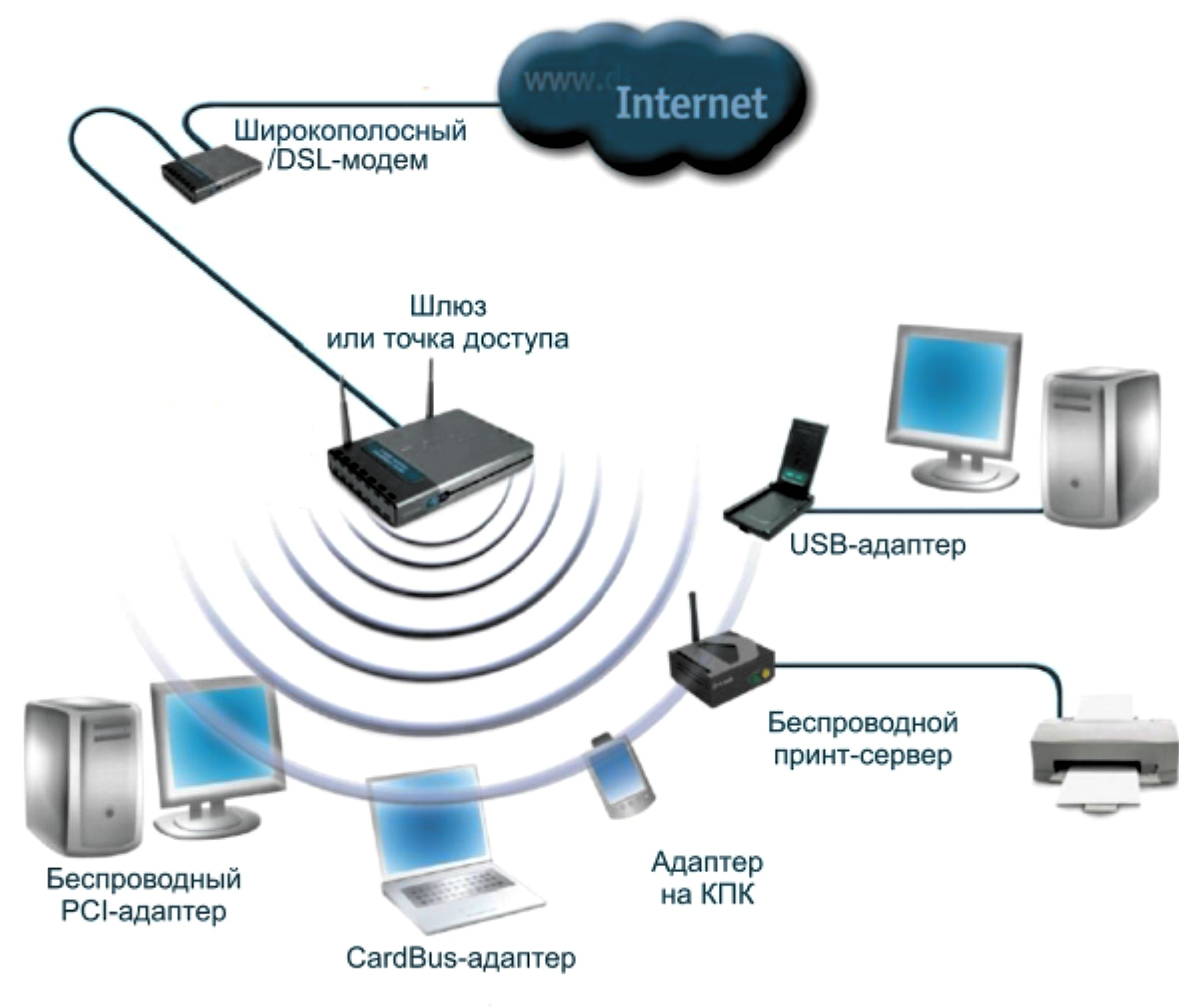
- WiFi wireless network;
- BlueTooth wireless network;
- Mobile operator wireless network;
- Connection via IR port.
By user coverage, wireless networks are divided:
Wireless Local Area Networks (WLANS)
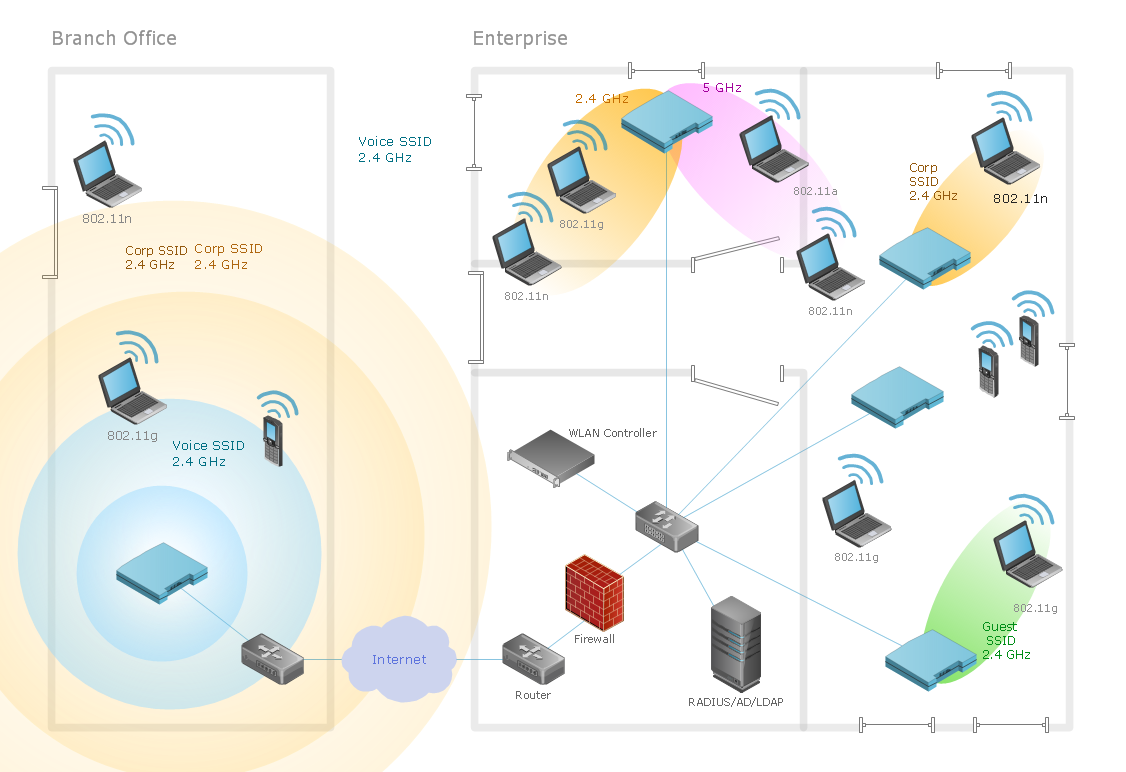
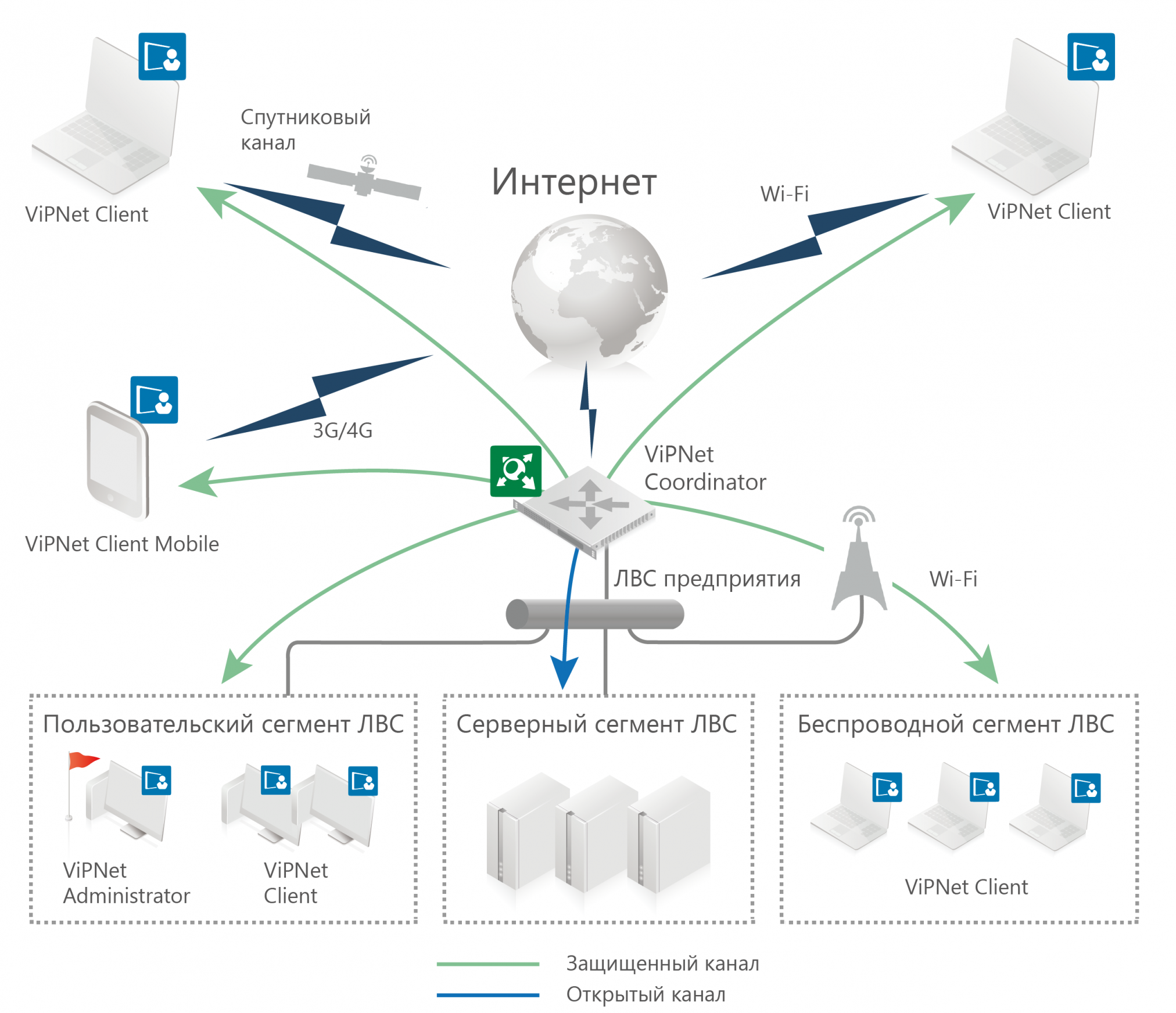
A wireless local area network allows users in a limited local area to create a group whose workstations are connected into one network within a single room, building, or even a group of buildings, with the possibility of subsequent internet access.
Wireless Personal Area Networks (WPANS)
They allow combining a limited number of devices of one user, for example, a laptop and a smartphone, or two smartphones.
Communication between devices is carried out via BlueTooth or through an IR port. They are characterized by limited connection space.
Wireless Metropolitan Area Networks (WMANS)
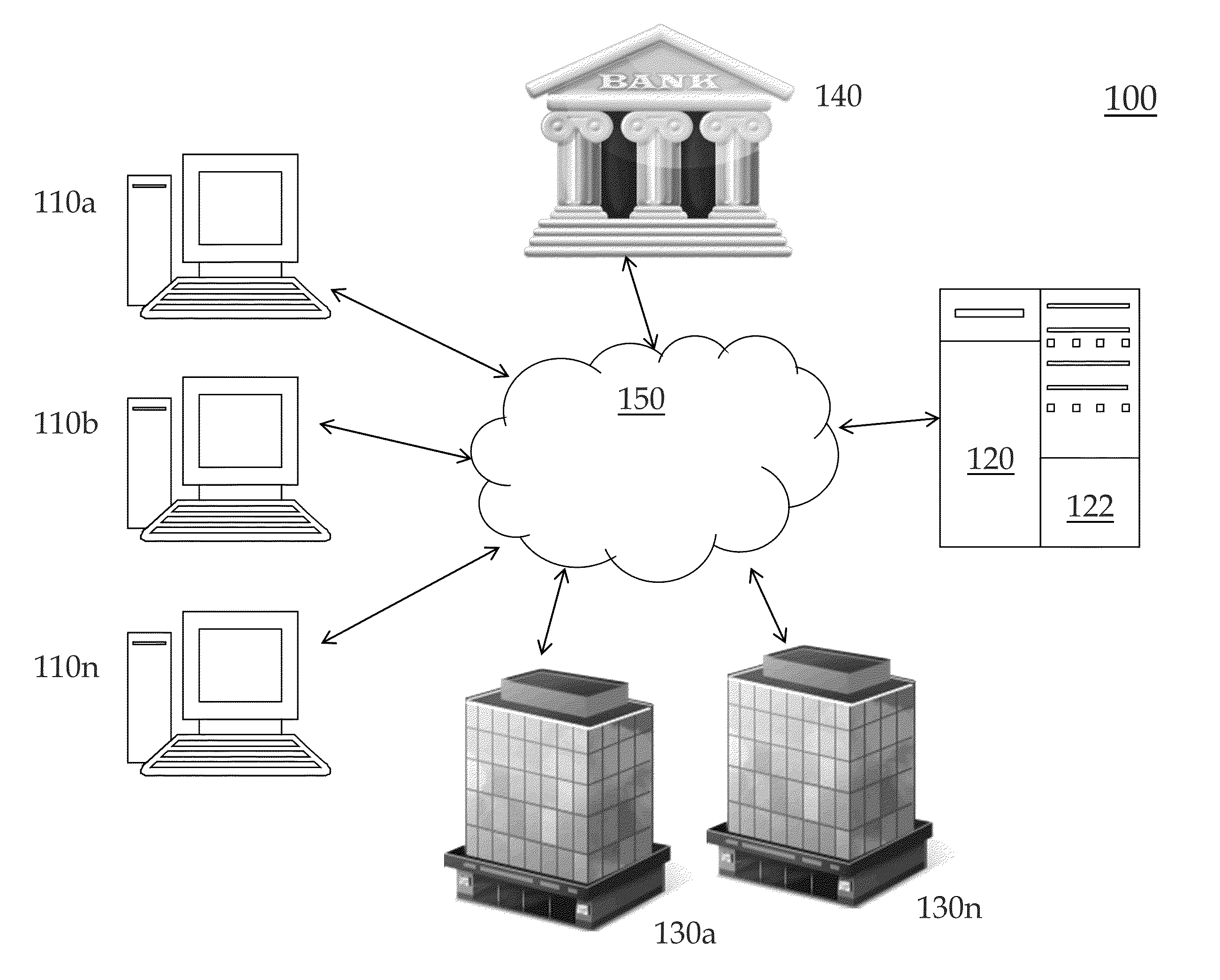
They allow combining workstations and/or local networks within a populated area, as well as a region.
Wireless Wide Area Networks (WWANS).
They combine user devices within a country or countries. They are supported by satellite communications and mobile operator networks.
Wireless networks are fully considered as an alternative to wired ones, and, at this stage, fully compete with them.
Further development of technologies, which will increase data transfer speed, will allow for maximum abandonment of wired local and even global networks in favor of wireless ones.
How to set up a wireless network
 Setting up a wireless network
 depends on the type of network and, accordingly, on the connection method. The simplest, from a setup perspective, type of connection is personal networks.
Communication between devices is carried out via an IR port or a BlueTooth channel. For connection via an IR port, the two devices must be in direct line of sight within a limited distance (up to 1 m).
Data transmission is carried out via an infrared signal, speed 2.4 kbit/s – 16 Mbit/s.
Wireless local area networks are one of the most common types of connections. They can cover both several devices of one user (within an apartment or house) and extend to the scale of organizations within a building or group of buildings.
They combine an unlimited number of users, the connection is provided by an access point(s) and implemented via WiFi technology.
Proper
management of wireless networks will ensure correct and uninterrupted use. At home,
Windows wireless networks are most often used.
Setting up a wireless network involves the use of three components involved in it, these are:
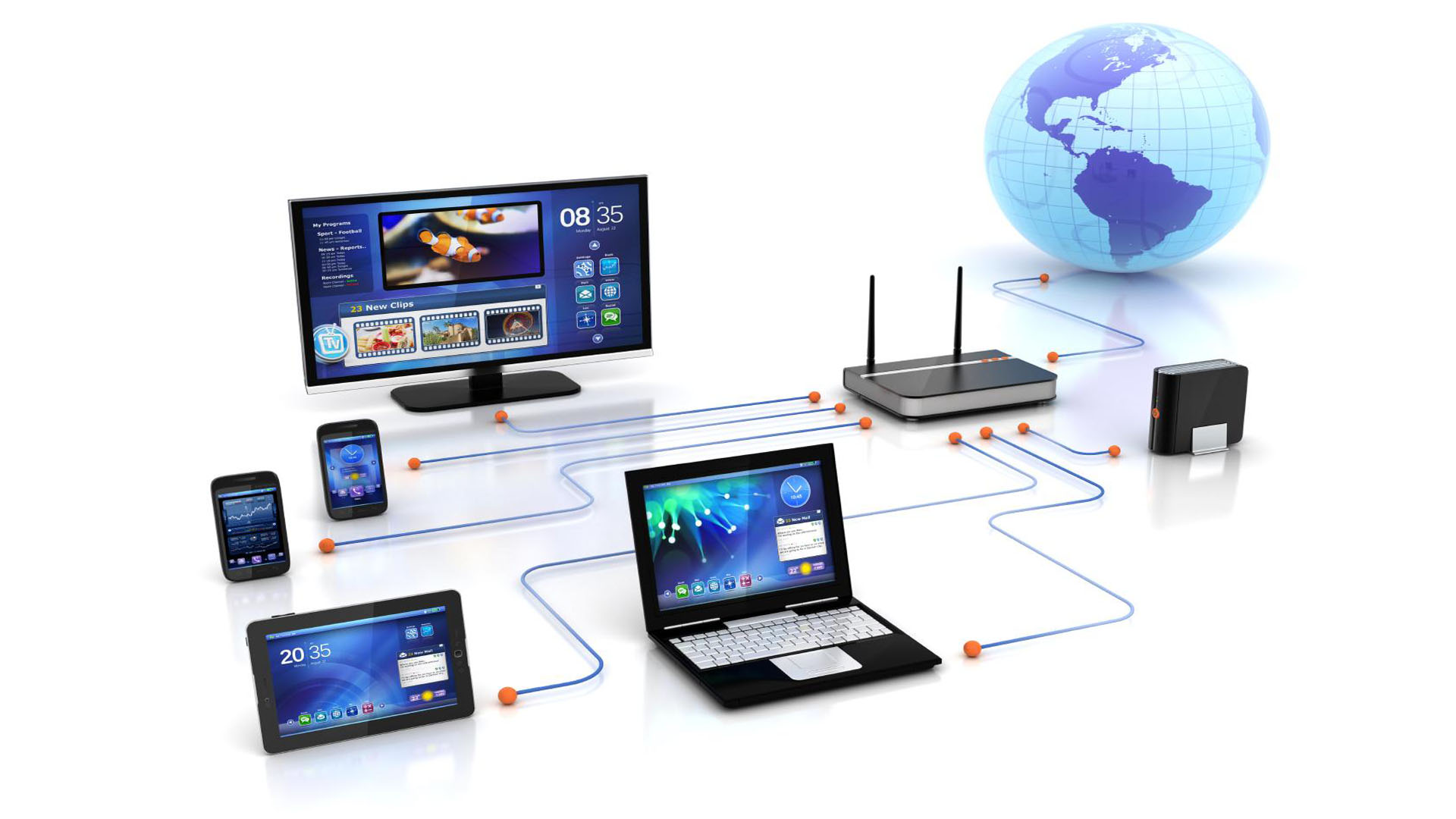
- Modem
- Wireless router
- Workstation (computer)
The modem is the first link in this chain. With its help, the entire local network will have internet access. The wireless router performs two functions.
The first is that it receives the internet signal from the modem and transmits it over the wireless network. The second is that it allows multiple devices to connect to the modem simultaneously.
Using the workstation, the user directly works in the local network, transmits and processes data, and accesses the internet.
How to connect a wireless network
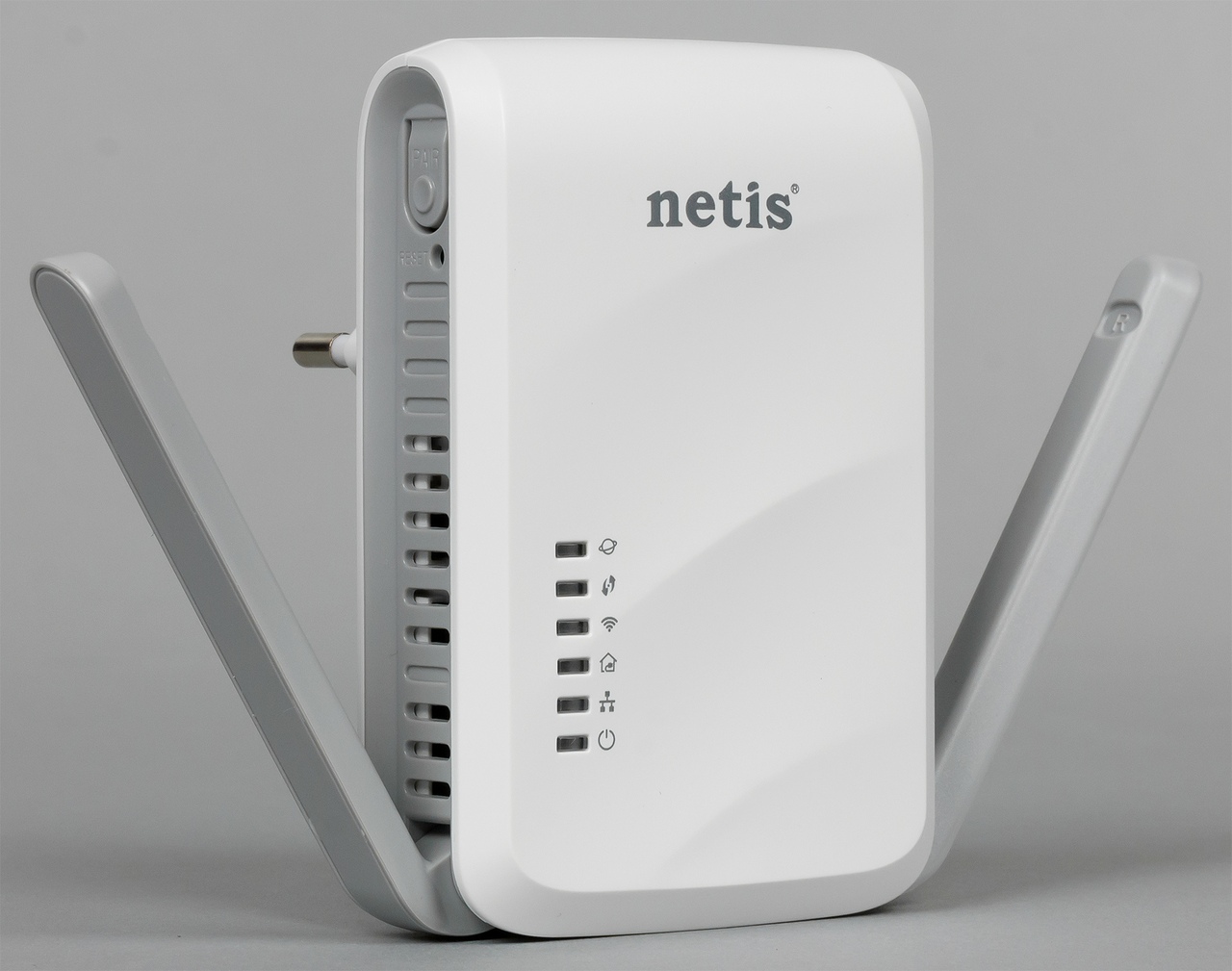
Before
turning on the wireless network, it is necessary to connect all involved devices in the correct order.
- Connect the modem and router.
- First, connect the cable (telephone or coaxial) to the modem. Then, connect the Ethernet cable from the modem to the "WAN" port on the router.
- Plug the modem into the power outlet, then the router. Turn on the modem power. It may take a few minutes for the modem to start up.
- The "online" indicator should appear on the modem control panel. Then turn on the router. It will also take some time before it starts up. The "internet" indicator (or another, depending on the model) should turn on.
- Connect the PC and log in to the router.
Among users, there is an opinion that
wireless local area networks are the most vulnerable from a security perspective.
This statement is partly true, since any outsider within the signal range actually has access to the network.
In this regard,
wireless network security is of particular interest. The reasons why administrators want to reduce the likelihood of unauthorized network access are wide, from a banal reluctance to share traffic with unscrupulous neighbors to protecting confidential personal and commercial information.
For this reason, special attention is paid to data security.
To protect information, a number of actions must be taken:
All transmitted information must be encrypted, passwords to access points must be strong and inaccessible to outsiders. Passwords must be changed at regular intervals.
A
wireless network access point that is not provided with an adequate level of protection should not be connected to the cable network.
Constant monitoring and control is necessary for unauthorized connection of additional access points by users. This is especially true for large organizations with a branched network architecture.
Also, the possibility of targeted actions by an employee or group of employees of the organization should not be excluded.
In addition, individual workstations that are temporarily connected to public unsecured networks (for example, in a cafe or at a train station) are a vulnerable element and allow attackers to gain access to confidential information.
Such networks should be treated with caution, and, if possible, the amount of information stored on such devices should be minimized.
In addition, the goal of attackers may be not only to gain access to information, but also banal damage, such as:
- Disabling devices included in the wireless local area network
- Infection with computer viruses
- Various attacks preventing full internet access
Conclusion
Global wireless networks, to which users are connected via satellite signal or a mobile operator channel, provide almost unlimited possibilities.
To connect to such a network, only two conditions are needed:
- Coverage by the signal of the corresponding radio waves
- Availability of equipment supporting the required communication standard.
Such networks allow, with a minimum of settings on the user's part, to communicate, receive, process and transmit information in almost unlimited volumes and at high speed, which allows us to speak of a high level of penetration of wireless technologies not only into scientific but also into everyday life.