Everyone knows that Opera recently switched to the new WebKit engine. Some liked it, while others stayed on version 12.x :) In the latest versions of the Opera browser, some new features and, accordingly, settings have appeared. Let's discuss some interesting Opera browser settings. For those who don't know yet, you can download the Opera browser for free in English here.
How to access Opera settings?
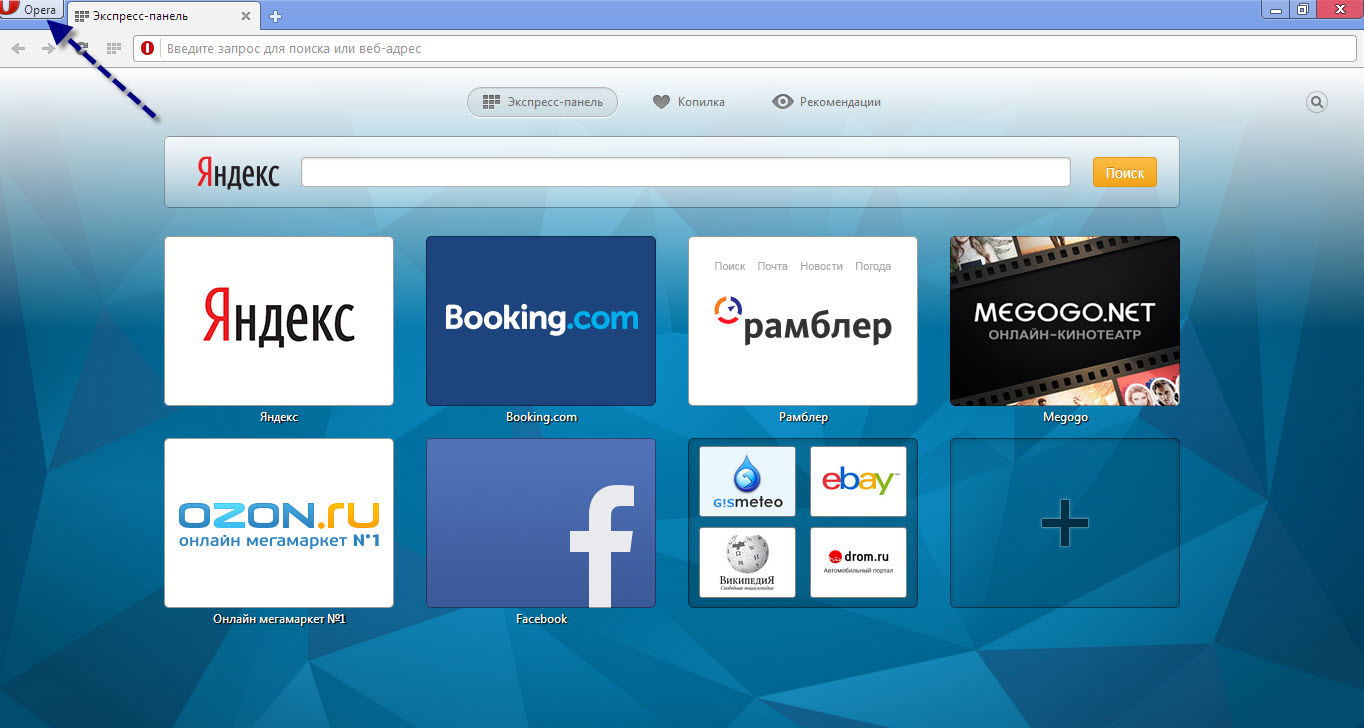
To go to the Opera browser settings page, you need to click the "Opera" icon.
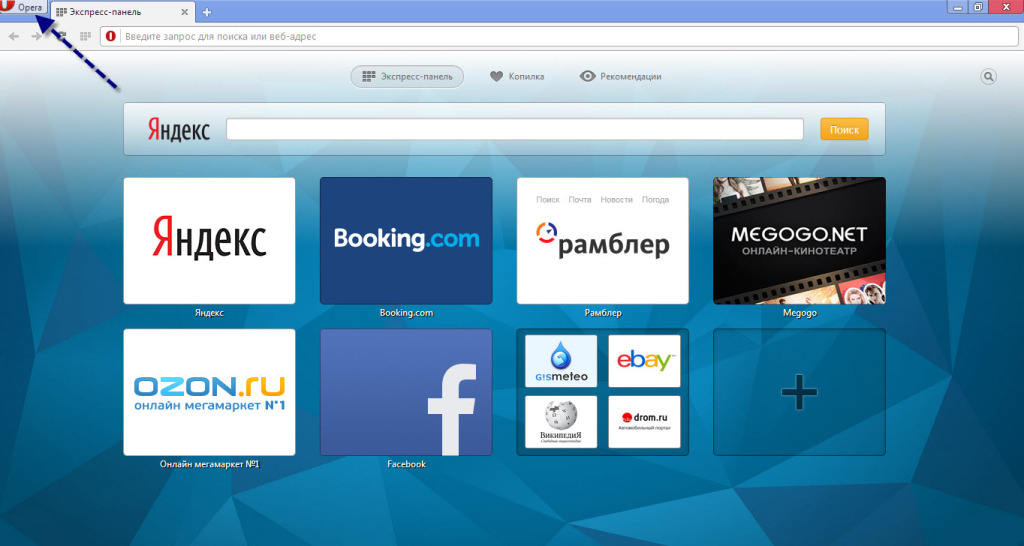
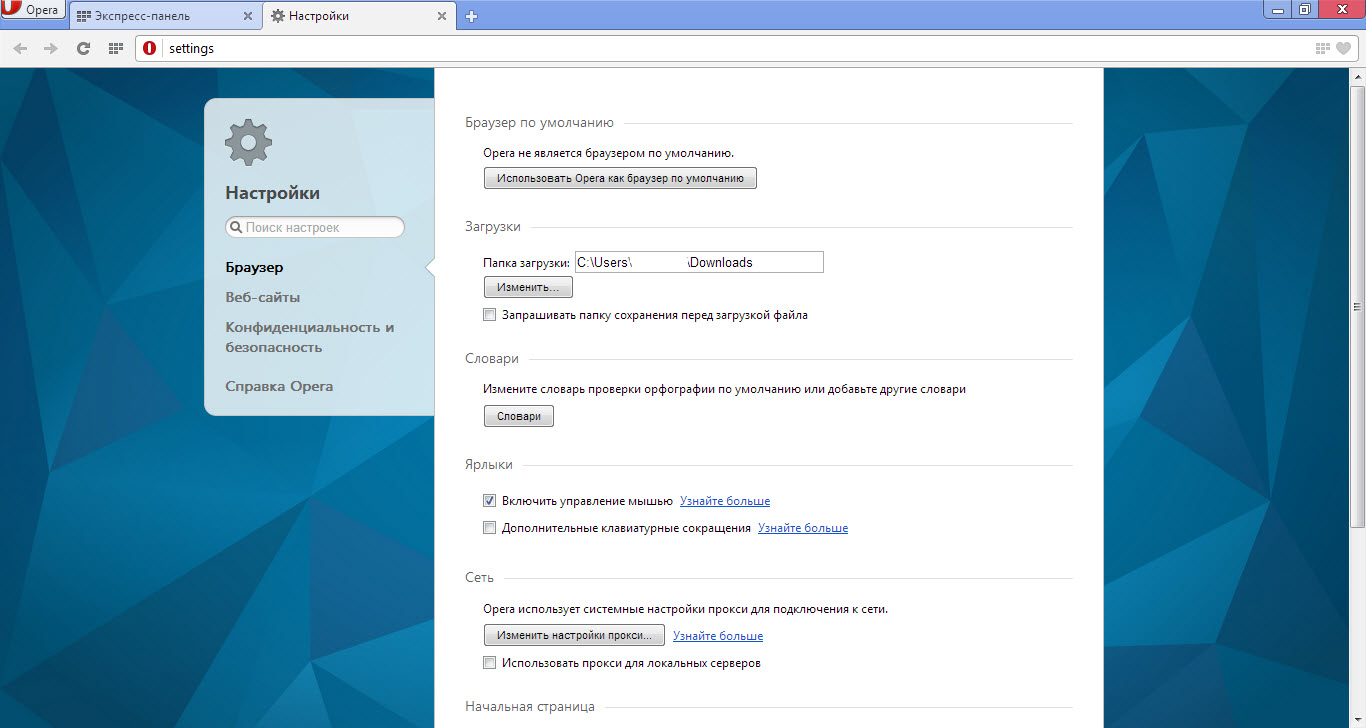
Next, in the context menu that appears, select "Settings", or you can simply press the Alt+P key combination. After that, the Opera browser settings page will open in front of you:
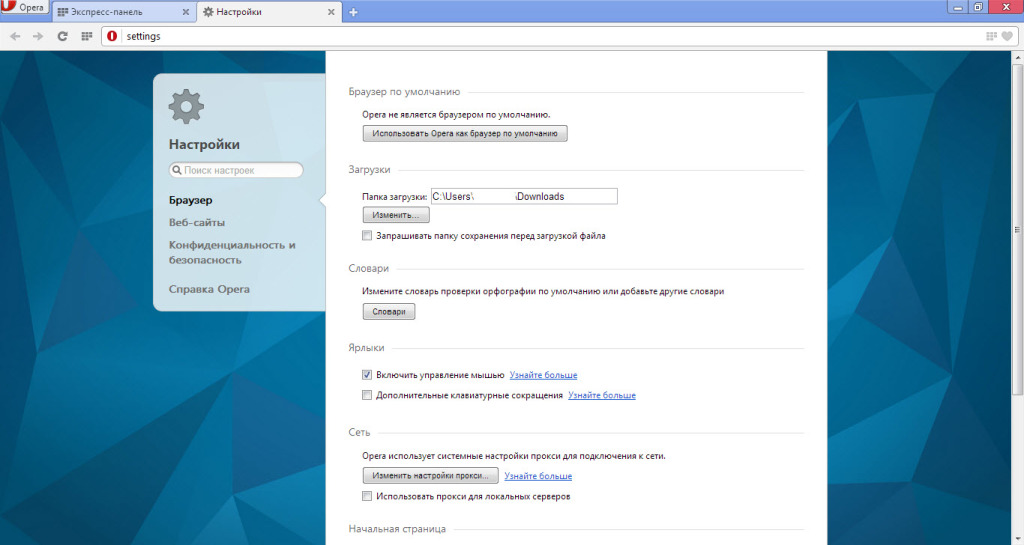
List of Opera settings
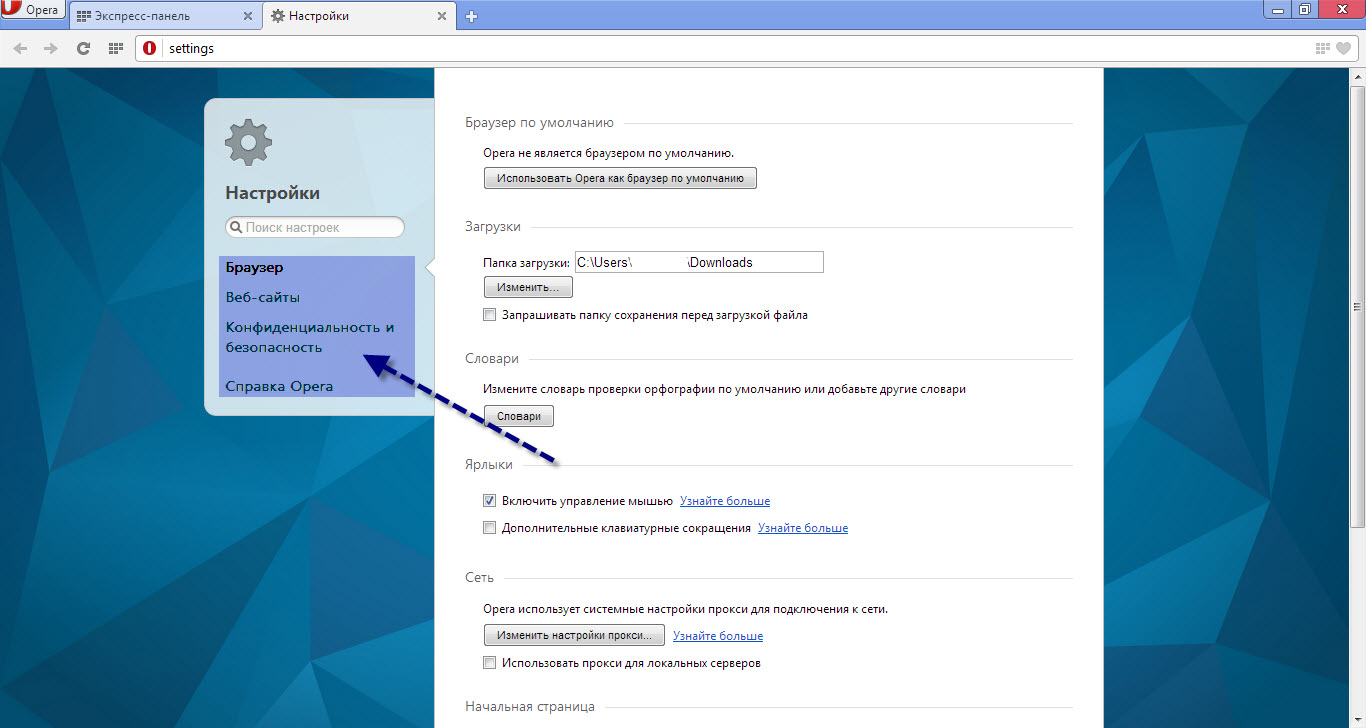
Now let's look at all the Opera browser settings items we are interested in. First of all, it should be said that settings in Opera are divided into browser settings, website settings, and privacy & security settings.
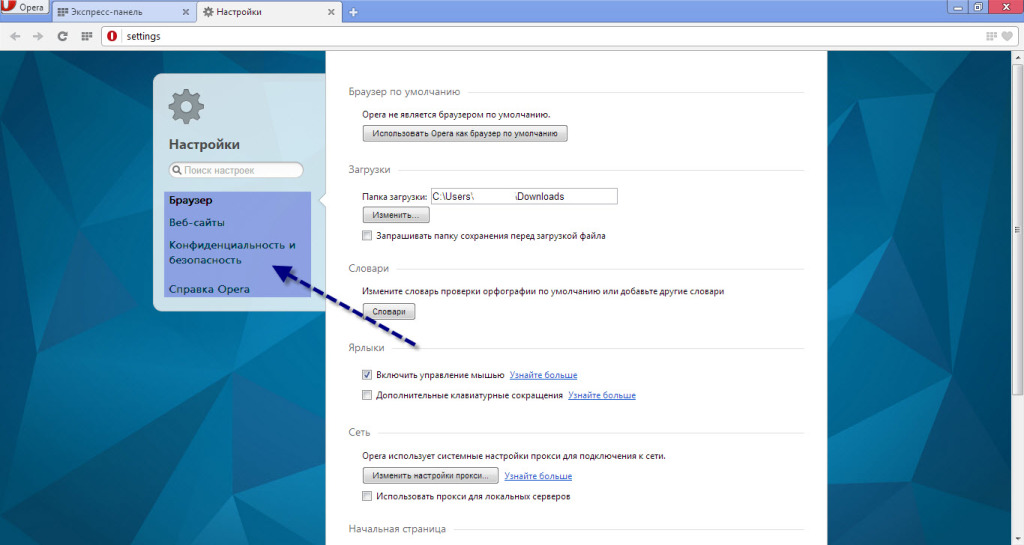
Section "Browser" settings
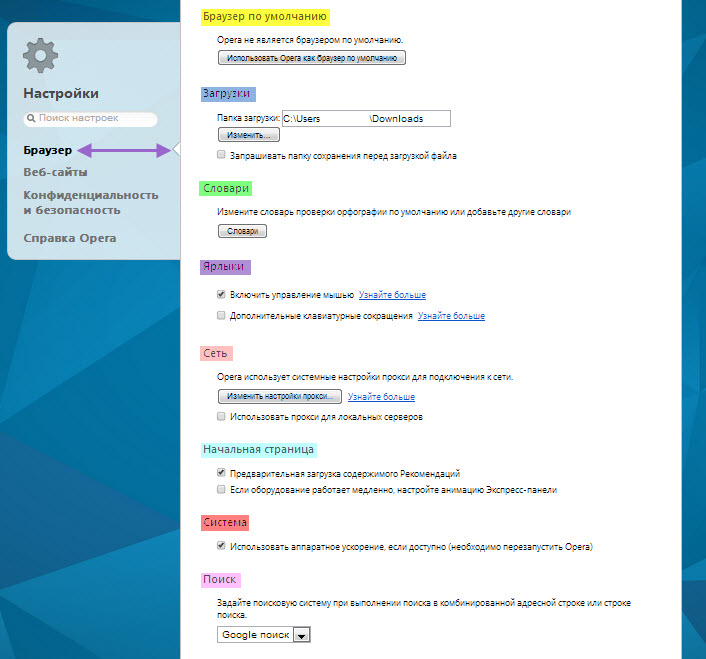
Default browser
Here you can set Opera as the default browser on the system. This is necessary so that all files with .html extensions, etc., open in the browser specified as the default. Also, all links and everything related will open using this browser.
Downloads
In this settings section, you can choose a download folder or set the option to ask for a download folder before each download.
Dictionaries
In this section, you set dictionaries for spell checking.
Shortcuts
You set the methods for managing shortcuts. Currently, 2 management methods are available, with the default being method 1 - Mouse, as this method is most optimal and convenient compared to the keyboard shortcuts method.
Network
Just like in all browsers, proxy settings are configured here. Typically, regular users do not use this feature. The start page settings in this section differ from standard ones because here only loading methods for the "Speed Dial" and the like are set.
System
There is only 1 option available for settings, and it is advisable to set it to ON.
Search
Well, here, like in all browsers, there is 1 option to choose the browser's search engine.
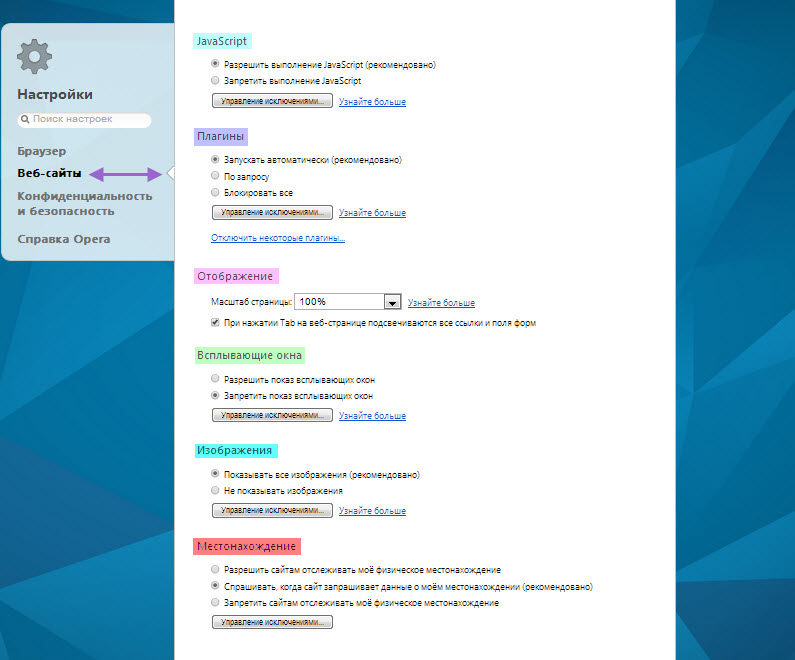
Section "Websites" settings
JavaScript
Here you can enable or disable the execution of JavaScript codes on pages. Also, you can set up an exceptions list for different sites using patterns.
Plugins
In this section, you configure the method of working with plugins.
Display
Here you set the default zoom level for loaded pages, as well as the option to highlight all links and form fields when pressing the Tab key.
Pop-ups
The method for handling pop-ups is configured. It is advisable to set the option to "Show", and to eliminate ad pop-ups, install the AdBlock extension.
Images
The method for handling images is configured.
Only 2 options are available for configuration:
Also, you can set up your own exceptions list, i.e., on which sites to load images and on which not.
Location
In this section, you can configure the browser's behavior when requesting your location. It's best to leave everything as is. Additionally, you can create an exceptions list.
Section "Privacy & Security" settings
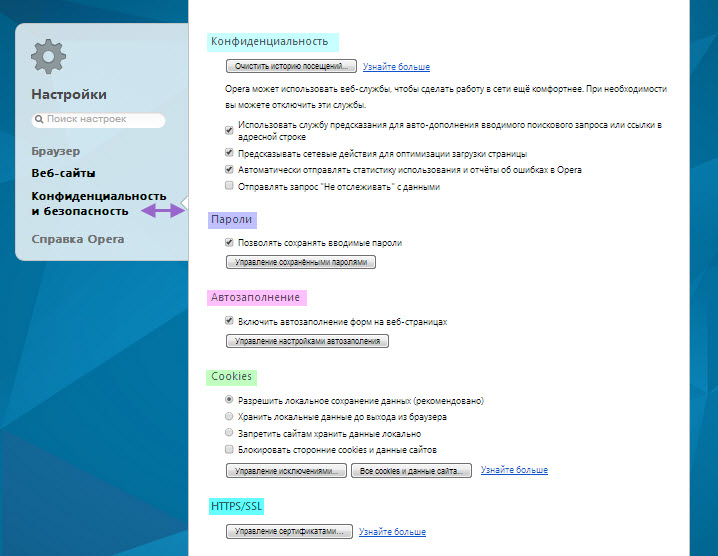
Privacy
Here you can configure the privacy of your data.
Passwords
This setting option is more related to "Privacy", as it allows you to configure the ability to save entered passwords.
Auto-fill
A very convenient option available in the Opera browser, it remembers and automatically fills in form fields on web pages.
Cookies
A rather interesting option that allows you to configure how cookies work. If you don't know what cookies are, it's better not to touch anything here to avoid incorrect browser behavior.
HTTPS/SSL
Here you can configure available certificates.
Conclusion
In principle, these were the main available settings in the Opera browser that allow you to configure the browser as you wish. From the appearance to security and privacy methods, you can customize the browser to your liking.
Good luck!