All users customize their free browser to their liking, everyone wants the browser to work the way they want. It's no secret that Google Chrome browser for Windows 7 is one of the best and most powerful browsers today, and therefore offers a multitude of possible settings compared to browsers like Opera, FireFox, Safari, Yandex Browser.
Starting from customizing the appearance, setting fonts, and ending with configuring the browser's behavior in various situations. Moreover, all possible browser settings are divided into those available to all users and those not available to all. What do we mean when we talk about this?
For example: the proxy server settings section - HTTPS/SSL, etc., is mainly accessed by Web Developers, as they understand these settings and know what each one does.
Sometimes, it is necessary to return the settings to their defaults; there can be many reasons for this decision, for example:
- Low browser performance
- Incorrect browser behavior.
Do not rush to reset browser settings, as you must clearly understand what will happen in the event of a reset and decide whether you should do it.
First: it should be said that resetting browser settings leads to a complete reset of absolutely "ALL" Google Chrome browser settings. By resetting the settings, you will essentially return the browser to the state it was in initially.
Second: think about whether it might be worth writing down or remembering some current settings, so that you can restore them after the reset. For example: You like the current font settings and would like to reset all settings except the font settings. In that case, remember or write down the current font settings in Google Chrome, then reset the settings and reconfigure the font settings section.
- So, let's talk about how to reset browser settings?
Reset Browser Settings
First, launch the Google Chrome browser (if it is not running), hover the cursor over the upper right area of the open browser window and select the appropriate item "Customize and control Google Chrome".
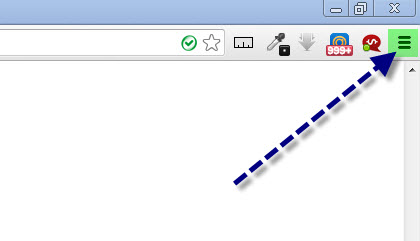
In the context menu that appears, select the item "Settings". On the page that opens, click the tab "Settings", then click the button "Show advanced settings".

Next, scroll with the mouse wheel to the very bottom of the page, at the bottom you will see the button "Reset browser settings".
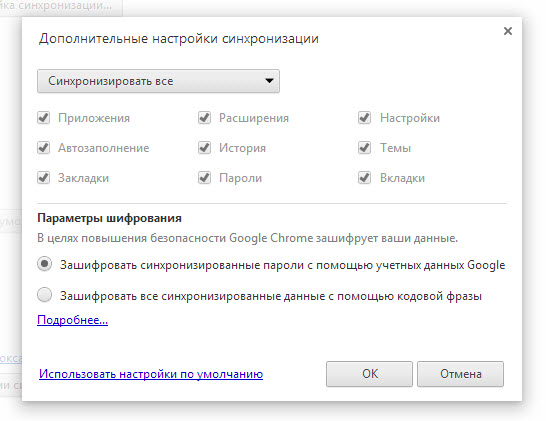
Click this button. A confirmation dialog for the changes will appear on the screen:
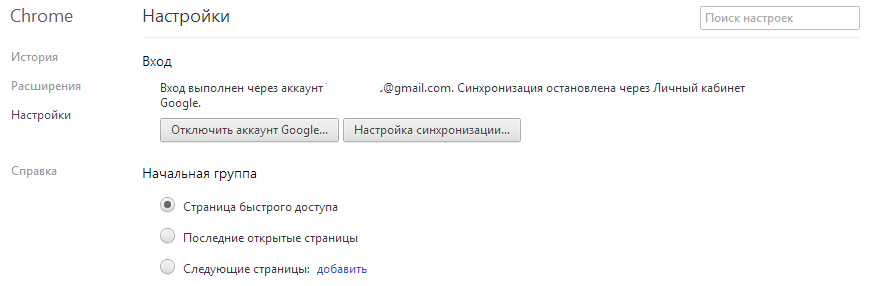
By clicking the "Change" button, you confirm the reset, after which the Google Chrome browser settings will be reset. That's it, now you know how to reset Google Chrome browser settings. :)
However, remember that by resetting all settings, you are resetting exactly "ALL" the browser settings. And once reset, you will not be able to get them back! That is why you should think twice, or better yet three times, before resetting the browser settings.