Windows Movie Maker - quickly and conveniently creates and edits videos by adding various effects. Included in Microsoft Windows, the alternative Windows Movie Maker is part of the free Windows Live software package from Microsoft. Features of Windows Movie Maker: Capture video from various sources (camcorders, mobile phones, digital video cameras, digital cameras, etc.). When creating videos in Windows Movie Maker, you can add a background audio track, use between
Setting up the Express Panel in Opera browser
Description
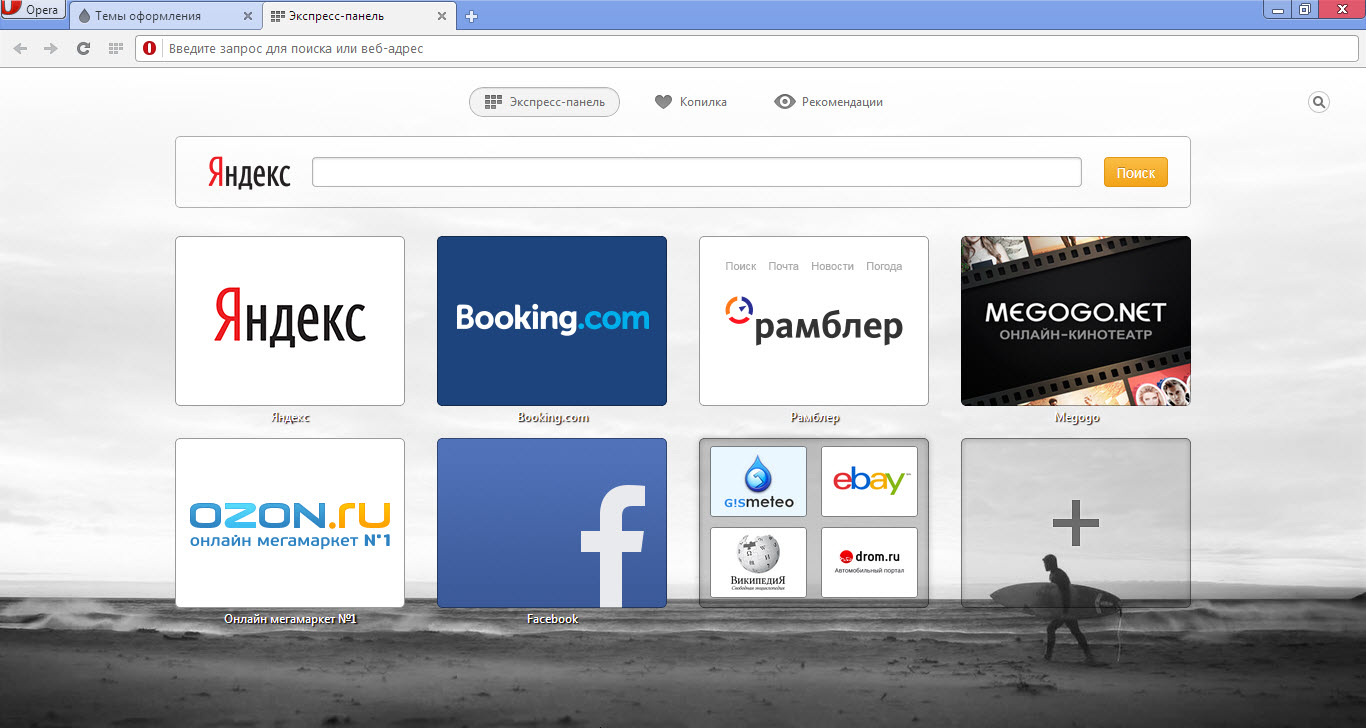
The developers of the Opera browser particularly emphasize the built-in tab system in their browser, since not every browser has such functionality in its set. Also, Opera's Express Panel is divided into "My Tabs" and "Piggy Bank" (in other words "Favorites").
Very interesting features, aren't they?
For the first time, the free Opera browser introduced a normal bookmark system, calling it "Piggy Bank", for which we should thank its developers! In addition, an interesting thing is the "Recommendations" section, also located, like "Piggy Bank", next to the tabs. There you can always access the most interesting news and much more from the internet.
Perhaps, it is thanks to such extended functionality of the "Express Panel", as well as the new WebKit engine, that the Opera browser has become even more popular and competitive! The Express Panel page is customized mainly through installed extensions, however, the Opera browser itself offers quite a sufficient number of settings related to tabs.
Tab settings in the Opera browser
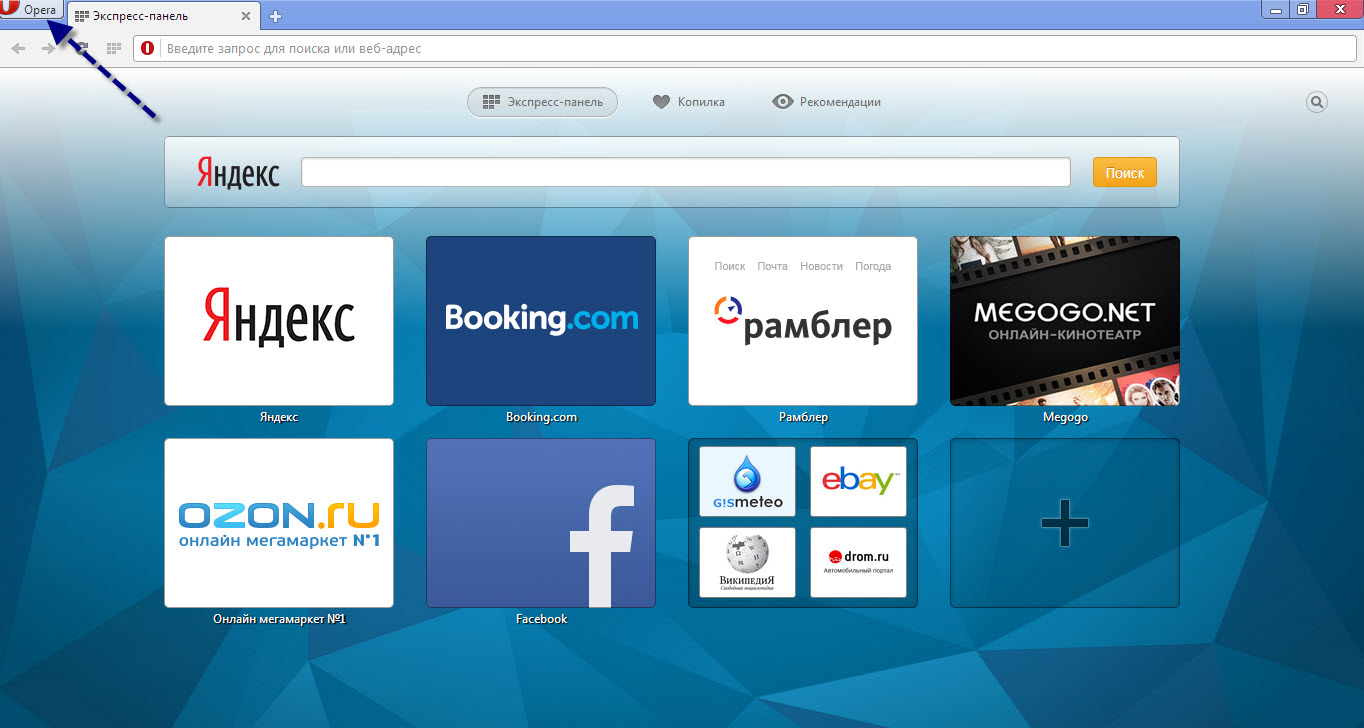
To access the tab settings, you need to open the settings page. To do this, click on the browser icon in the top left:
[caption id="attachment_1166" align="aligncenter" width="600"]
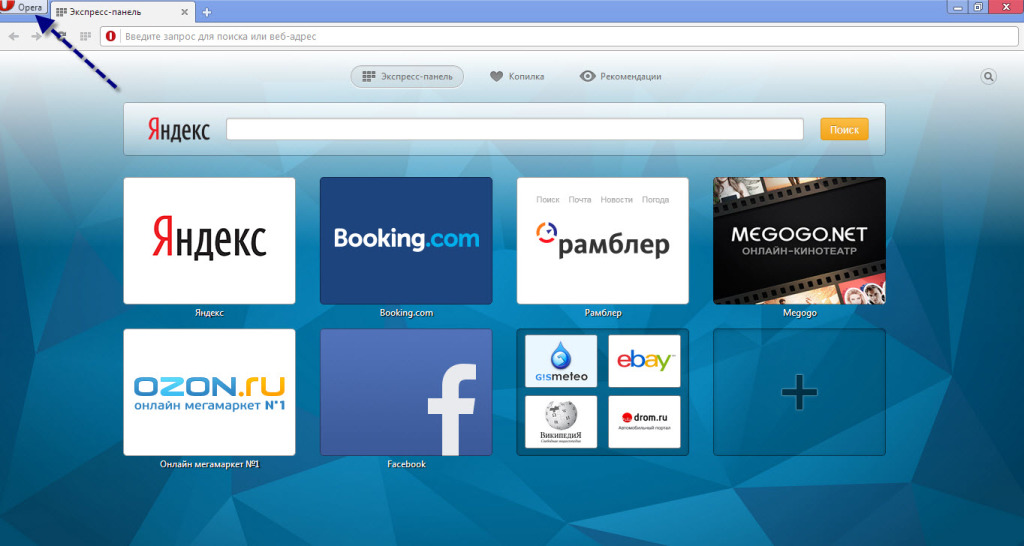
Opera Express Panel Settings[/caption]
In the menu that appears, select "Settings", then go to the "Browser" tab.
[caption id="attachment_1167" align="aligncenter" width="600"]
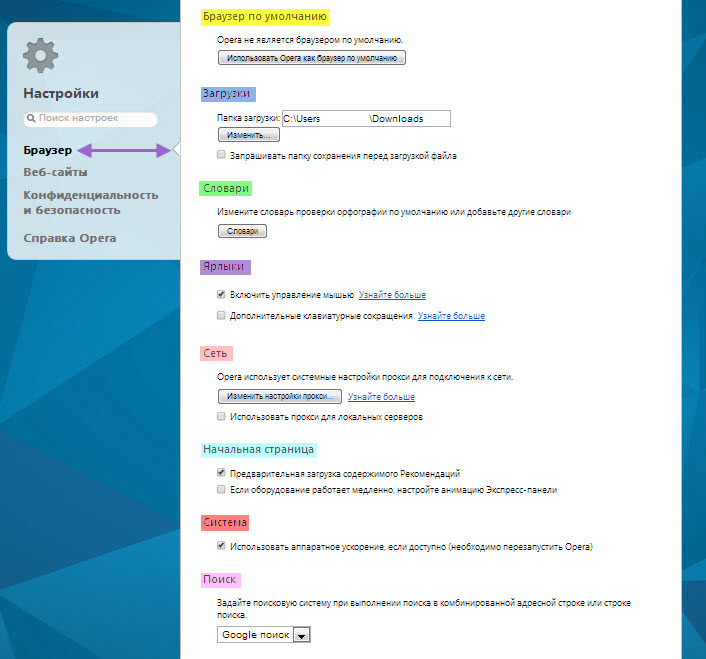
Opera Express Panel Settings[/caption]
Pay attention to the settings item highlighted in blue, "Start page". Here you can configure the launch method and behavior of the Opera browser's start page.
In addition, the settings have additional items that are not directly related to the tab page, but one way or another affect its behavior and appearance.
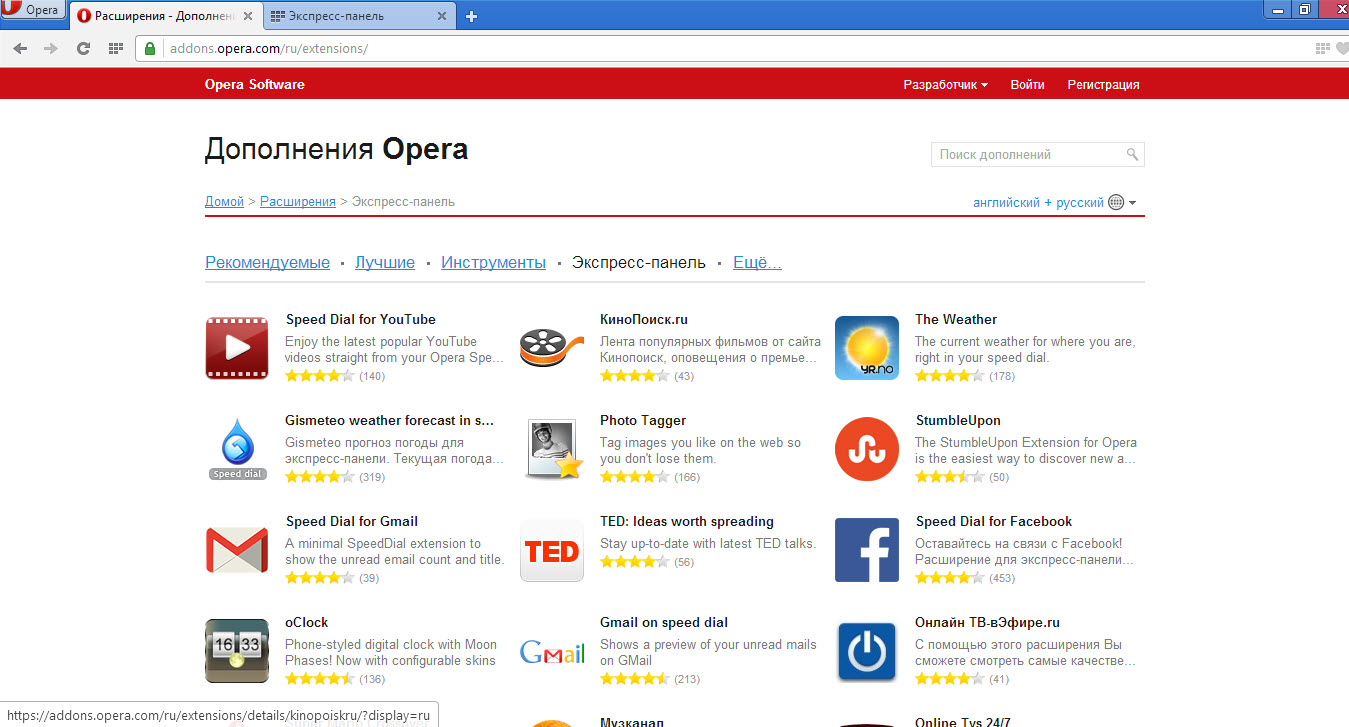
However, we will focus only on the settings items that directly affect the Opera browser's tab page. Also, you can place extensions on the tab page, which can be downloaded from the official Opera add-ons page.
[caption id="attachment_1168" align="aligncenter" width="600"]
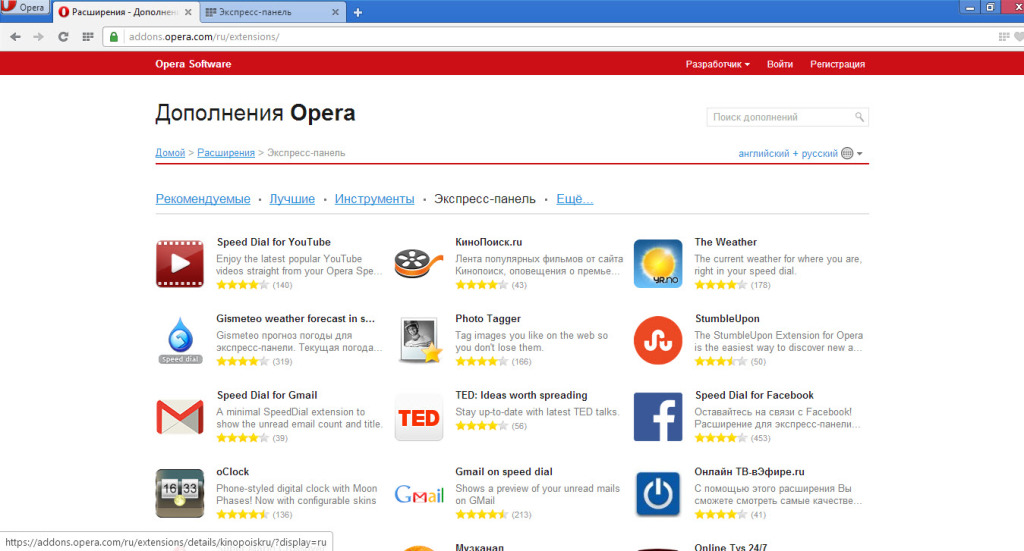
Opera Express Panel Settings in the Opera browser[/caption]
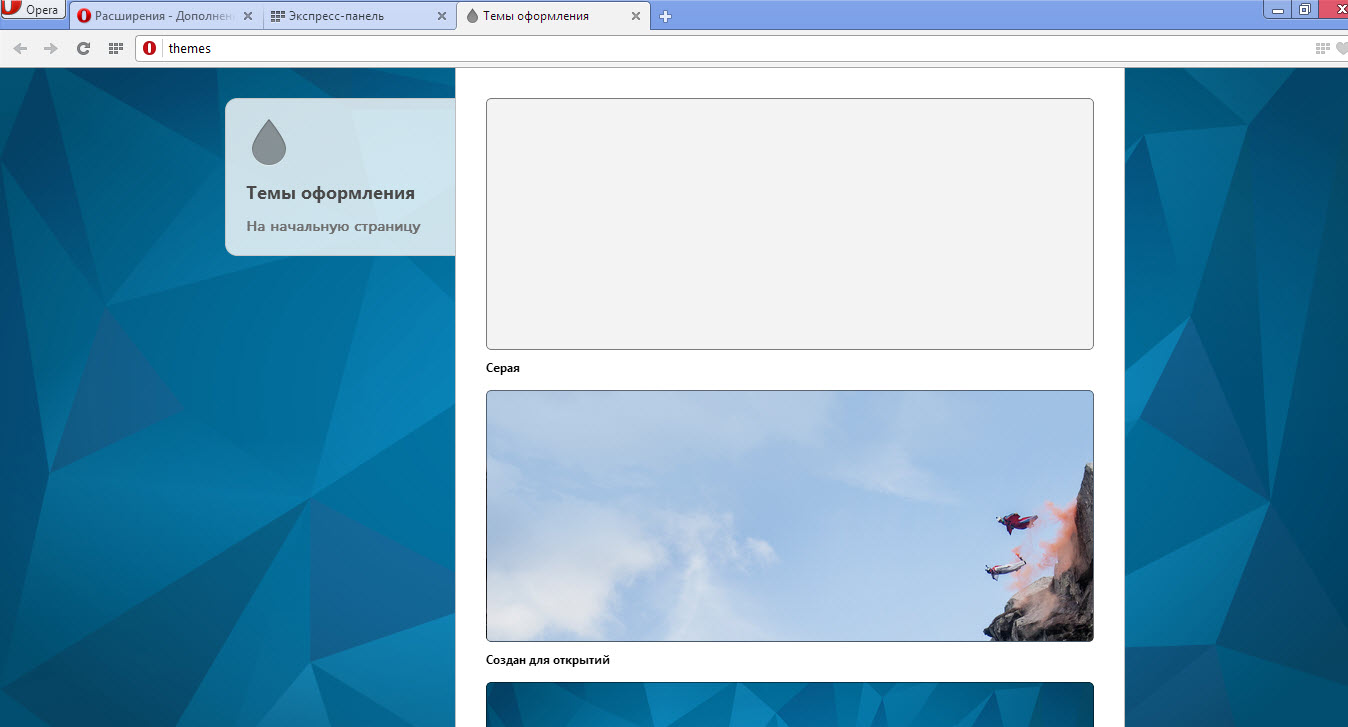
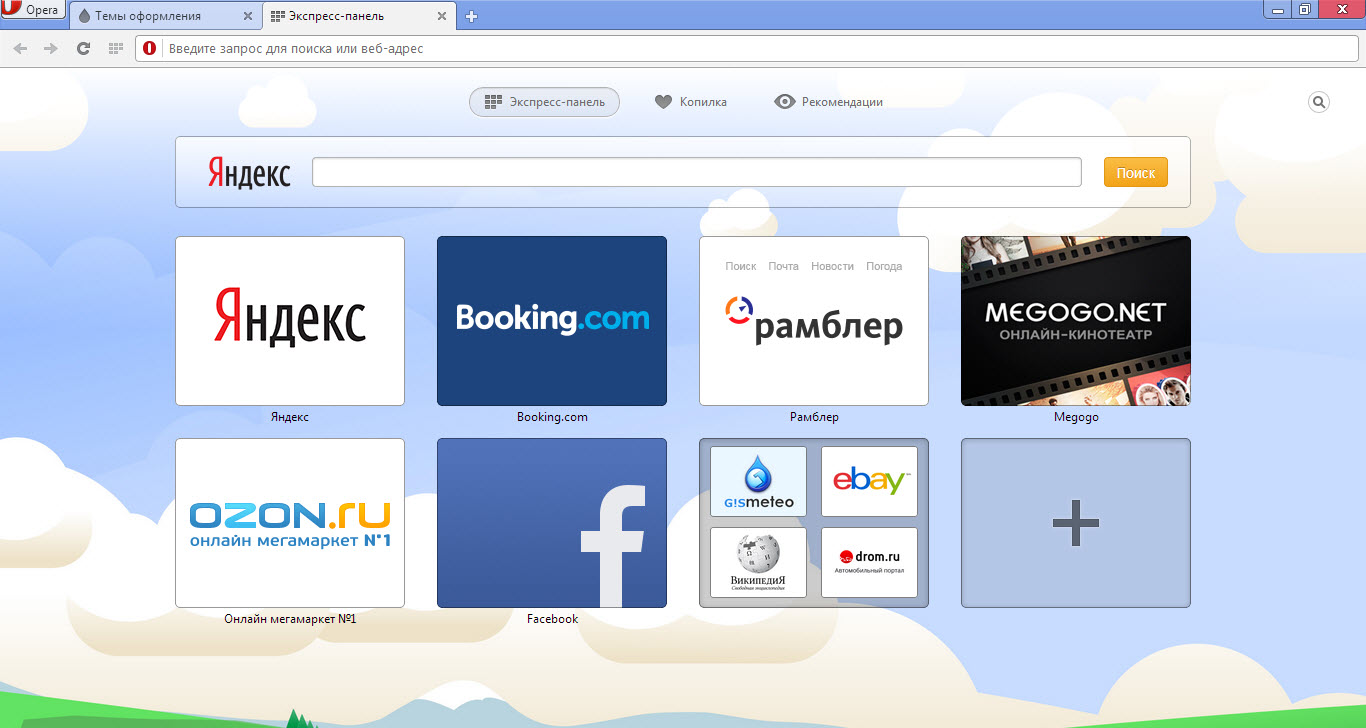
Moreover, Opera has a built-in system for styling tabs and the entire browser as a whole. To access them, you need to click on the Opera icon in the top left, then in the context menu that appears, select "Themes", where you can choose the visual style you like.
[caption id="attachment_1169" align="aligncenter" width="600"]
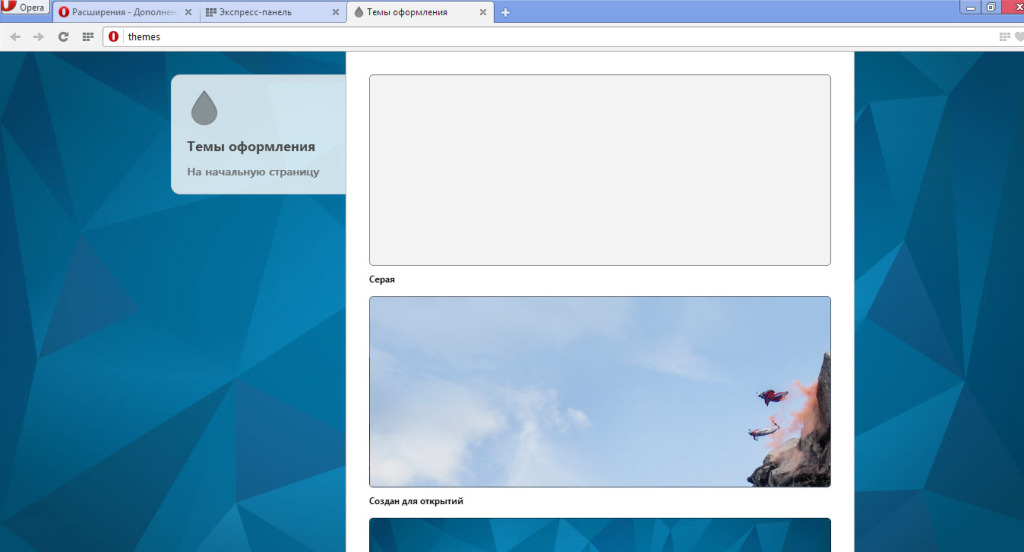
Opera Express Panel Settings in the Opera browser[/caption]
[caption id="attachment_1170" align="aligncenter" width="600"]
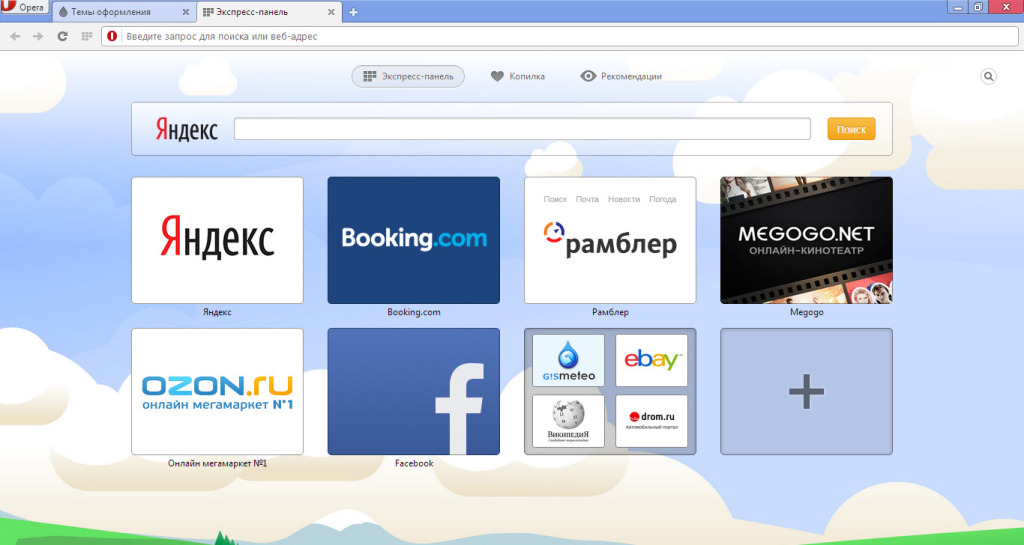
Opera Express Panel Settings in the Opera browser[/caption]
[caption id="attachment_1171" align="aligncenter" width="600"]
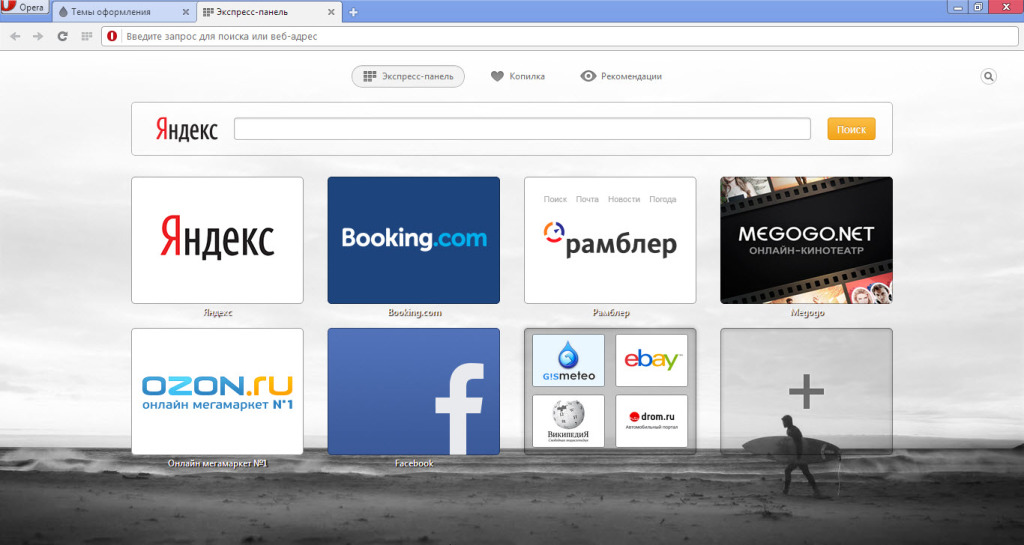
Opera Express Panel Settings in the Opera browser[/caption]
Summary of express panel settings in the Opera browser
Summarizing, it can be said that Opera's settings are sufficient for you to make it the way you want to see it! And where there are not enough capabilities, extensions will help in any case, which are freely available to every Opera browser user!
Good luck!
Specifications
| Size | |
| License | Freeware |
| Views | 13 841 |
Reviews
14 reviews
-
Valery Aleksandrovich 02.02.2019
Как настроить панель быстрых закладок в Опере, чтобы закладки отображались как раньше — в виде картинок, а не как сейчас в виде унылых логотипов?
-
Анна 30.07.2016
Впервые из этой статьи узнала, что есть разделение системы вкладок, хоть и пользуюсь этим браузером много лет. Спасибо за "просвещение" - работать теперь стало намного удобнее.
-
Inna 27.07.2016
Благодаря этому сайту, я самостоятельно разобралась как настраивать экспресс-панель в Opera, хотя никогда этого не делала раньше. Все написано доступно и просто, доходчивая пошаговая инструкция.
-
Inna 26.07.2016
Спасибо, разобралась как настраивать экспресс-панель и сделала это сама. Это хорошо, что есть такие сайты, где все хорошо расписано и не надо ни к кому обращаться. Написано доступно и понятно.
-
Марат 26.07.2016
Я всю голову сломал, где настраивать вкладки у Оперы. Раньше было организовано как-то иначе. Решил упорядочить любимый браузер и намучился. Но есть еще вопрос. А как перенести все настройки на другой компьютер? Нужен с десктопа на вин7 на ноут с вин8.
-
Олеся 26.07.2016
Расширенные настройки этой экспресс-панели действительно способны сделать браузер таким как нужно именно вам; удобным и логичным. И движок WebKit действительно приятно удивил.
-
Олеся 26.07.2016
Тоже решила настроить Экспресс Панель - а то неудобно постоянно искать в закладках. Спасибо за такую подробную инструкцию! Даже мне как новичку в этом деле легко разобраться в ней.
-
Владимир 28.06.2015
Спасибо Йцукен, это работает и Виндовс 8,1
-
Ирина 03.06.2015
Помогите советом плиз.Раньше на экспресс панели сохраняя сайты были видны картинки,а сейчас просто квадраты разных цветов.Как всё вернуть к начальному виду.Опера стоит 29 http://pixs.ru/showimage/Bezimyanni_1871472_17534906.jpg
-
Александр 09.03.2015
Как на экспресс-панели поменять поисковую систему, с яндекса на гугл?
-
йцукен 26.05.2014
В Win 7 достаточно зажать Ctrl и покрутить колесо мыши
-
игорь 08.05.2014
Добрый день. Всегда значки экспресс-панели отображали тот или другой сайт. Сегодня все значки приобрели белый цвет на котором нарисован эскиз вроде глобуса. Что могло произойти? Помогите пожалуйста вернуть прежний вид.
-
joon 08.03.2014
у меня на экспресс панели висит около 40 сайтов. как можно уменьшить размеры "эскизов" страниц, чтобы можно было сразу увидеть все сайты? мне очень неудобно пролистывать вниз, чтобы найти нужный сайт.
-
Андрей 01.03.2014
Настроил экспресс панель а на следующий день все сохраненное пропало((,очень жаль нужна помощь
Popular downloads
Show moreStarus File Recovery is a program that allows you to recover deleted data from various media. With this program, you can restore files that have been lost in various ways. For example, they were deleted bypassing the Recycle Bin, hidden by malicious software, lost due to software failures, complete emptying of the Recycle Bin, formatting, or deletion of the hard drive. The program effectively works with various devices, such as hard drives, SS
PROMT - leader in offline and online translation, with the most powerful collection of dictionaries and translated language pairs, 60 language pairs. LLC "PROMT" - a leading Russian company, developer of translation systems for private users and corporations. PROMT software provides translation of any text using built-in dictionaries, including both common and specialized terms. Instructions for any devices, in necessary software lacking a Russian interface, or emails from a foreign company
Pascal ABC.NET is written in the Delphi language (Object Pascal) on the Microsoft.NET platform. It includes the PT4 problem book, and tools for the Draftsman and Robot performers, which are used in school computer science when learning programming. The main purpose of the Pascal ABC.NET programming system is the study and teaching of modern programming languages. Features This program is a complete programming system using the Pascal language. Development takes place on the well-known platform Micros