It is very important to keep your browser settings wherever you are. And if you are a Firefox user, you should know how the settings of this browser are transferred.
For example, you have 2-3 computers in different places, at work, at home, etc., and you want all of them to keep the same settings. How would you do that? How to transfer browser settings from one computer to another intact and safe?
As a rule, the Fox saves all your settings, including confidential data such as passwords, etc. That is why it is so important that these data can be transferred. Today users very often trust programs.
With the development of technology, you no longer need to remember many combinations and passwords. Now robots, namely programs, will do all this for you. So, let's begin transferring Firefox settings to another computer.
How to save settings in Mozilla Firefox?
To save settings, Firefox uses a profiling system, that is, the main principle of saving settings in Firefox is the profile system. It's like in computer games, when you can create different profiles and each time play differently. So, Firefox uses the same principle in its system.
That is, the Fox stores your profile settings somewhere, and it stores it in a separate folder and in a separate file.
Now we know enough to transfer the settings, however, we do not know where exactly Firefox stores the data of our profile?
In the Windows operating system, this is - C:\Documents and Settings\ВАШЕ_ИМЯ_ВИНДОВС\Application Data\Mozilla\Firefox\Profiles\КАКИЕ-ТО-БУКВЫ-И-ЦИФРЫ.default\
- In Windows Vista and Seven, the path is slightly different, namely the Application Data folder differs, it's best to do this to get to the Application Data folder:
As for the Linux operating system, the path is - ~/.mozilla/firefox/КАКИЕ-ТО-БУКВЫ-И-ЦИФРЫ.default/
The tilde sign means the home directory.
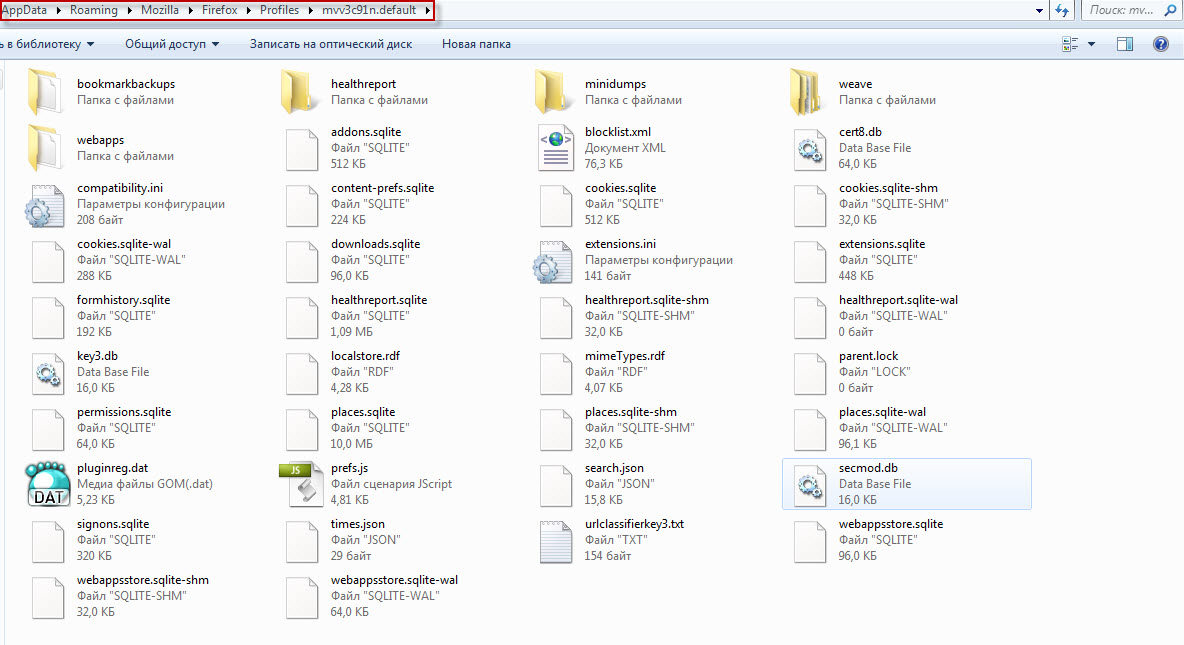
So, here we see a set of folders and files.
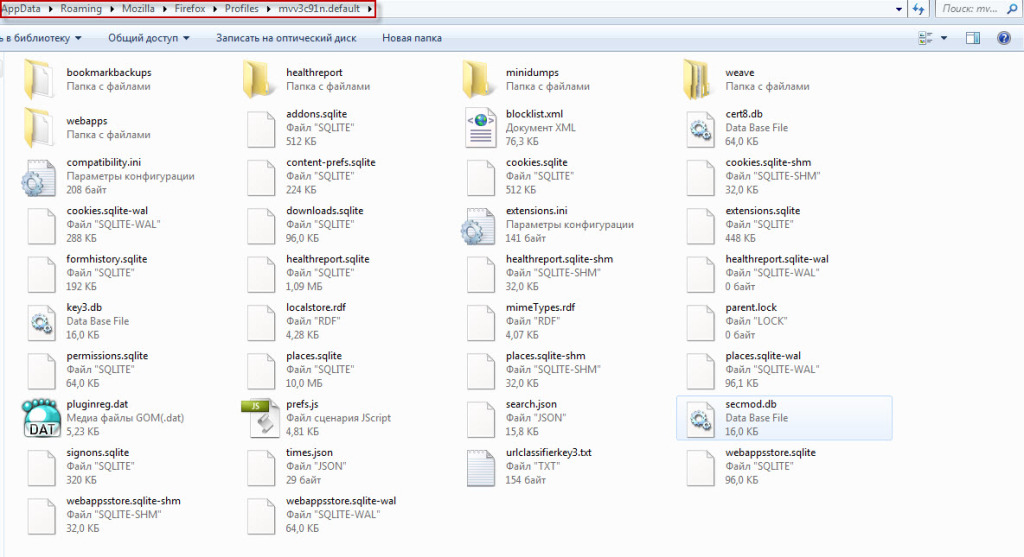
Files for saving settings in Mozilla Firefox
You can read about which file is responsible for what on the official Firefox website, in the section about profiles. Also, almost identical files may be found here. This happens because with each Firefox update, it leaves copies of the files. In general, this is the system of working with profiles in Firefox.
Of course, you can simply copy all the files to another computer to the same folder, but why transfer unnecessary files? In that case, you can sort the files by date and take only the most recent. However, you don't have to copy all files at once, only the ones you need, here is a description of the files.
| File |
Description |
| places.sqlite |
Bookmarks and History |
| formhistory.sqlite |
Contains the database of saved form data |
| signons3.txt |
Encrypted saved passwords |
| urlclassifierkey3.txt |
Key database for phishing protection |
| cookies.sqlite |
Contains all your saved cookies |
| cert8.db |
Security certificates |
| key3.db |
Key database for certificates |
| permissions.sqlite |
Database with permissions for setting cookies, opening pop-up windows, loading images, and installing add-ons. |
| cert_override.txt |
Stores exceptions for certificates specified by the user. |
Copy these files to another computer, to the same folder, confirming the replacement of files. In doing so, keep in mind that all profile information in the new Firefox will be erased, so you can make a backup if you want. Also, keep in mind that if you transfer settings to a different version of Firefox, difficulties may arise, but most often everything goes fine.
Now you know how to transfer Firefox browser settings.
Good luck!