How to download an ISO image of Windows 7 from the Microsoft website? Today it is possible, there is no longer a need to search for the OS on the Internet, risking infecting your own computer with a virus.
 There are many different builds of this operating system on the web. It is best to download the original ISO image of Windows 7, as it is considered the best. You don't need to download it from torrent trackers; it is available on the Microsoft website.
However, there are certain nuances here.
At the link https://www.microsoft.com/en-us/software-download/home you can find the originals of "Windows 10", "Windows 8", and "Windows 7". The first two are downloaded directly from the website.
Download Windows 7 ISO file from microsoft.com
To download a licensed version of Windows 7 and install it on your computer, you will need a license key. You can buy it offline or purchase it online for $15, as I always do. The amount of $15 is not particularly large, but you will have a license for a year. Go to the Plati.ru website - https://www.plati.ru/cat/windows/20322 - a direct link to purchase, sort by the cheapest prices, choose the version of Windows 7 you need, pay, and that's it. Then enter the license key when downloading the archive, and it may also ask for it during installation.
Next, you can read more details about what to do and how to do it, how to download the Windows 7 operating system, the best way to download it, how to create images, and more.
You won't be able to download "Windows 7" that easily; you will need to enter a product key. So you will have to use other methods.
Ways to Download Windows 7
Developer Tools in the Browser
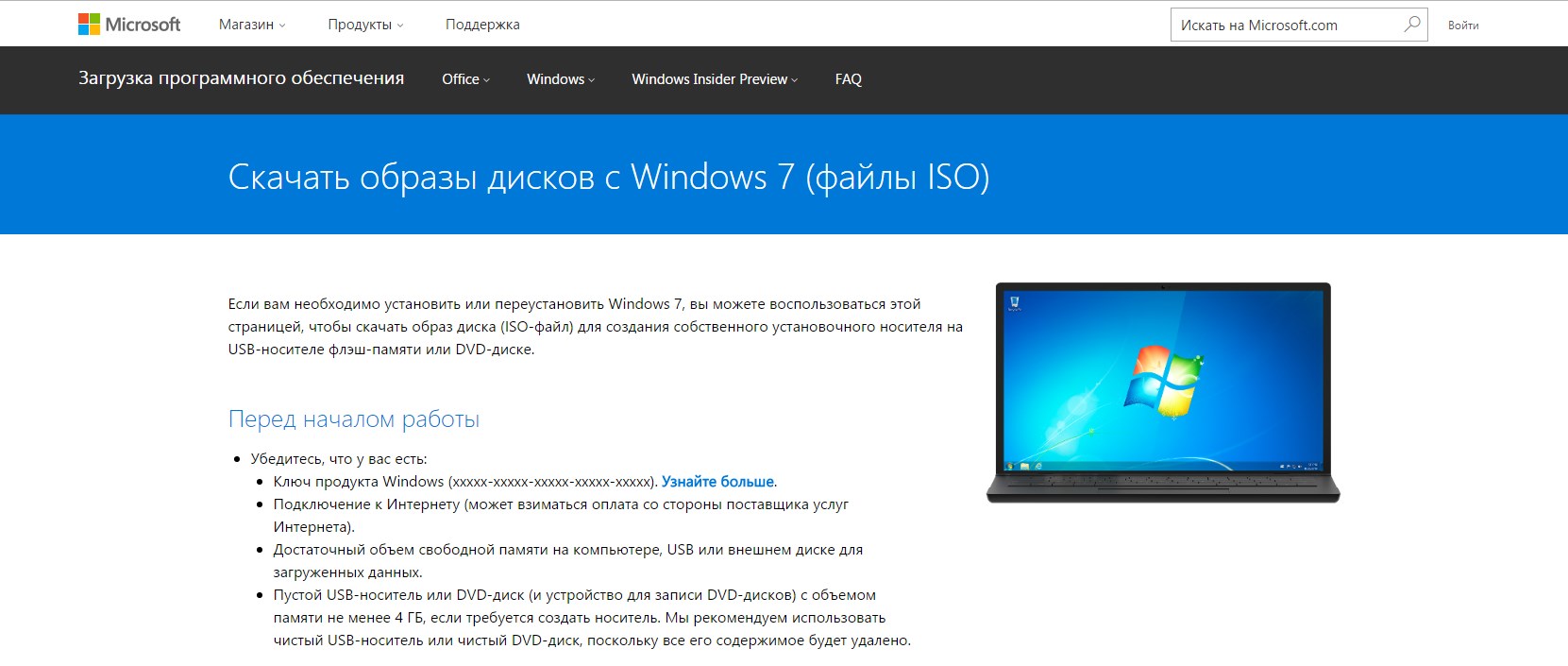 To download an ISO image of Windows 7 for a USB flash drive, you can use the developer tools available in every well-known browser.
First, you need to go to the address https://www.microsoft.com/en-us/software-download/windows10ISO/ (this is the page from which you can download Windows 10). After you follow the link, you will be prompted to download this operating system. Without leaving the site, proceed to the next step. Now you need to find text files on the Internet that will execute a special script allowing you to download the ISO image of Windows 7 Ultimate (for example, you can download them from here https://yadi.sk/d/59NlkfTbwuRUc). The downloaded archive contains 2 text documents; "WZT" contains the required script.
When it executes, you will be able to download various versions of Windows from the Microsoft website (including the "Windows 7" you need).
The "WZT_lite" file will allow you to download only Russian-language versions of the operating system. Unpack the archive, select the desired file, then return to the "Windows 10" download page.
Enter the developer tools by pressing the key combination Ctrl + Shift + I. In many browsers, developer tools can be invoked by pressing F12. They usually open on the right side of the browser (if you haven't changed the settings).
 Open the text document, select the text there with the cursor, right-click, then select "Copy", paste the text into the "Console" field of the browser.
Then press Enter, exit the developer tools. You have finished unlocking the OS download page. Click the "Select version" button, click on the appropriate edition to download the ISO image of Windows 7 64-bit.
All that remains is to select the OS language, click the "Confirm" button, and decide on the bitness you need. The download link is valid for exactly 24 hours.
Browser Extension

If you need to download an ISO image of Windows 7 64-bit, you can use the browser extension Tampermonkey. It, like similar extensions, installs special scripts in the browser. Install this extension in Chrome or Mozilla.
You will need to download the archive from the link https://yadi.sk/d/-bKciZHBwuRJi. It contains a couple of text files: "MS-unlock" contains the original JavaScript code, "MS-unlock_lite" is intended exclusively for Russian-language OS. Choose the file that suits you best.
Then click on the Tampermonkey icon in the browser, select "Install new script". In the "Editing" field, delete the text present there. Then copy the code from the downloaded document, paste it into the field, click "Save".
In the "Installed scripts" tab, you will notice that the script is running. This script will only work on certain sites.
Go to the page from which you want to download the Windows 7 x64 ISO image. Refresh it, click "Select version". A list of many versions of OS and office suites that can be downloaded will appear; select "Windows 7".
Windows ISO Downloader
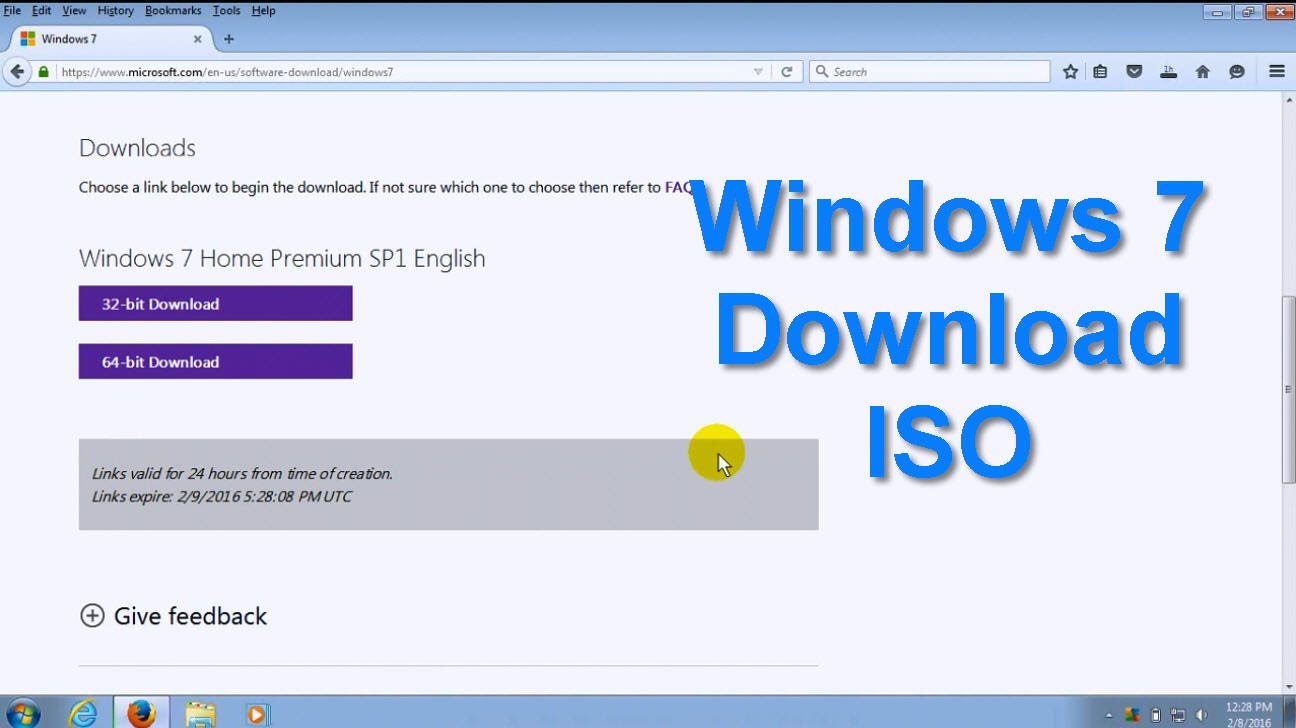 Another way to download the ISO image of Windows 7 Ultimate 64-bit is to use the free application Windows ISO Downloader. It is in Russian, and you don't even need to install it on your personal computer/laptop.
Download the program from the official website of its creator at the link https://heidoc.net/joomla/technology-science/microsoft/67-microsoft-windows-and-office-iso-download-tool.
Remember that there are 2 versions of the application there. One is compatible with the third, the other with the fourth framework.
Run the program, whose working window is no different from the Windows download page on the Microsoft website. You will need to select the required version of the operating system, its language, and bitness. For example, you can download the ISO image of Windows 7 32-bit.
Creating a Bootable USB Flash Drive
 So, you have figured out how to download the original Windows 7 x64 ISO image. Now you need to somehow write it to a USB flash drive. To do this, you need to download and install a special program, Ultraiso.
It is considered the best choice for those who need to install/reinstall/update their own operating system.
You need to do the following:
- Download the application to your computer, insert the USB flash drive into the USB port.
- Run the program with administrator rights.
- In the program menu, click the "File" button, then "Open". You can also press the key combination Ctrl + O and click on the ISO image you want to write.
- To start writing the image, click "Boot", then "Write Disk Image".
- Next, select the USB flash drive that will be used for writing (in the "Disc drive" field, click on the inserted flash drive). Select the write method "USB-HDD", click the "Write" button.
Please note that during writing, all files stored on the USB flash drive will be destroyed. Therefore, transfer important files to another medium in advance. Creating a bootable USB flash drive using this program is possible in a couple of minutes, depending on the speed of your PC. Upon completion of the procedure, you will see the message "Write completed" on the monitor. This means that the bootable USB flash drive has been successfully created.
Advantages of Downloading the OS from the Official Microsoft Website
 Previously, to download Windows for free, you had to spend a long time searching for a suitable torrent, which was not very interesting. Fortunately, today every personal computer user has a wonderful opportunity to download the operating system completely free of charge from the official Microsoft website.
The main thing is to understand how to download "Windows 7", and remember that there is no need to study all three download methods.
It is better to understand one method.
The advantages of downloading the OS from the Microsoft website are obvious, because only "clean" system images are located there. This means that they do not have any third-party programs and extensions installed, which are often present in builds distributed via torrents.
The system can be fully customized to your liking; you won't have to delete a bunch of unnecessary programs and files that take up space on the hard drive memory and also load the processor.
Also, builds hosted on torrents may contain viruses. You will not only fail to install a new operating system but also completely ruin the old one.
You will have to turn to your friends to allow you to use their computer and Internet to create a bootable USB flash drive.
Conclusion
Which download method to choose is up to you.
If you are a relatively inexperienced user, it is recommended to use the Windows ISO Downloader application. With this method, you don't need to download archives or run scripts. You just need to download the appropriate software.
Download the program from the official website, not from third-party resources. This way, you can avoid infecting your computer with a virus. "Windows 7" is still considered one of the best operating systems ever released by the famous Microsoft corporation. In terms of popularity, it is comparable only to Windows XP. "Windows 7" has an undeniable advantage over XP – it is modern and very convenient.
You can install any games and programs on it and not be afraid that they won't run.