Digital technology provides users with many opportunities to view video content. TV, tablet, laptop, phone, e-book – this is just a small list of gadgets.
The problem is that sometimes these devices do not support the required video formats for playback. Then you can spend time downloading content that the codecs will play correctly.
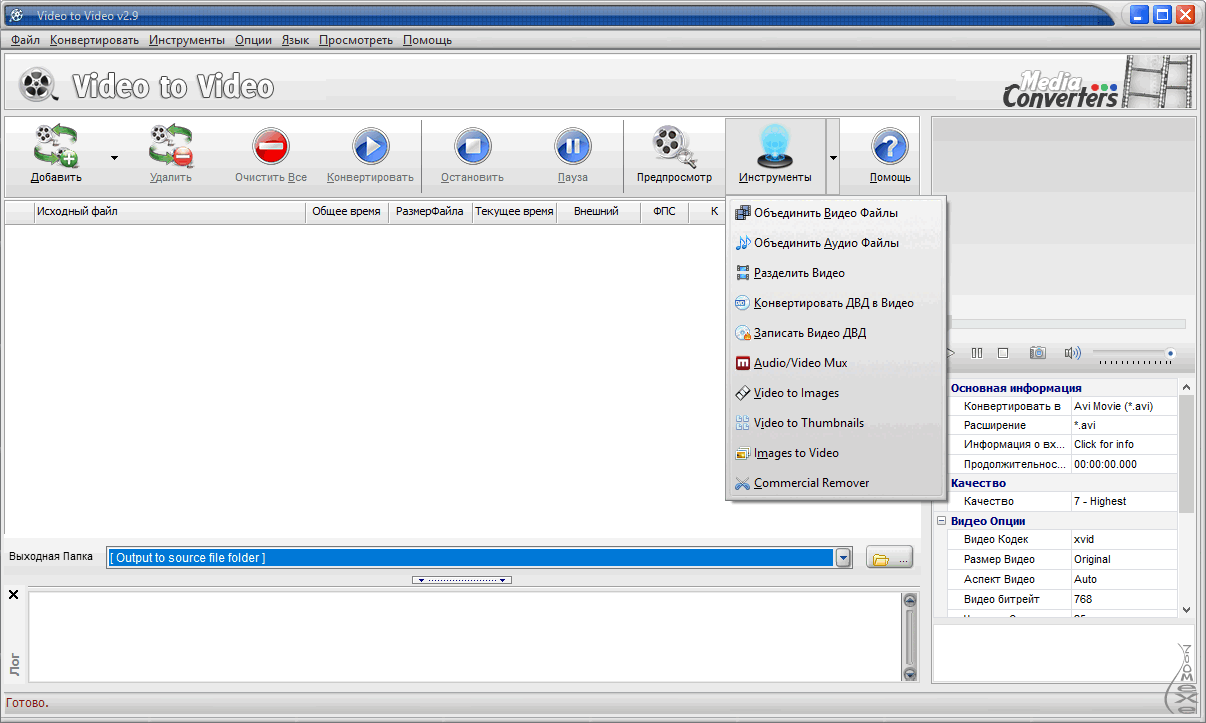
But you need to find such a format, which adds more time spent. It is much easier and faster to convert existing video. For this, you don't have to buy specific software. There are free video converters in Russian that are practically no different from paid alternatives.
Freemake Video Converter
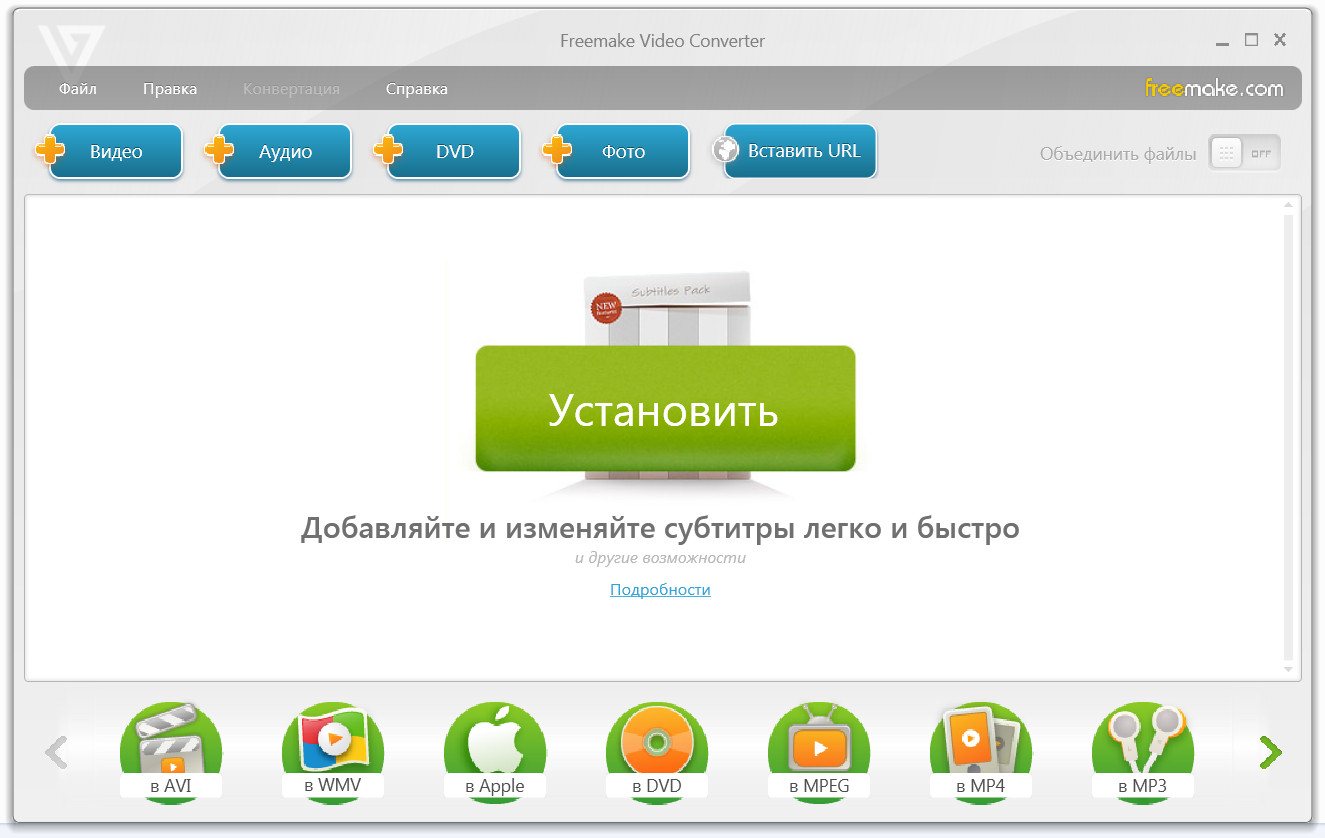
One of the most popular video converters with closed source code. It is released for Windows operating systems. The video converter in Russian is distributed for free. A notable feature of the program is the ability to prepare content for various mobile and other platforms.
After uploading a video to Freemake, the user can select the device and its model: iPhone, iPad, Sony, Android, BlackBerry, Apple TV, PlayStation, and others. After that, the program will automatically select the necessary codecs, resolution, format, and quality.
If the user constantly works with the same formats, it is possible to save templates with settings to avoid entering parameters manually each time. You can download a free video converter in Russian from the official manufacturer's website or from a torrent resource.
Distinctive Features
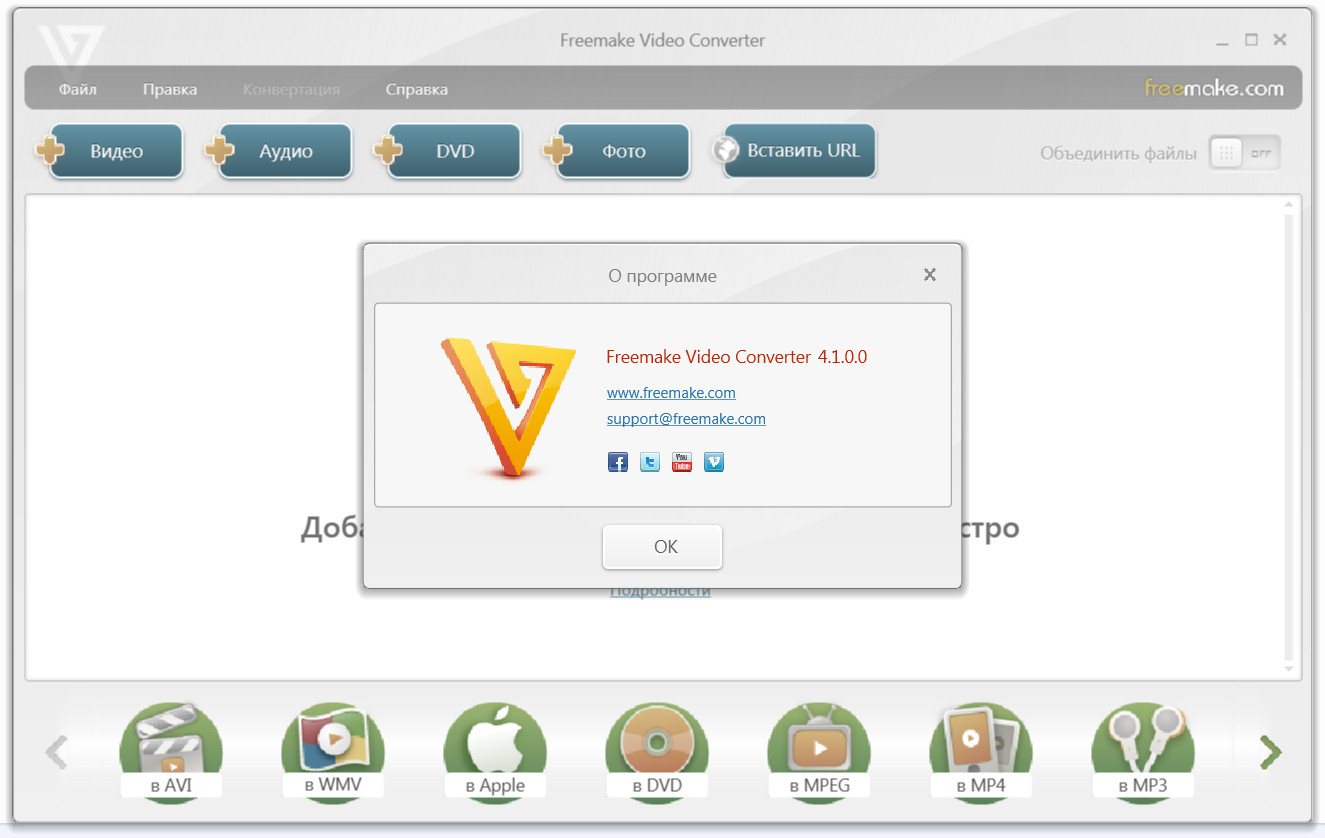
- The program can work with more than 200 video formats – AVI, MKV, MP4, 3GP, DVD-5, and others.
- Using Freemake, you don't have to upload videos from your computer. Content can be directly captured from popular internet platforms – VKontakte, Youtube, Yandex.Video, Vimeo, Facebook.
- Freemake Video Converter includes a burning function, which allows you to record the conversion result directly onto DVD/Blue-Ray media.
- If you need to splice clips from different videos, then combine them into one and convert, Freemake has all the necessary tools for this.
- The software is optimized for low-performance processors. Special technologies – DXVA and CUDA – allow accelerated video processing with lower CPU loads.
- Multilingual interface.
- A set of tools for working with subtitles.
- Video processing can be batched.
An example would be this situation: a person constantly downloads content from a Youtube channel and then converts it for viewing on a smartphone. To avoid burdening themselves with settings each time, they can simply automate this process by setting the necessary parameters once and saving them.
Freemake Video Converter is not just a way to convert video from one format to another; it is a set of tools with which you can create a full-fledged movie.
Download free video editor Freemake Video Converter
Free Studio
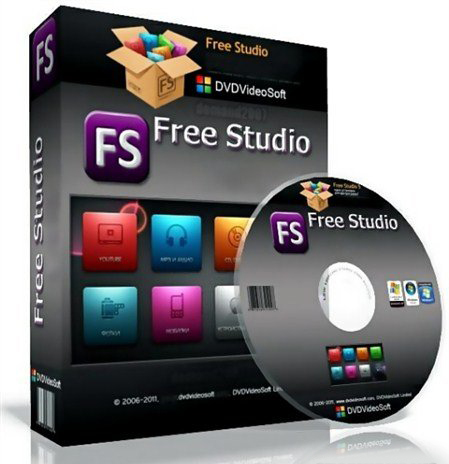 A set of utilities collected in one program for a wide range of work on multimedia files, that is what Free Studio is. This software, like the previous one, is not just a converter.
The developer of the program - DVDVideoSoft Ltd – released its project on the NET Framework hardware platform, so to use the software you will need to install the corresponding extension on your computer.
Its installation is performed automatically with internet access or at the first startup of the operating system. This video converter in Russian is available for free.
List of Supported Formats
- Video: mpeg, ogg, AVI, MKV (only in the latest versions of the program), MP4, wma, mpg, aac, m4a, etc.
- Audio: MP3, wma, ogg, m4a, m4b, Flac, and others.
- Images: jpg, Gif, png, bmp, pdf, tga.
Program Capabilities
Before downloading a video converter in Russian, let's consider its potential.
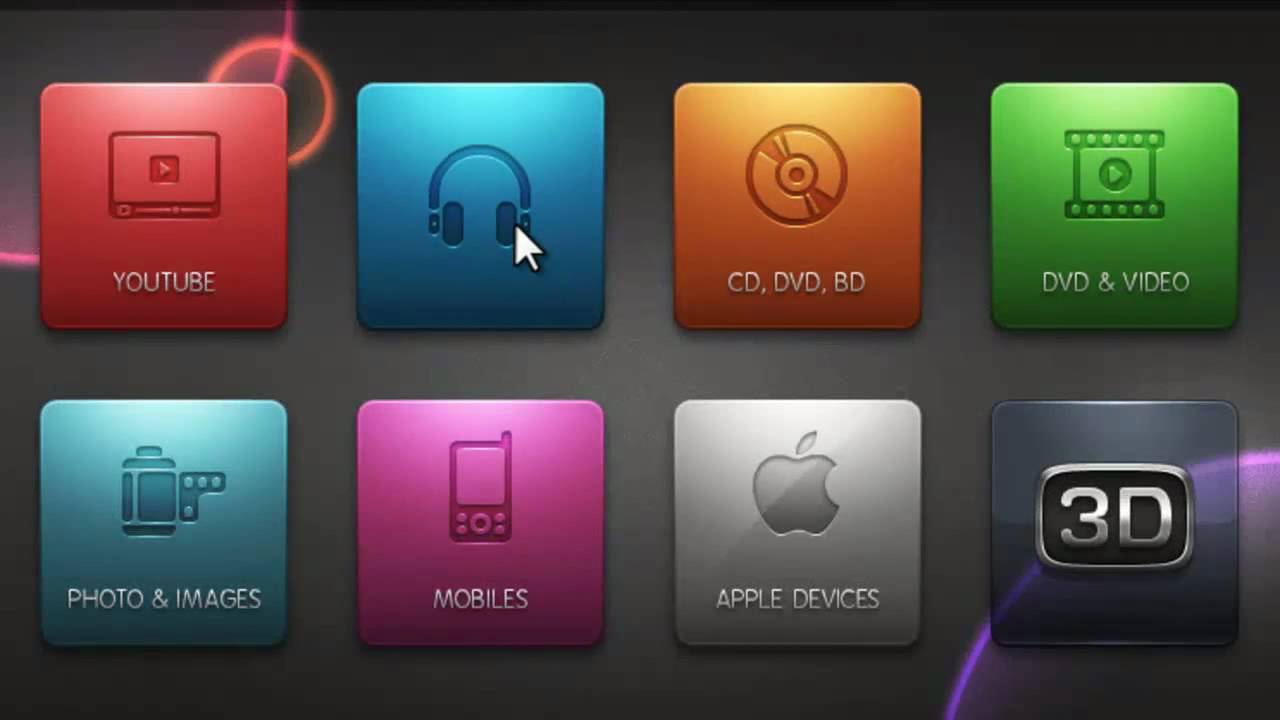
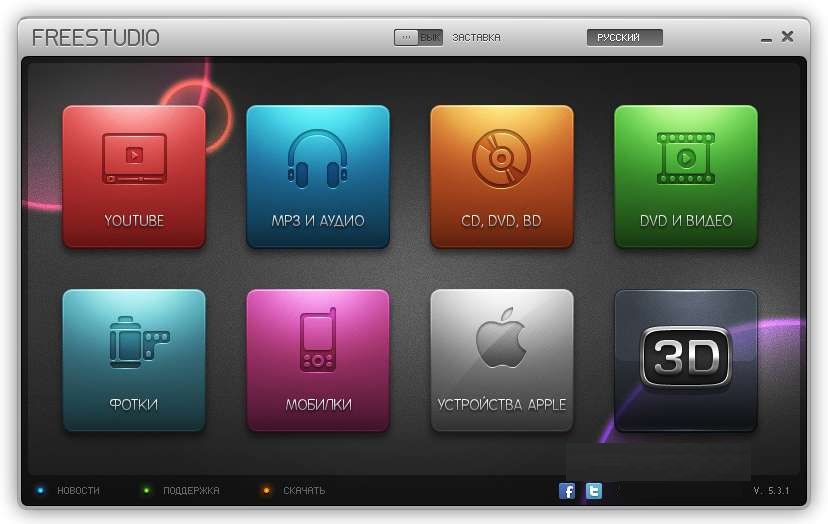
- The Free Studio interface, like its functionality, is divided into 8 blocks.
- Youtube. The function allows you to download content from the specific site, choosing quality and format. In this section, after downloading, you can extract audio tracks, convert videos for iPod or PSP, and also burn results to discs.
- 3D. Converting multimedia from 2D to 3D format.
- Audio. Working with audio files – trimming, converting, extracting tracks, burning to media.
- Apple. A separate section for preparing multimedia for the company's gadgets.
- DVD/CD. Section for burning discs.
- Mobile devices. This contains a large library of phones, namely templates that, when selected, automatically set conversion parameters according to the chosen model.
- Video. Tools for editing and converting video content are collected here.
- Photo/Images. The same as in the previous sections, but focused on pictures.
Free Studio is suitable for various work on multimedia files. In the latest versions, the program interface has been improved, so any user, even an inexperienced one, can easily understand the functions offered by the developers.
Free video converters in Russian, depending on the version of the operating system, can be easily downloaded from the internet.
Download free video editor Free Studio
XviD4PSP
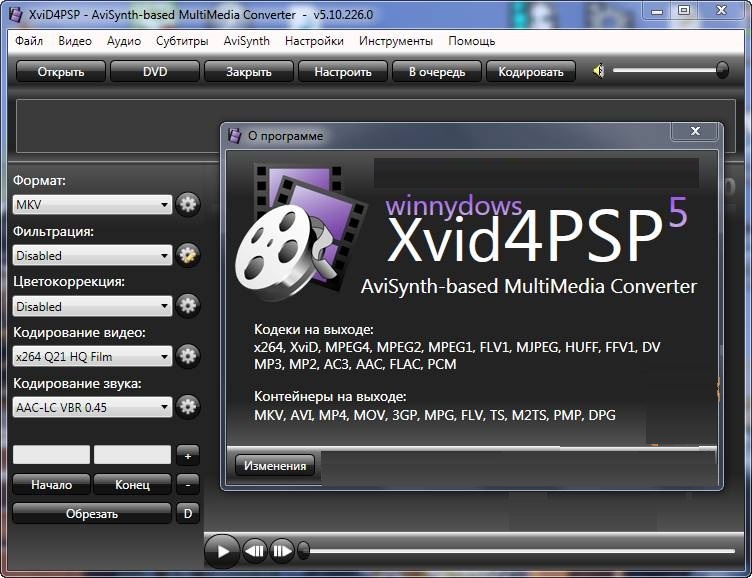 This is another free video converter in Russian that can interact with many modern formats. XviD4PSP by default contains all the libraries, codecs, and extensions required for high-quality and productive work – there is no need to download anything additional.
The program is designed for Windows users starting from Vista. Developers are constantly improving their product, so free video converters in Russian are often updated – you should check for new versions.
Program Features
- Conversion of audio/video in original quality.
- Ability to work on covers.
- Clear user interface in Russian, where everything is optimized and nothing is superfluous.
- Ability to edit metadata.
- As in other presented programs, there is the ability to use preset settings for different digital devices.
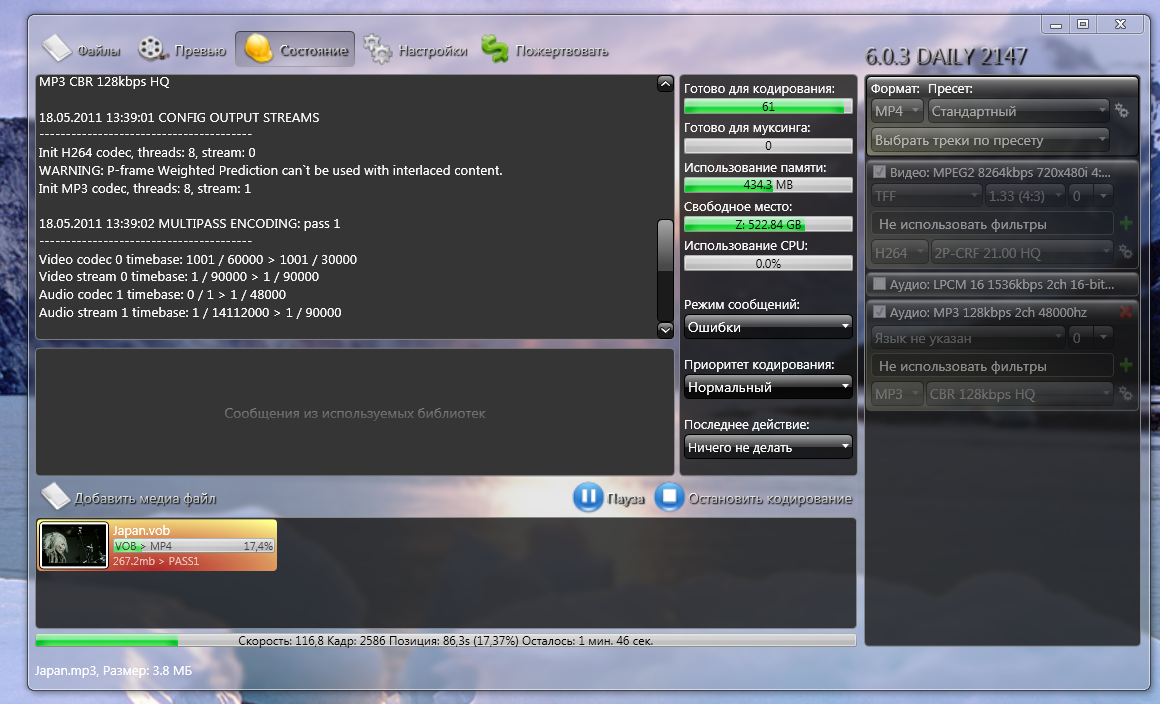
- It is possible to intervene in the encoding process, stopping it to make changes to settings. Already processed material will not be deleted. When the user changes the necessary settings, the conversion will continue from the same place where it was stopped.
- You can add/remove multiple audio tracks simultaneously.
- The ability to read information from Blue-Ray media is presented.
- A huge number of formats for importing and exporting files. Almost all extensions used for creating video are presented.
- The program is freely distributed, so downloading a free video converter in Russian is available both from the official website and other resources.
Download free XviD4PSP
Which Converter to Choose?
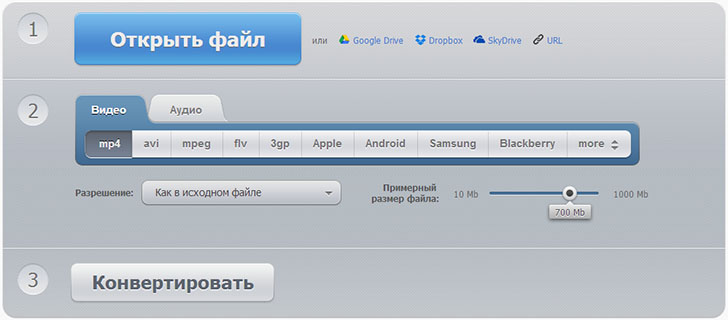 Each presented product is distributed freely. The user only needs to understand the functions they need.
For convenience, the choice can be conditionally divided into three categories:
- Interface convenience.
- Ability to download files from internet resources.
- Set of editing tools.
The simplest option is to download Russian video converters – and, based on your own experience, choose the one that meets all requirements.