Hello, dear reader! Today we will discuss the use of the program
ArtMoney, which you can download from our website.
What is this program for?
The ArtMoney program is designed to hack variable values in various desktop applications. Most often, this program is used to hack various values in games. For example, do you want infinite ammo, lives, energy, mana, or the like? - ArtMoney will help you with this. The principle of operation of the program is quite simple, but at the same time interesting.
The program calculates which memory sectors the selected process occupies and displays all found segments of this process on the screen, after which the user can find the desired one among the provided cells. To be more precise, ArtMoney literally captures "All" memory segments belonging to the process.
Next, the user, by filtering based on the value of the segments, identifies the desired segment. These can be any game values, for example, ammo. Let's move on to practice.
Hacking the game "Mafia II", namely hacking ammo using ArtMoney.
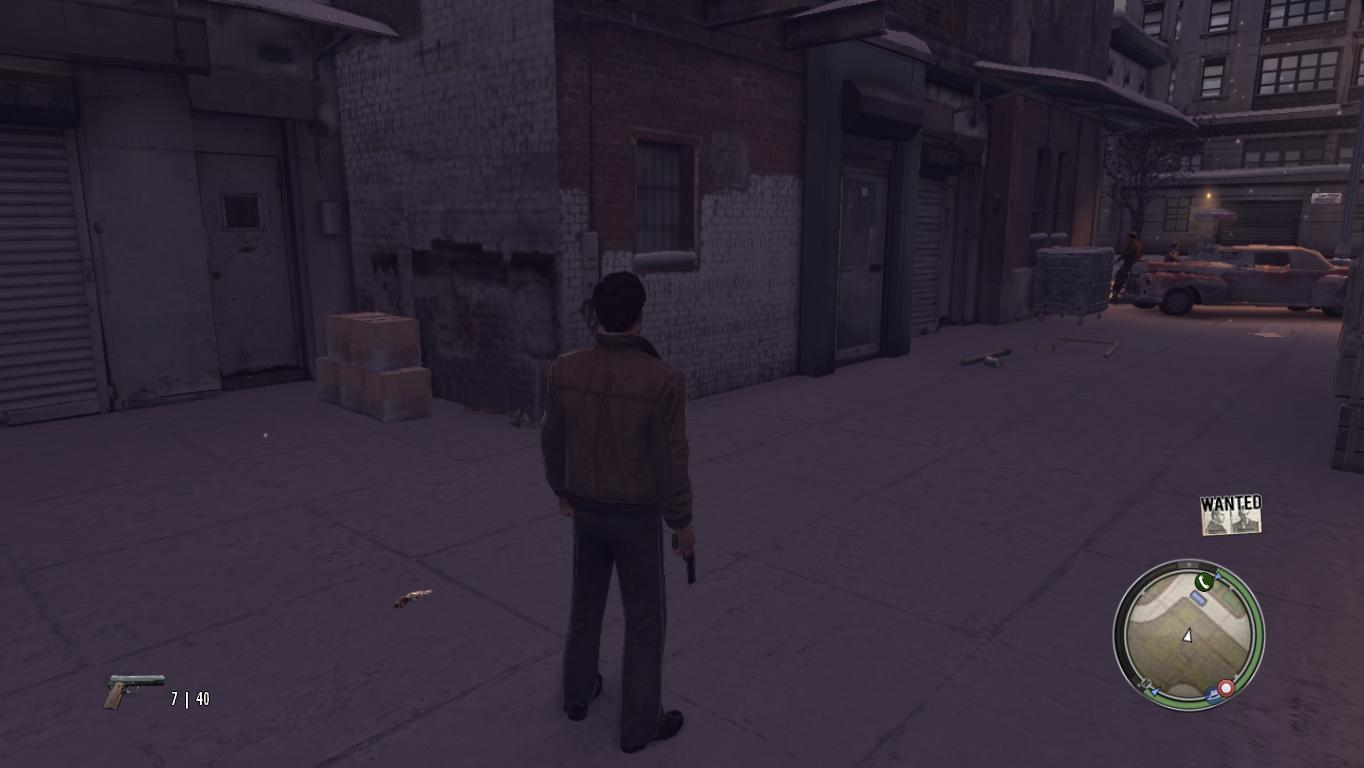
For example, launch the game, pick up a weapon, and see how much ammo you currently have.
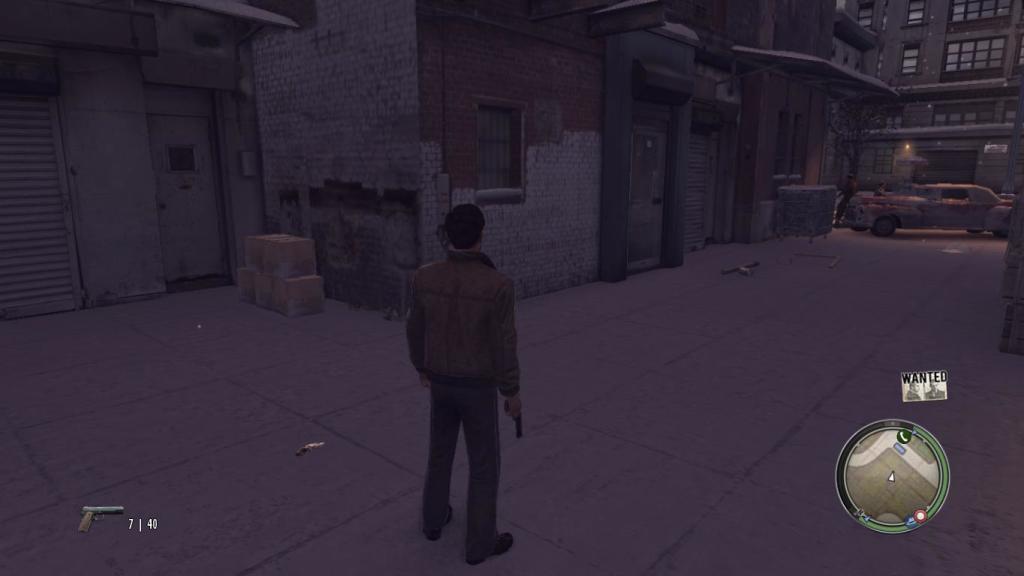
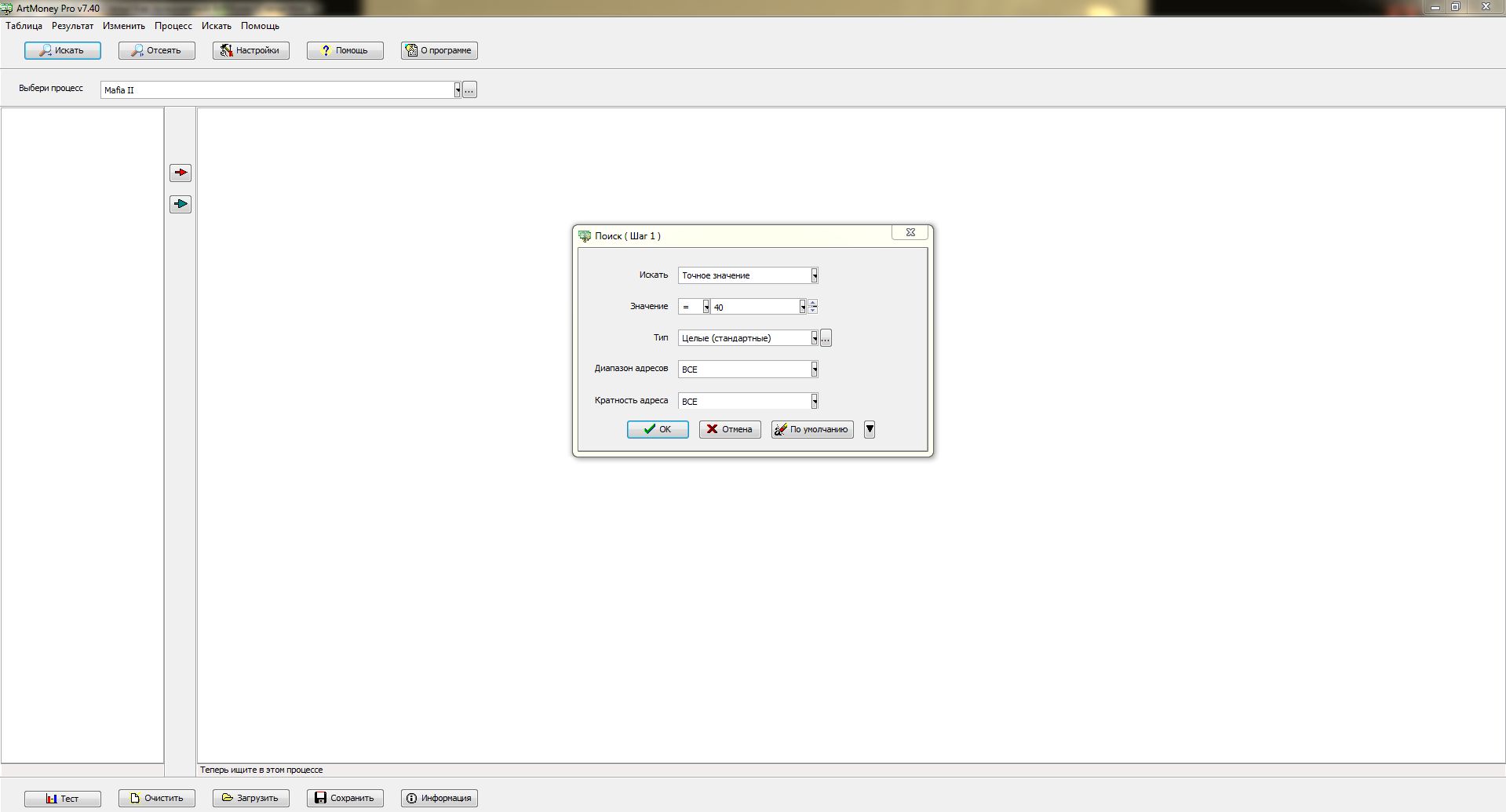
So, there are 40 bullets, let's continue the hacking process. Now, go to the ArtMoney program, select the game process, and search for the value 40.
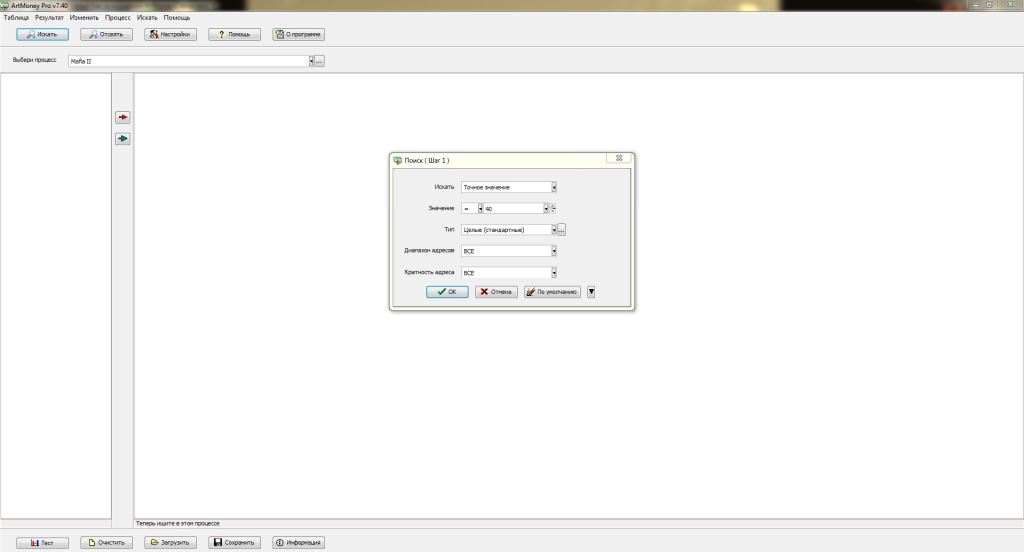
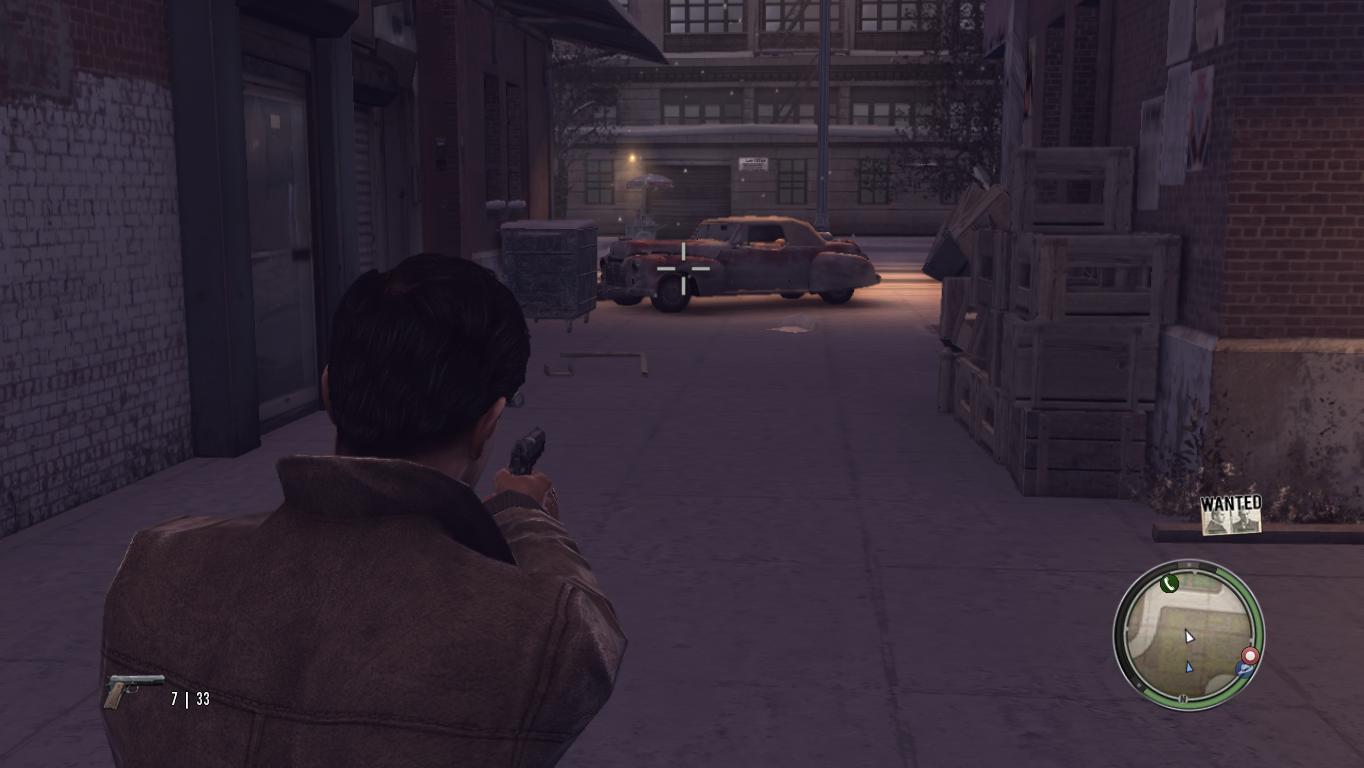
Wait a bit until the search process for the value 40 finishes. Now, after everything is ready, go back to the game and fire a magazine so that the ammo becomes 33 (40-7).
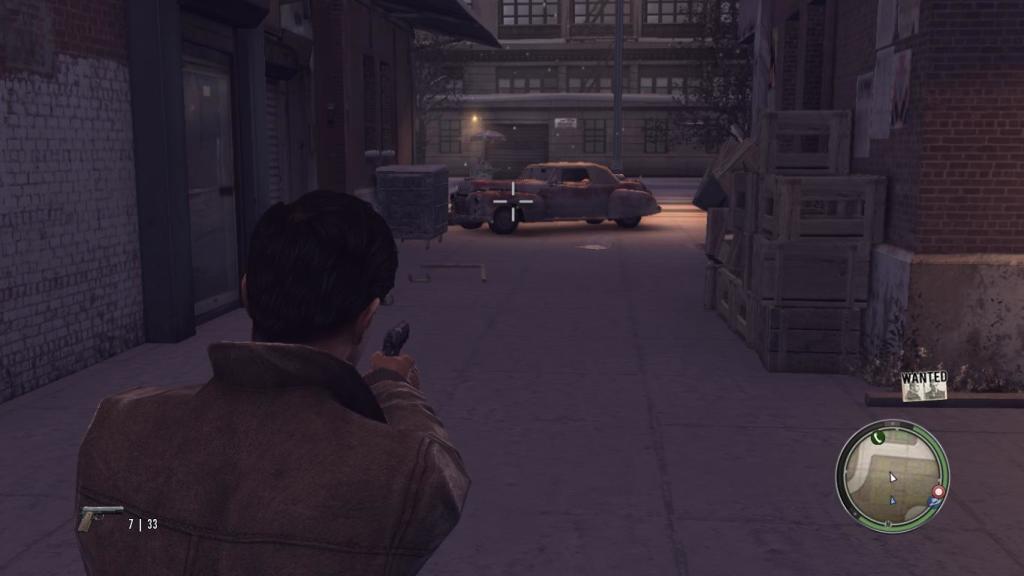
That's it, now we have changed the value of spare magazines. So, what did we do? Initially, we had 40 bullets, we found all memory segments belonging to the game process with the value 40, but we got too many segments, among which it is impossible to find the segment responsible for additional magazines.
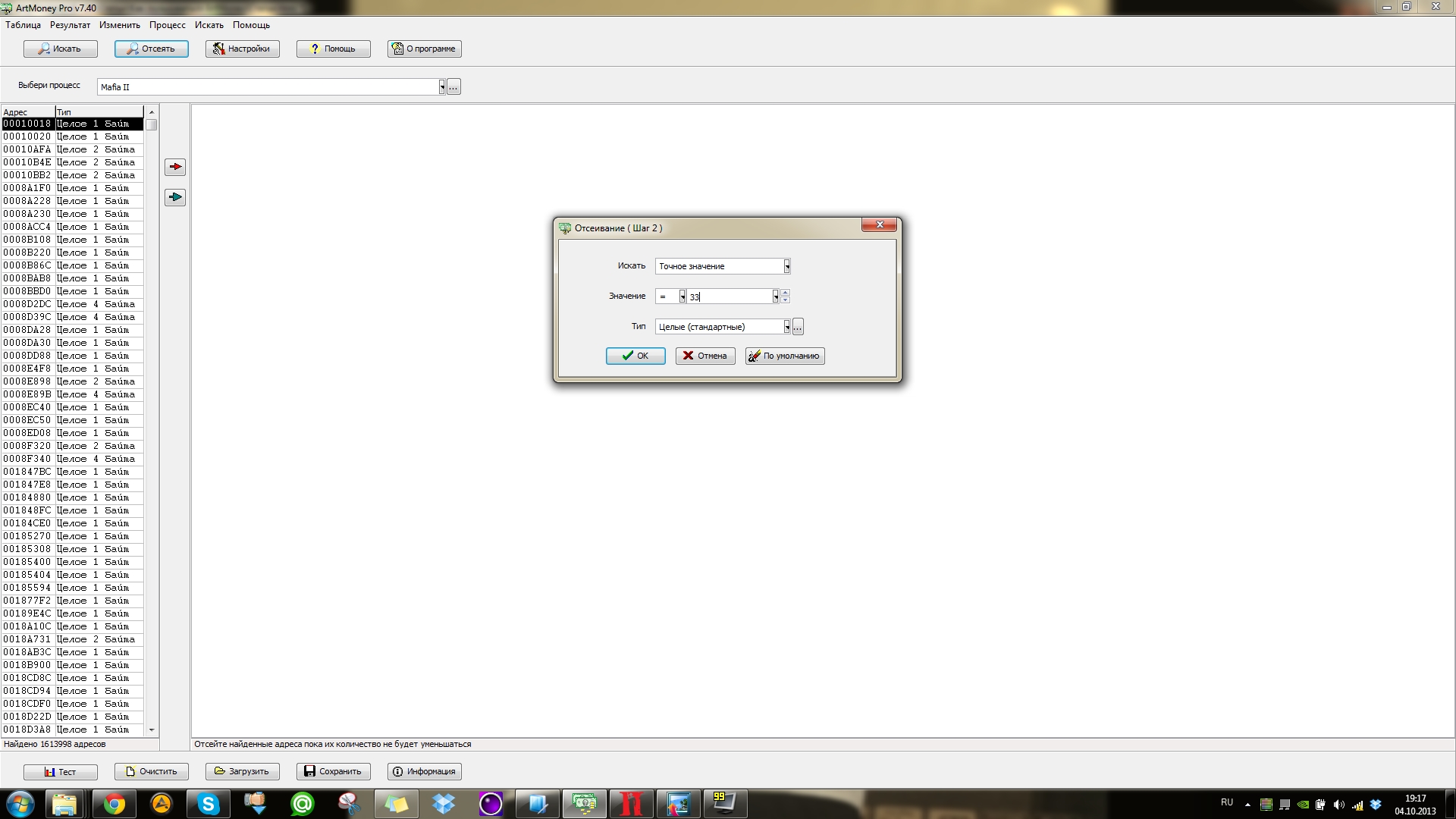
Thus, we changed the number of additional bullets, and now we will filter out unnecessary segments. That is, now we perform the filtering process, and set the number 33 as the basis.
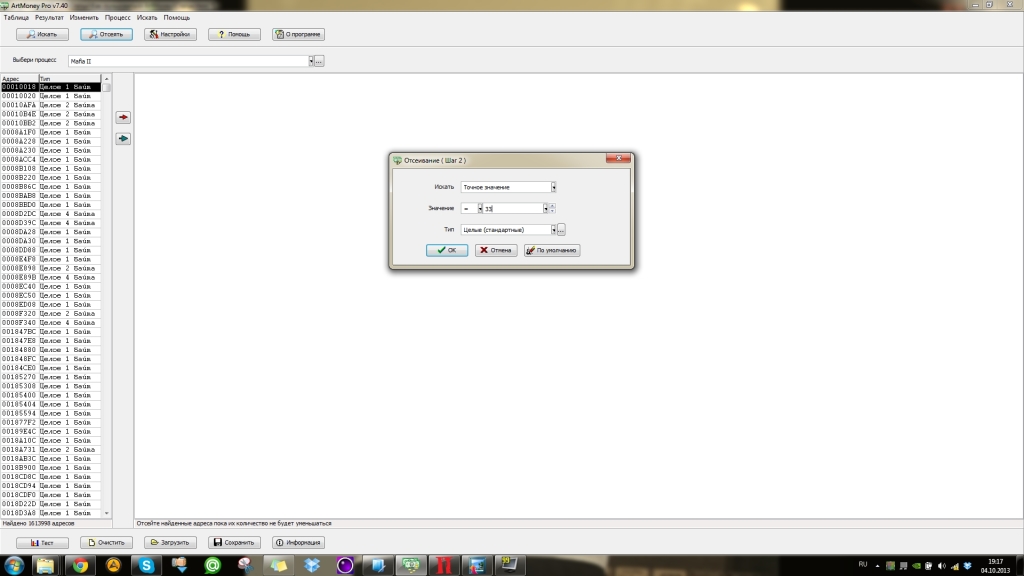
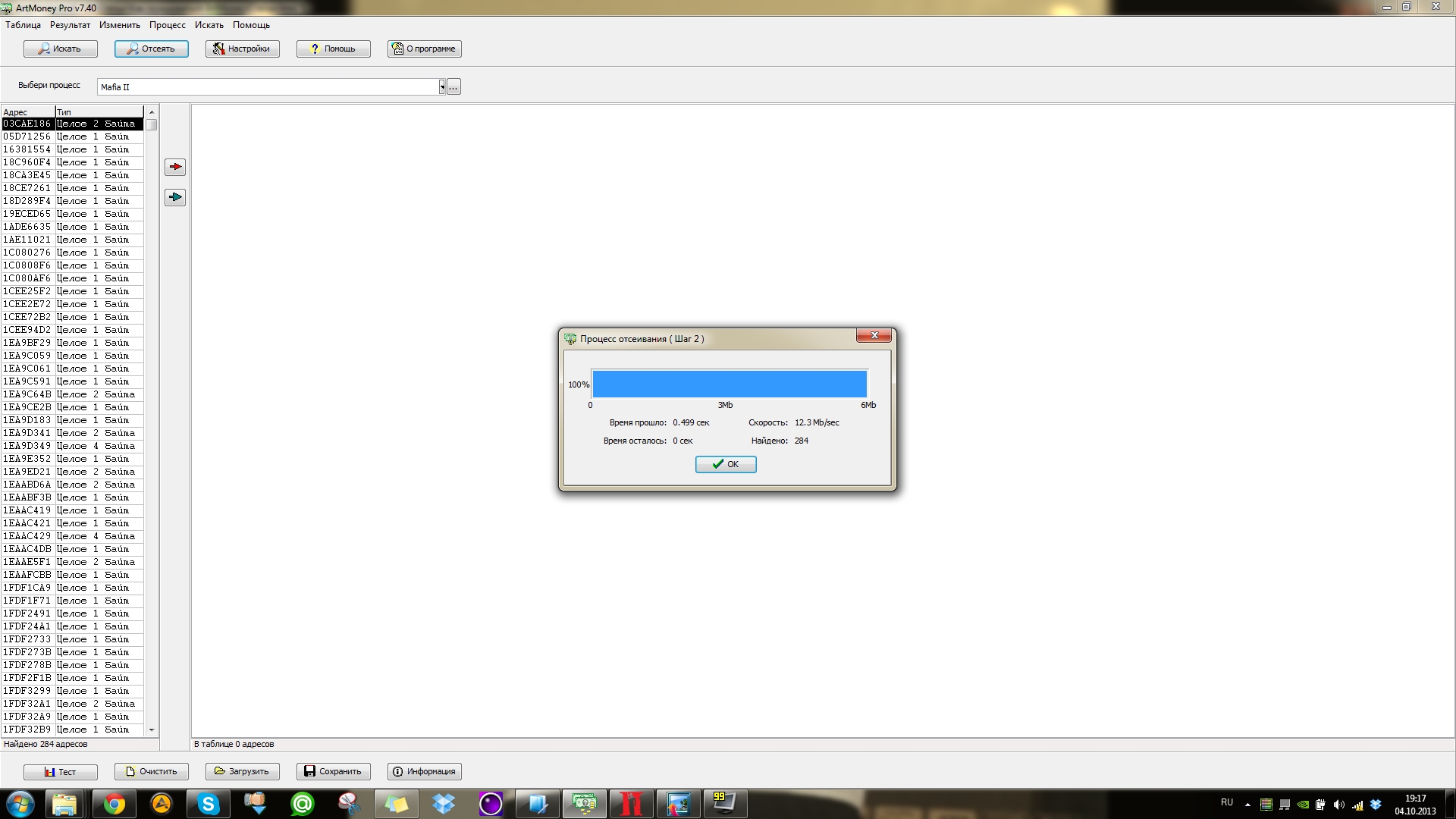
Click OK, and wait for the filtering process to finish.
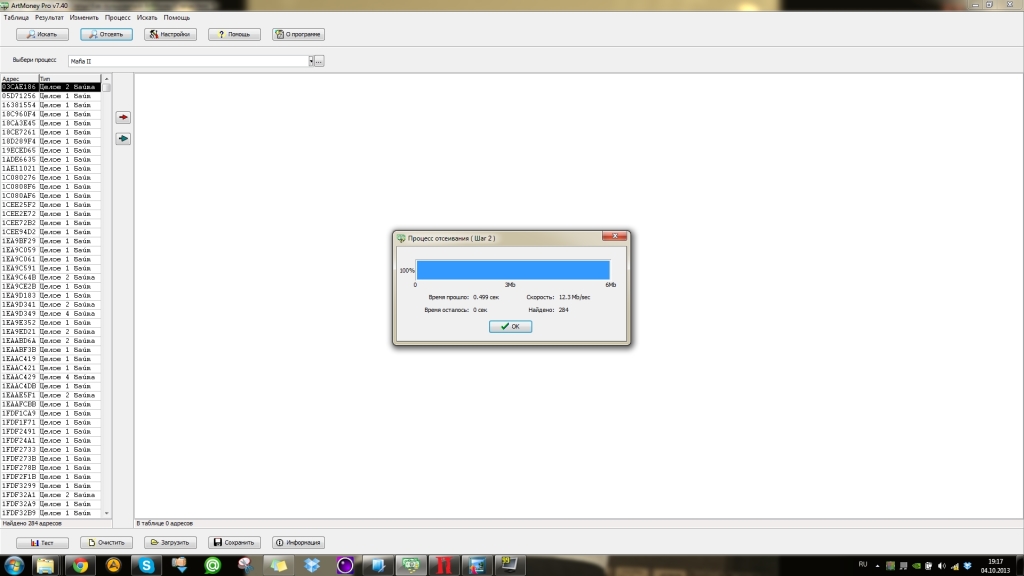
As you can see, only 284 segments remain, among which it will be much easier to find the desired one. However, this is still a lot, so we continue filtering.
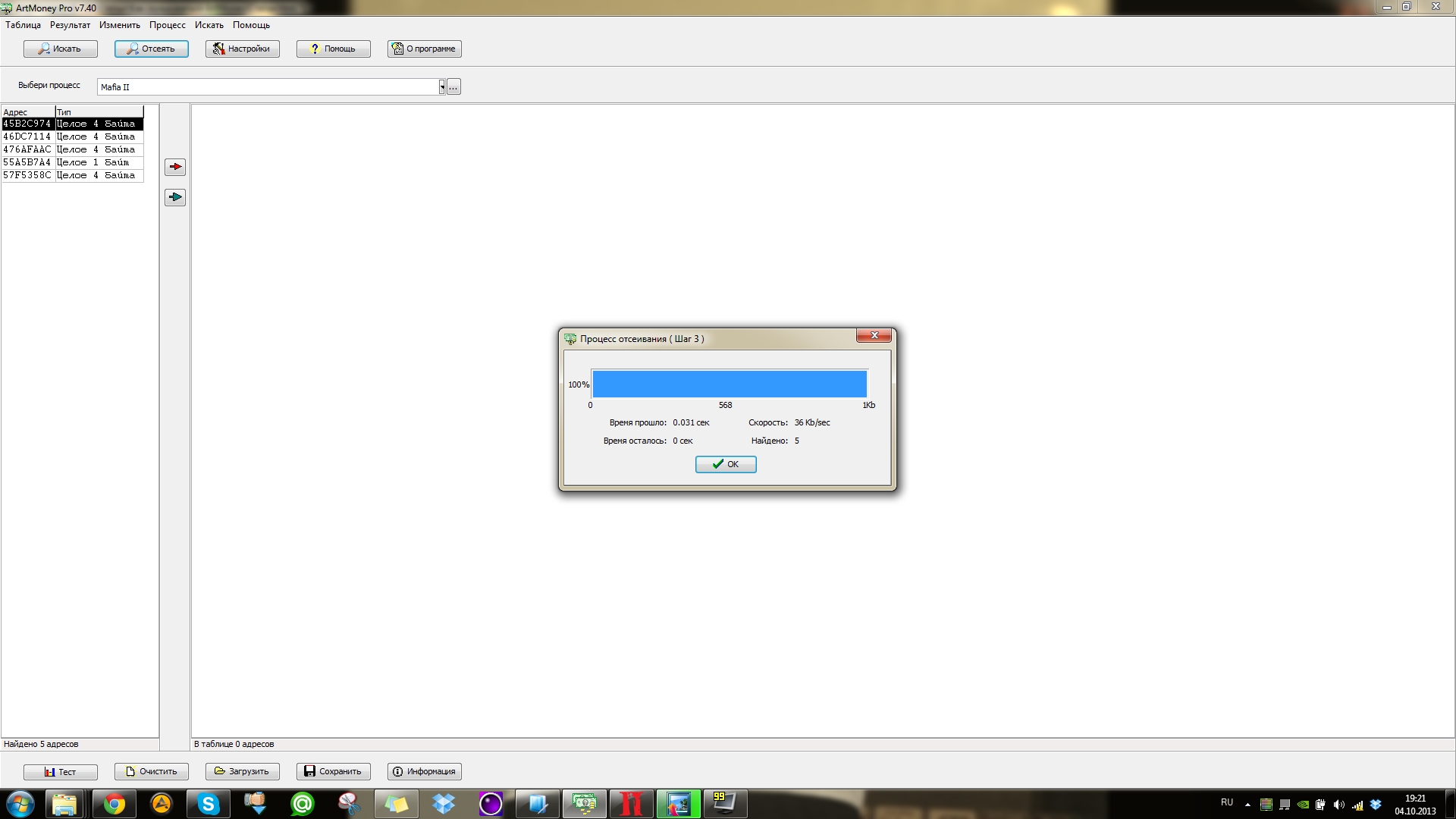
Fire another magazine. Now there are 23 bullets left (depending on how many you shoot :)), filter by 23.
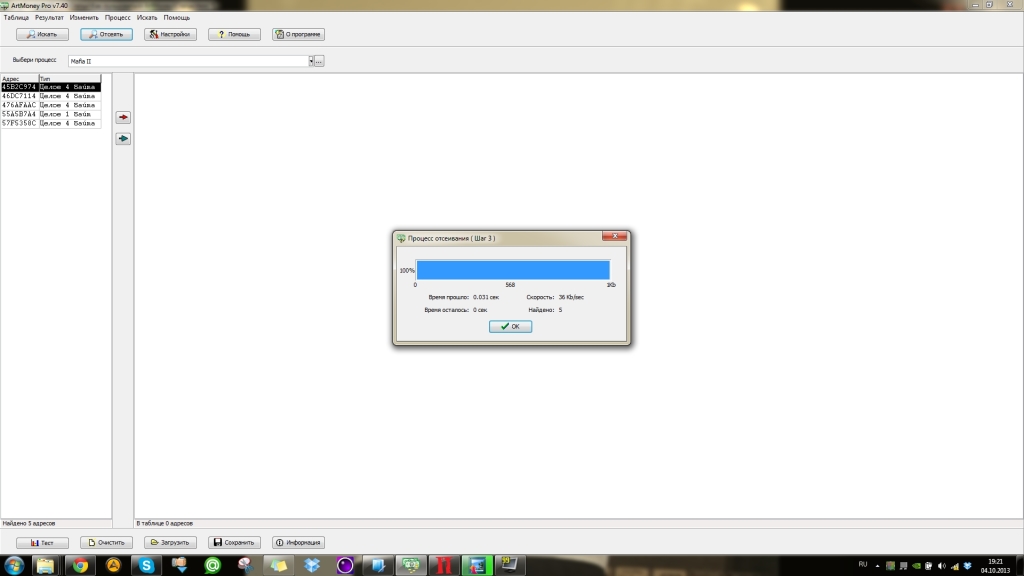
Already five addresses, isn't that fast :) Among these five, you can very easily find the desired segment. You can, of course, filter further to find the exact segment, but you can simply freeze the obtained segments or change their values.
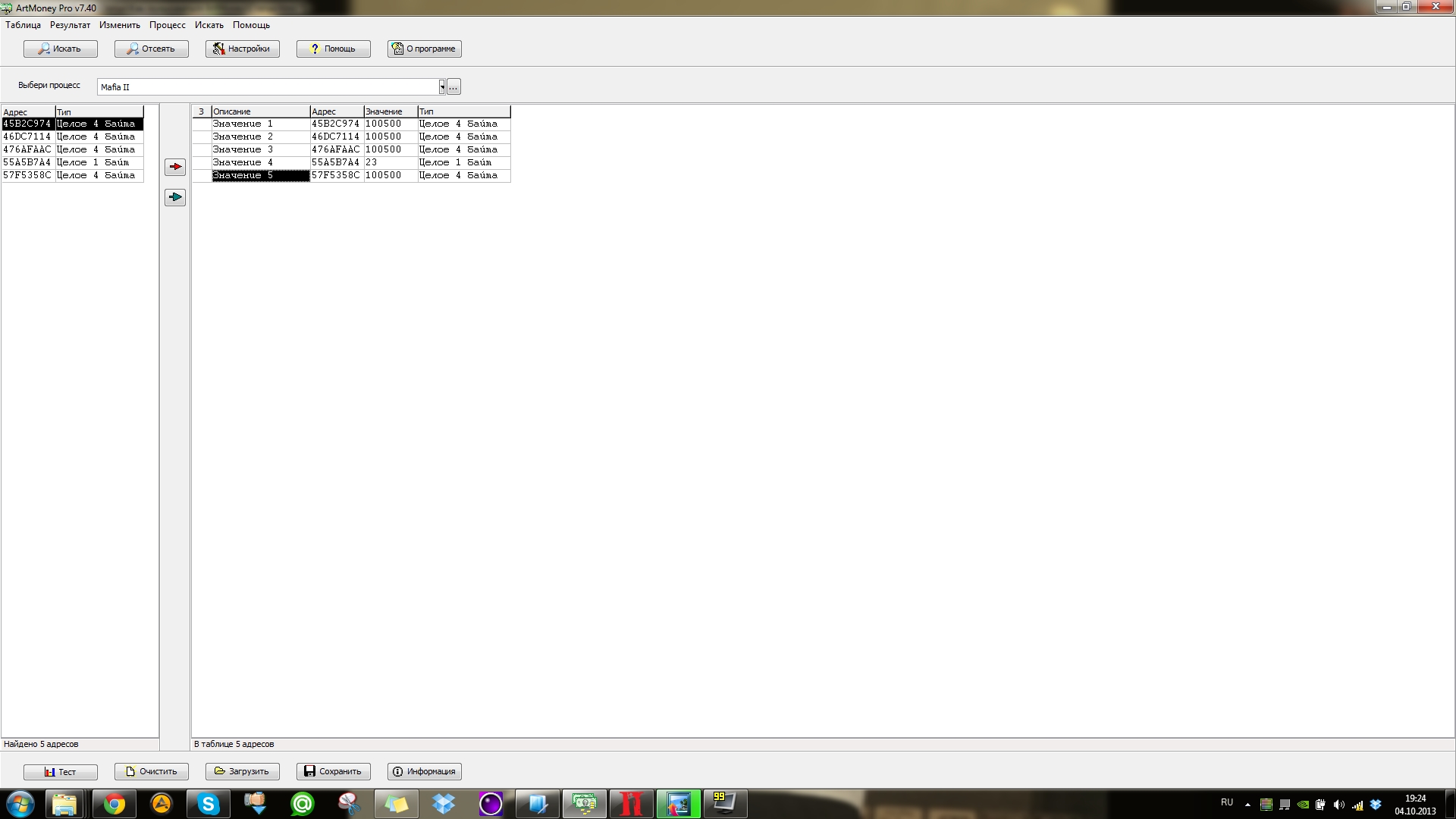
Let's try to set the value to 100500 :) Click on the green arrow, which is located below the red one, and all obtained segments are moved to the workspace. Click on the value field and enter the desired value.
Do this for all segments in the workspace.
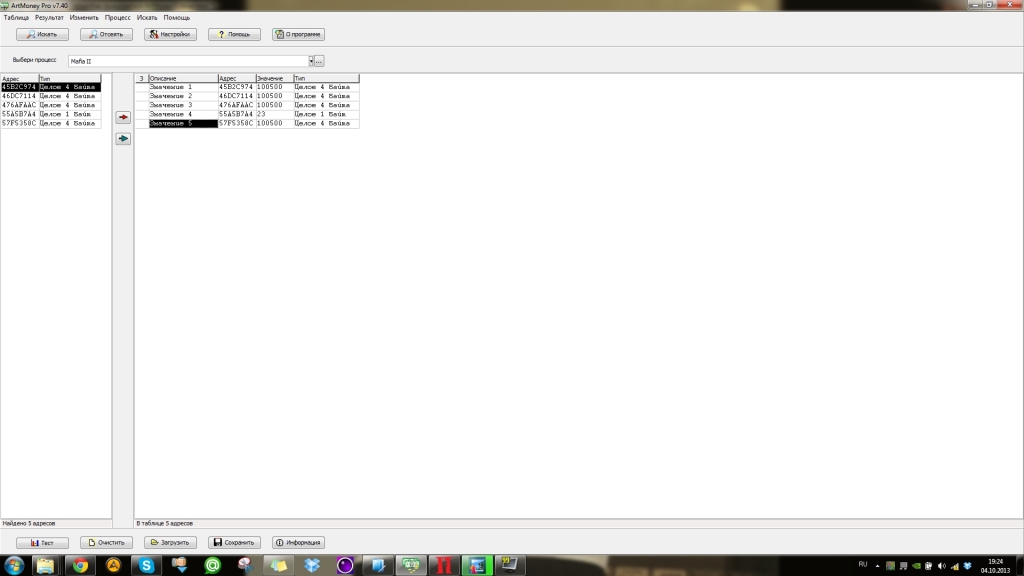
One of the segments does not change its value, which means this segment is not needed, so feel free to delete it. Now, let's check what we got.
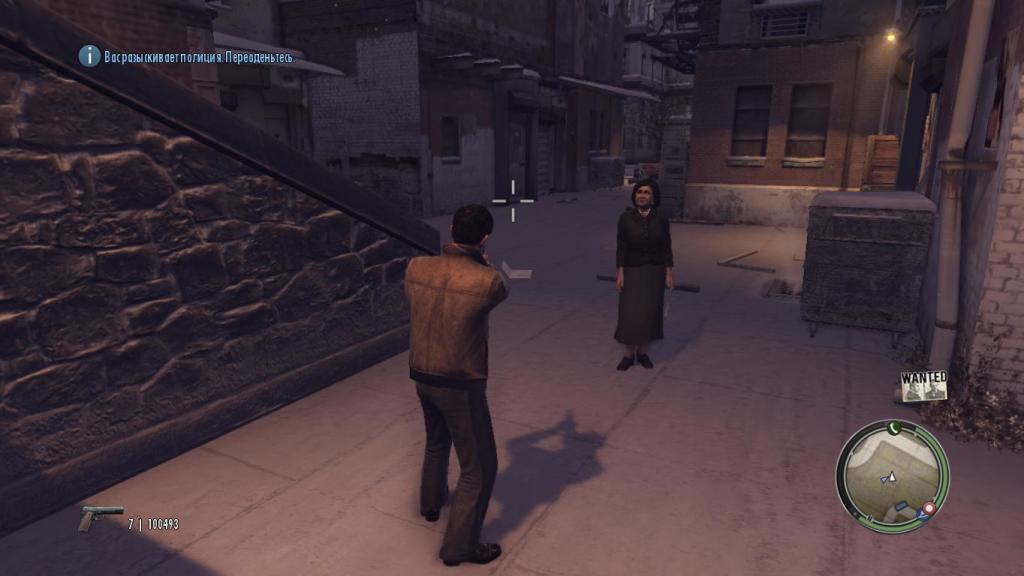
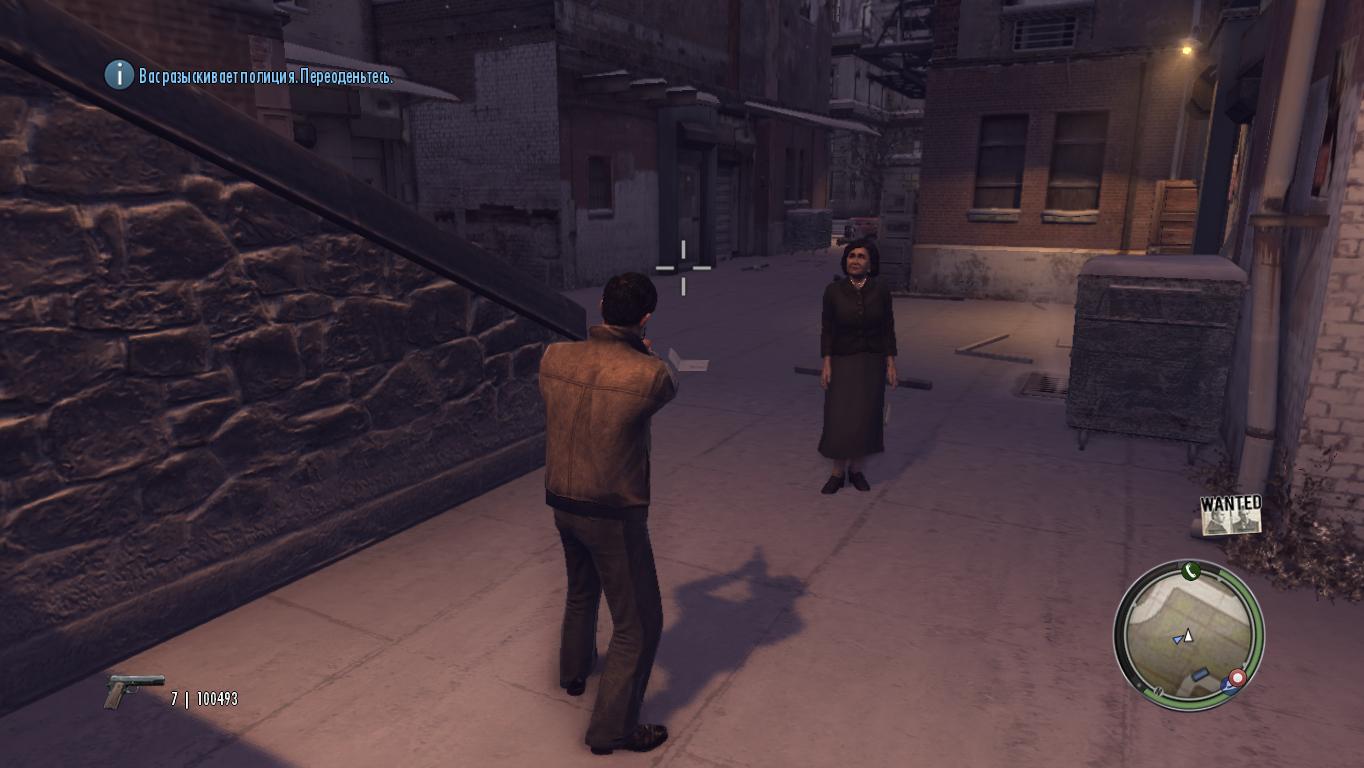
As we can see, the ammo became 100500 (slightly lost because you can't shoot randomly in Mafia 2 :)).
So, you can change the obtained segments as you wish. You can even freeze a segment, meaning its value will not change at all. However, it is better to simply change the values.
What to do with the health bar?
Recently, games have stopped using numerical health display; instead, various kinds of bars have appeared. To hack such a bar, instead of a fixed numerical value, you need to use abstract conditions < >, thanks to which you can also quickly find the desired segment.
Good luck!