Using computers or laptops running on the Windows operating system, sooner or later you will need additional software for working with text, graphics, and protection against various viruses. You should not look for such software from untrusted sources, because nowadays more and more unscrupulous people are trying to infiltrate your workstations with trojans, viruses, and various malicious software for their own personal gain every day.
To avoid becoming another victim, you need to download your software from trusted sources that are referenced by online stores selling license keys for the same software. One such store I can recommend is Softmonstr.ru.
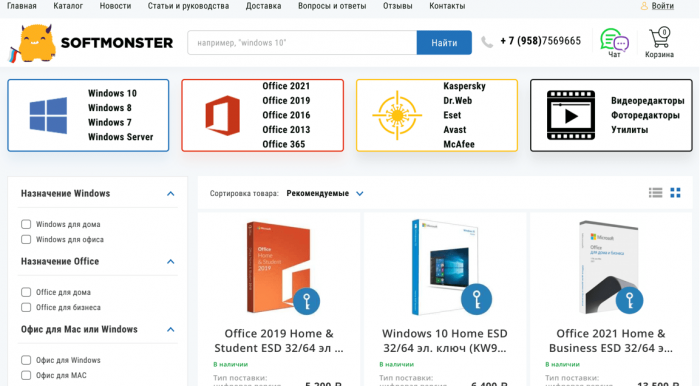 Softmonstr - An online store of licensed software with license types such as Retail or OEM, with delivery options: digital or physical. You can purchase licenses for Windows versions 7-10, as well as Windows Server.
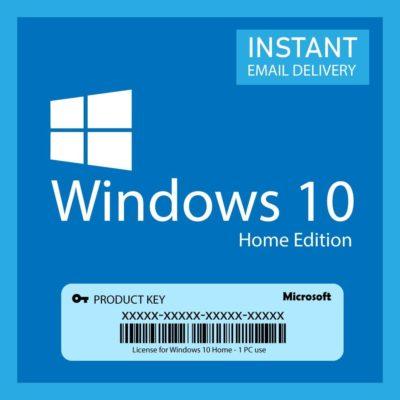
After purchasing a Windows license, I recommend immediately acquiring and installing the office suite, which includes programs such as Word, Excel, PowerPoint, and others—essentially the most popular programs for working with text, without which you cannot get by nowadays (for example, I am currently typing this text in a licensed Office365).
The next step after installing Windows and office programs is to protect your operating system and install an antivirus. On the softmonstr website, there are antiviruses for every taste: Kaspersky, Dr.Web, Eset, Avast McAfee. One of the most popular, but based on experience always heavily loading the system, is the Kaspersky antivirus, so I recommend choosing Eset or Avast—if, for example, you have a weak computer but still want to be protected.
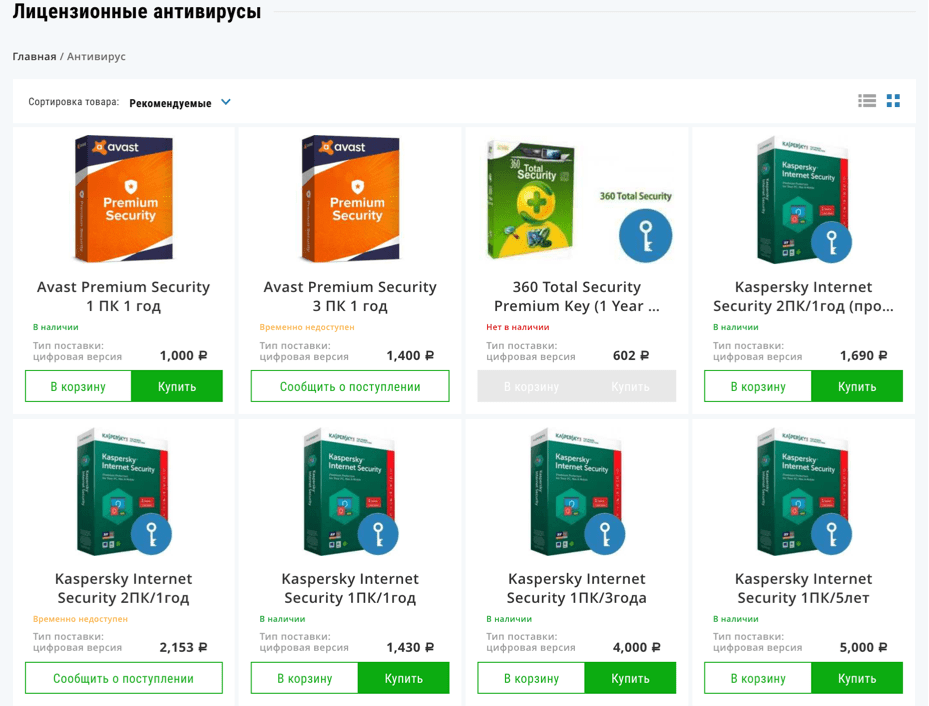
When we are done with antivirus programs, we can then consider categories for purchasing software tailored to your individual needs. Currently, the following software categories are available on the website:
- Video editors
- Photo editors
- Utilities