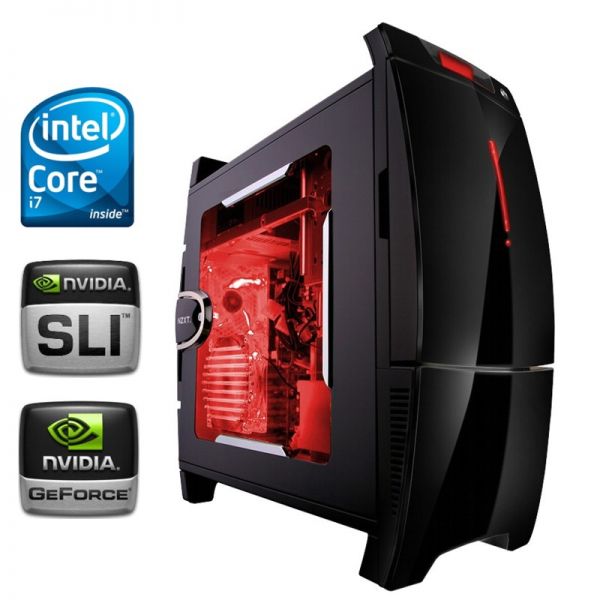
A fairly popular question among users, since there are a huge number of computers from different companies today. Acer, Dell, Apple, Samsung, LG, etc., which one to choose? In this article, we will talk about which computer is better, which is more powerful, which is more convenient, which is better for work, and more.
First of all, you should decide what you need a computer for? Do you want to play branded games on it, or do you want to work on it, and also frequently visit the internet? Let's consider all 3 options.
Buying a computer for gaming
The best computer for gaming today is the DELL AlienWare, whose configuration is specifically designed for gaming! The DELL AlienWare is equipped with an Intel I7 processor with 4 cores at 2.2GHz, capable of accelerating up to 3.2GHz.
The AlienWare laptop has an excellent discrete graphics card from nVidia with 4GB, as well as 16GB of RAM, all of which is DDR3. And a hard drive of 1-2TB allows you to install the most modern games without worrying about free space on the HDD. As for the display, the AlienWare is equipped with a 17-inch screen supporting the elite gaming resolution of 1920x1080, which will allow you to play games in Full HD 1080.
However, the cost of this laptop is as sky-high as its configuration. A standard DELL AlienWare laptop costs approximately $1,500 - $2,000, and more powerful models cost over $3,000. Games on such a laptop will simply fly on Ultra!
But, the DELL AlienWare is not the only "SuperCool" gaming computer.
The company Acer also keeps up with modern gaming standards. Moreover, Acer is distinguished by more affordable prices. The V-3 series laptop, Acer 571G, is no less powerful compared to the AlienWare and also allows you to comfortably play 2013 games!
And, it must be said, these laptops even after 3 years allow you to comfortably play computer games! The Acer V3-571G is equipped with an Intel I7-3632Q 2.2GHz + Turbo Boost Up To 3.2GHz processor, which to this day ranks in the TOP 50 most powerful processors in the world. The Intel I7 3532Q is installed in this laptop with 4 cores, all working in 8 threads, making the computer very fast.
Also, the Acer V3-571G laptop has a built-in discrete graphics card nVidia GeForce GT 730M with 4 GB on board. As for RAM, Acer is also not far behind its counterparts here, namely, it has 8GB DDR3 Memory built-in. A 1TB hard drive will allow you to easily install a huge number of games, programs, and more. The 15.6-inch display in Full HD 1080p supports a resolution of 1920x1080 and allows you to experience the picture at the highest level.
Also, the Acer V3-571G is equipped with a DVD writer Super Multi DL Drive, as well as integrated Wi-Fi and Bluetooth. An HD WebCamera will allow you to comfortably communicate via Skype. And a 6-cell Li-ion battery will allow you to enjoy a game or watch your favorite movie for 3-4 hours without any problems. The cost of this laptop ranges from $1,000 to $1,500.
Buying a computer for work
If you need a computer for work, we recommend the company Apple or the company Acer. If you usually work with documents and often use Microsoft Office programs, we recommend the Acer 5771G laptop, which has 4GB of RAM, a 512MB graphics card, and a 320GB HDD, as well as an AMD Athlon 2.2GHz 2 Core processor, which is quite enough for comfortable work with documents and heavy programs like Photoshop, 3DMax, Blender, Word, and others.
If you are involved in mobile application development, we recommend Apple laptops, since the mobile application development environment for iOS and Android works best with Apple computers. If you are a Windows software developer or a WEB programmer, then we recommend an Acer laptop, either the 5771G or laptops from the V-3 series.
You might be interested in programs for working with computers: