To install a game from an image in .mdf format or similar, you can use the Daemon Tools program. So, you should have a game image, for example, let's take a game image in .iso format.
Now, launch the installed Daemon Tools and drag the .iso image from the folder into the program window.
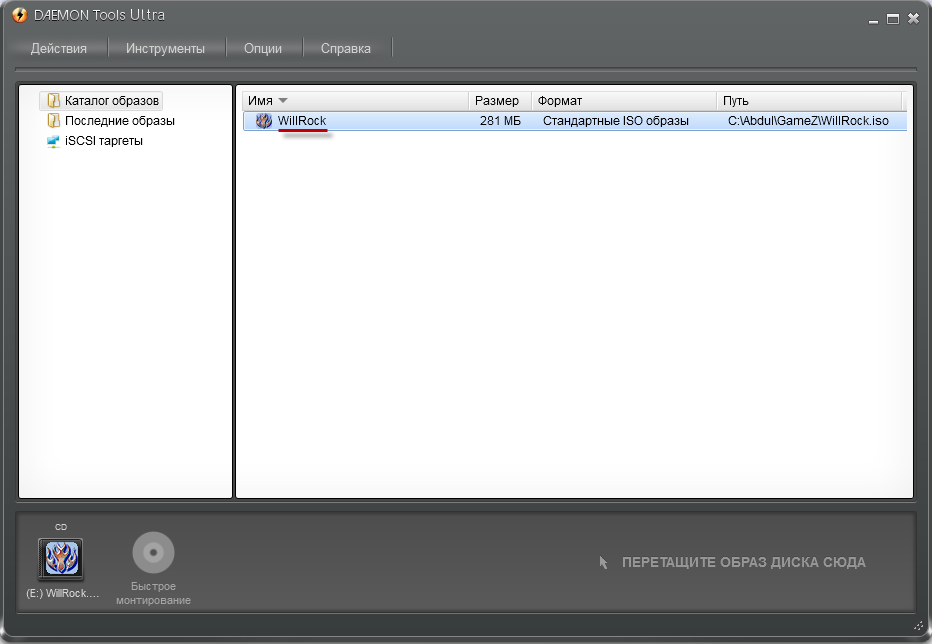
Double-click the left mouse button on the game image that appears in the list, after which it is automatically mounted to the virtual drive. Open "My Computer" and see the Daemon Tools virtual disk with the newly mounted game in the list of devices.

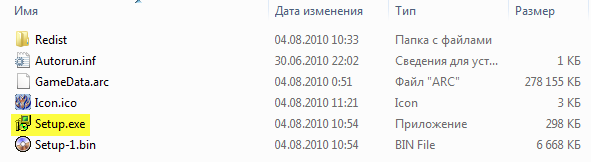
Open the contents of the virtual disk (right-click -> Open) and run the installation file. Typically, installation files are named setup.exe, install.exe, Game.exe, or simply the name of the game itself as the executable file name.
In our case, it is setup.exe.
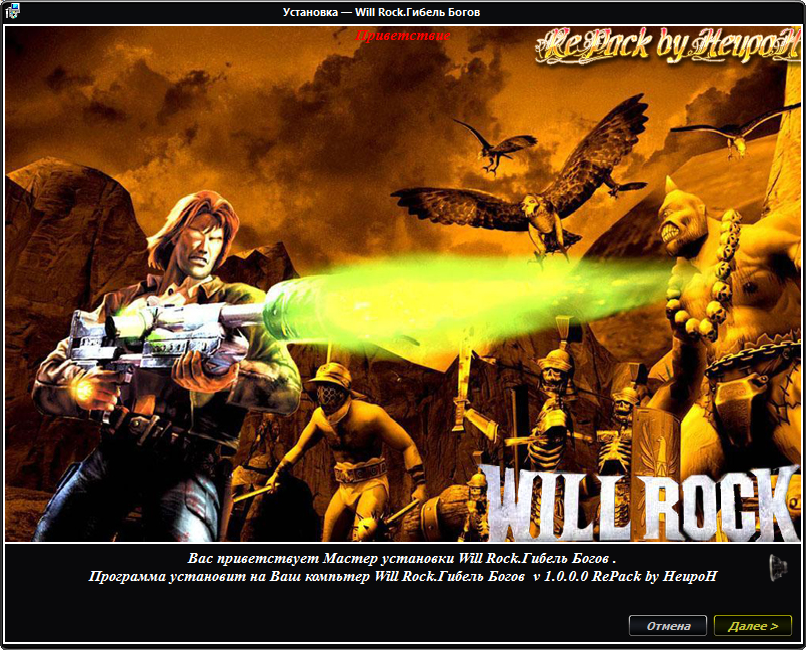
Run it, then click the "Next" button. That's it, you have successfully mounted the game disc image and installed the game!
Good luck!