The relatively recently released Windows 8 OS is already available in almost all relevant stores. The average cost of a licensed version of Windows 8 is 4,000 rubles. However, pirated copies of this OS are also available on the internet. We strongly advise you to purchase only a licensed version of Windows 8, as problems with activation or updates may occur.
Also, pirated versions of this OS may have operational issues. So, for example, let's take Windows 8 PRO 64-bit Rus. If you have a pirated version, burn it to a DVD disc.
1) Insert the Windows 8 disc into the drive.
2) Restart your computer, and during boot press F8, after which a menu for selecting the boot device appears. Select your DVD drive.
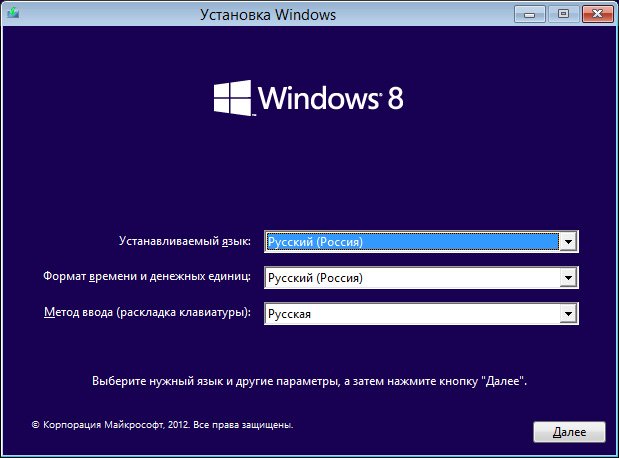
3) The Windows 8 installation window appears. Set the parameters and click the "Next" button.
4) Click the "Install" button. 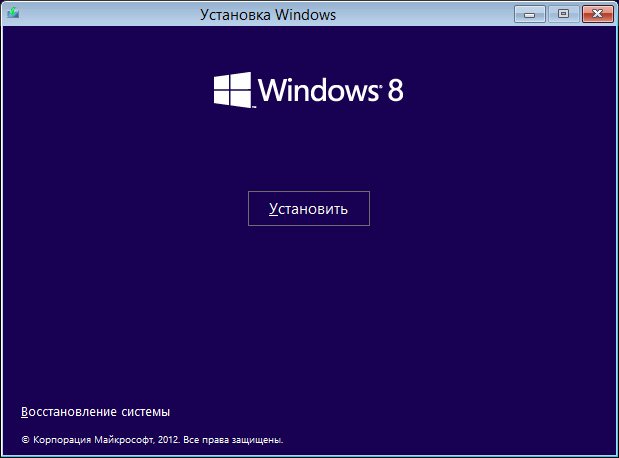
5) Enter the activation key. It is usually found on the Windows 8 box. If you have a pirated version, the key should be where you downloaded the OS. 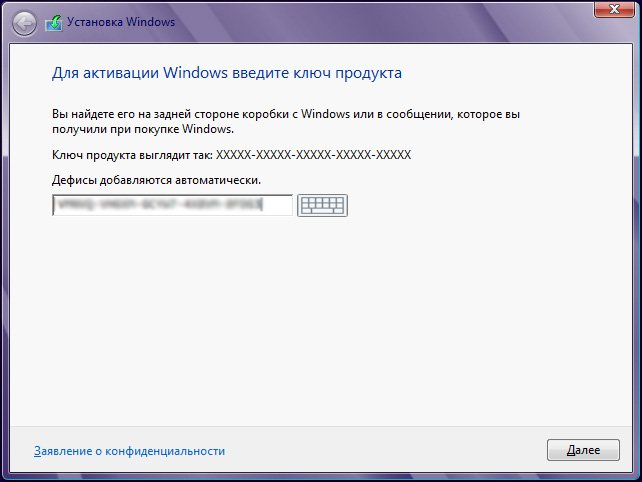
6) Accept the license agreement. 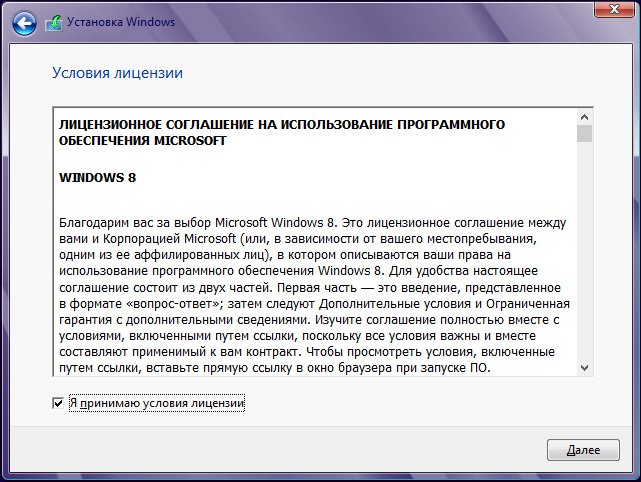
7) Select "Custom" installation type. 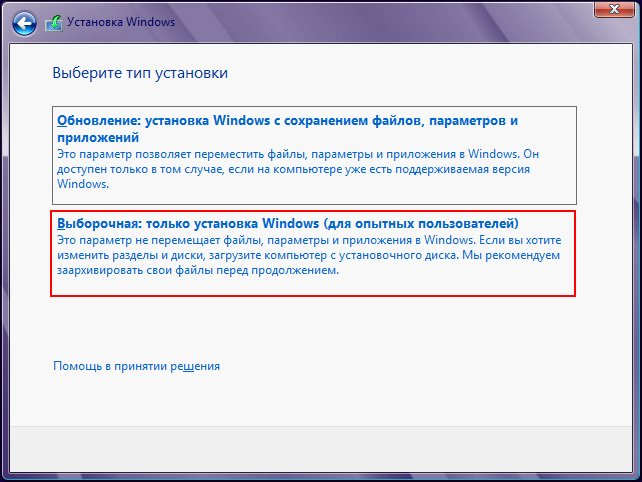
8) Click the "Drive options (advanced)" button. 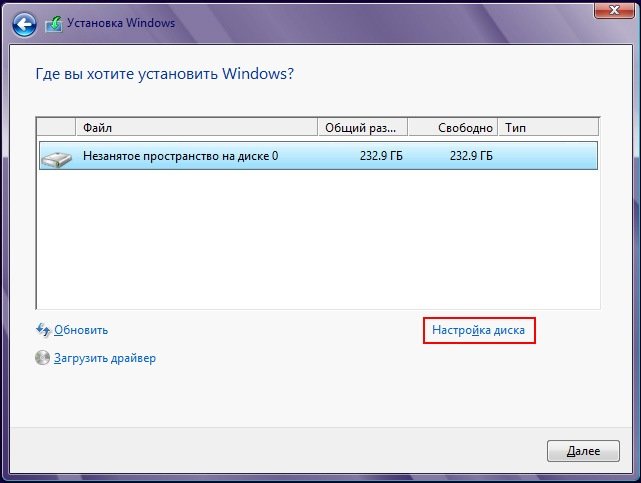
9) Click the "New" button. 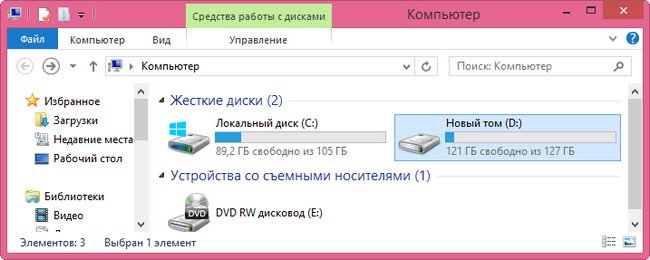
10) Specify a size of 110GB or similar depending on your HDD capacity. Click the "Apply" button. 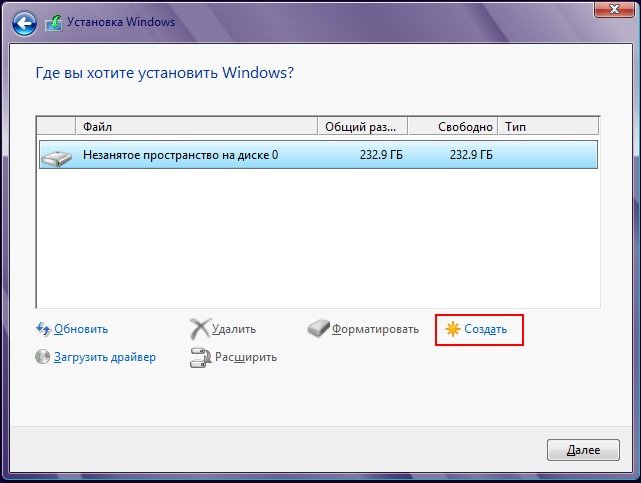
11) Agree to the prompt. 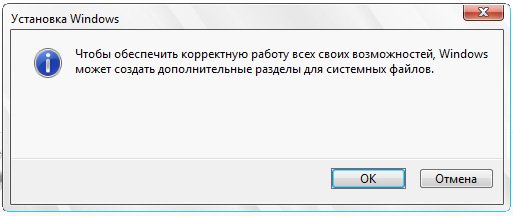
12) Select the unallocated space with the mouse and click the "New" button. 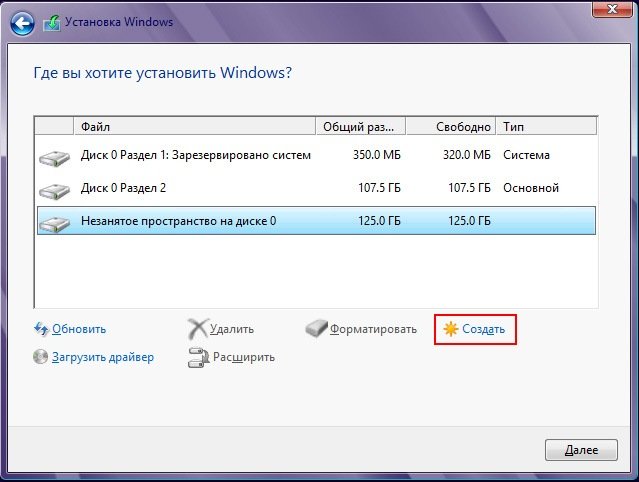
13) The size can be left as is. In this case, all remaining space will be allocated to this drive. 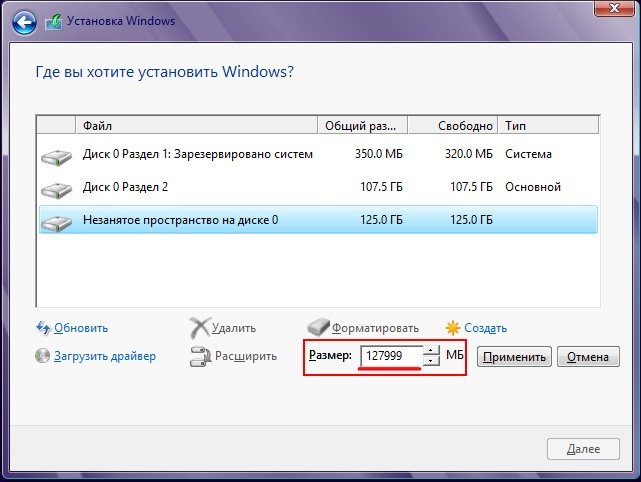
14) Select the future system drive and click the "Next" button. 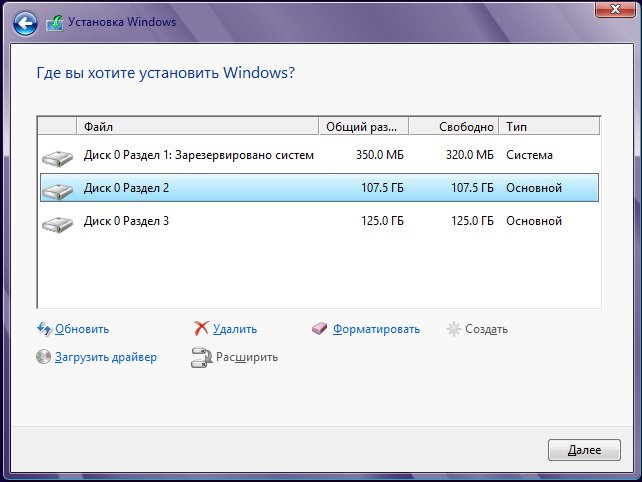
15) Wait for the quick process of copying and preparing data to complete. 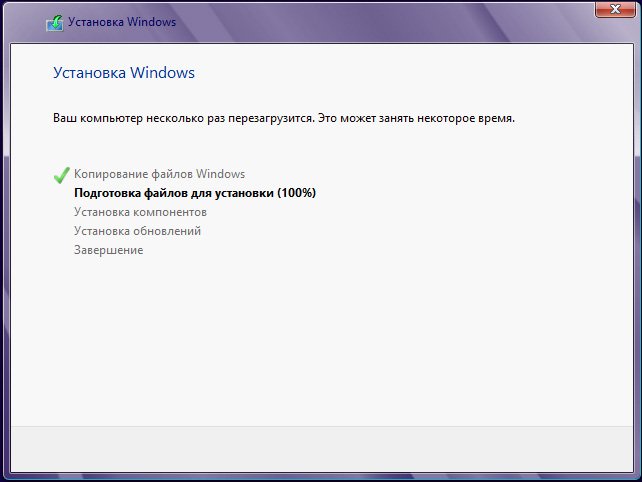
16) The computer will restart. 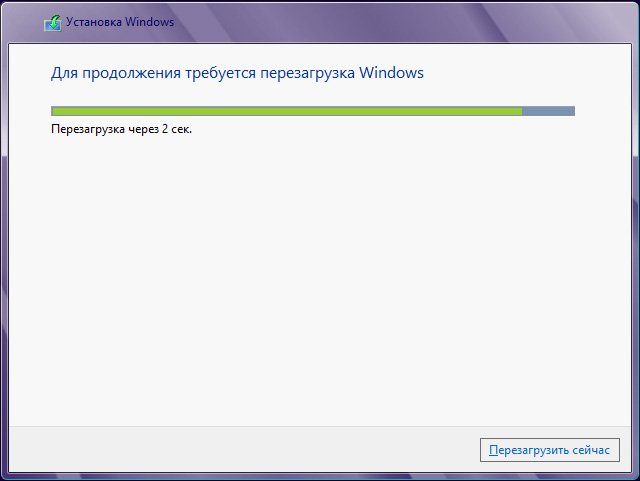
17) Now, when this window appears, do not touch anything, let it boot from the HDD. 
18) Preparing devices. 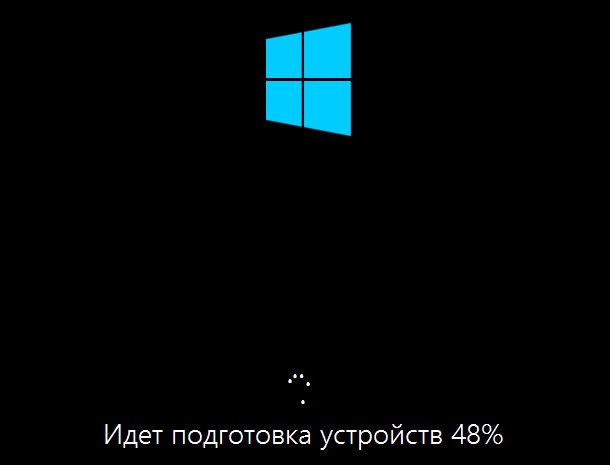
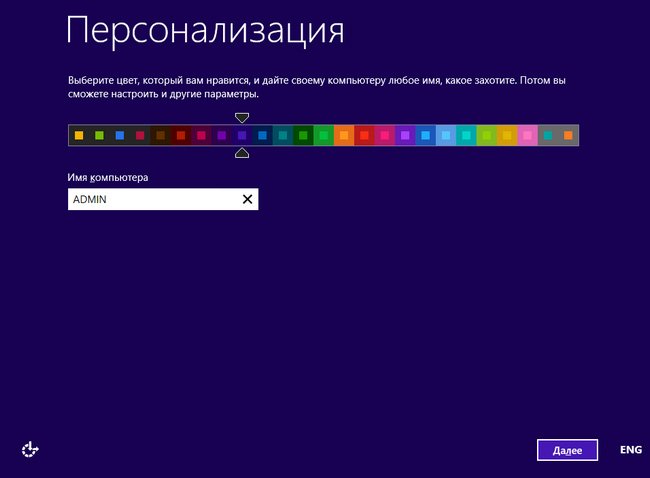
19) Configure settings, e.g., personalization, etc. 
20) Optionally, enter your Microsoft Windows account, or create a new one.
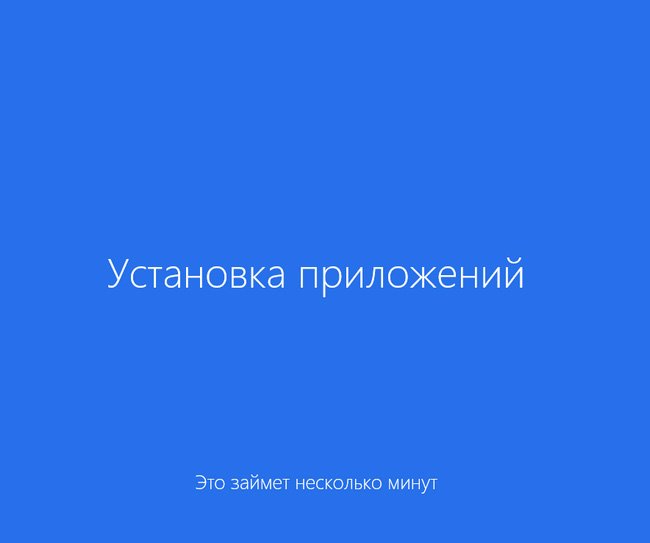
21) Wait while the configuration and application installation process proceeds. 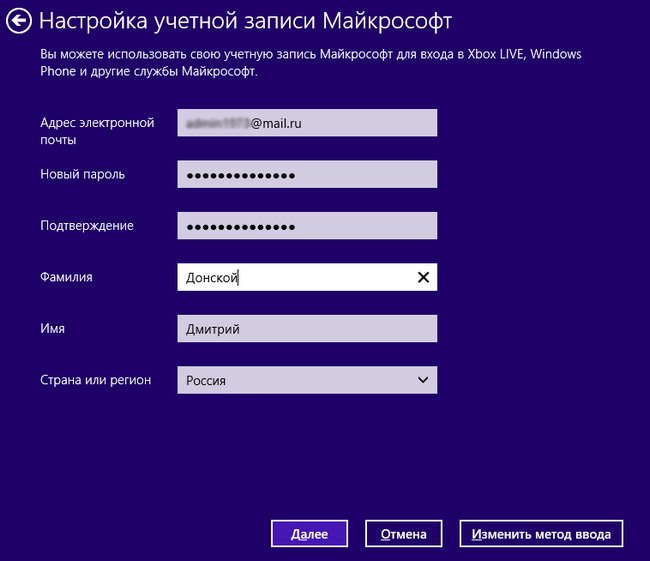

22) Done, Windows 8 OS has been successfully installed!