In general, the Windows operating system is not particularly fast to boot, since even on super powerful computers it takes a considerable amount of time to load the operating system.
As a rule, on a branded computer with an Intel i7 processor, the Windows 7 operating system, for example, boots in 20-30 seconds. On weaker machines, this time increases to 30-40 seconds. As for even weaker computers, the boot time can reach 50 seconds or more.
If we touch on the issue of the fastest-booting operating system, it is undoubtedly Chrome OS, which set a record boot speed of 7 seconds. But we will talk about why the Windows OS takes a long time to load and what affects it?
It's no secret that after purchasing a computer, the OS boots very quickly, but after some time of using the computer, the boot time increases by 30-50%, which naturally cannot go unnoticed.
What affects the OS boot speed?
Firstly, the computer's workload: By computer workload, we mean the numerous programs/libraries/games installed on the computer. Also, the speed is affected by the HDD load, resulting in a simple formula: boot speed = HDD load
How can you speed up Windows XP/7/8 boot and solve the problem?
At best, you can clean your computer of unnecessary programs and files, or simply accept the boot speed and wait an extra 5-10 seconds during startup.
Also, HDD defragmentation and registry cleaning/optimization will have a slight impact on boot speed. Use the CCleaner program to clean the registry and delete unnecessary files on the HDD; for manually removing unnecessary programs "with roots," use the YourUninstaller program.
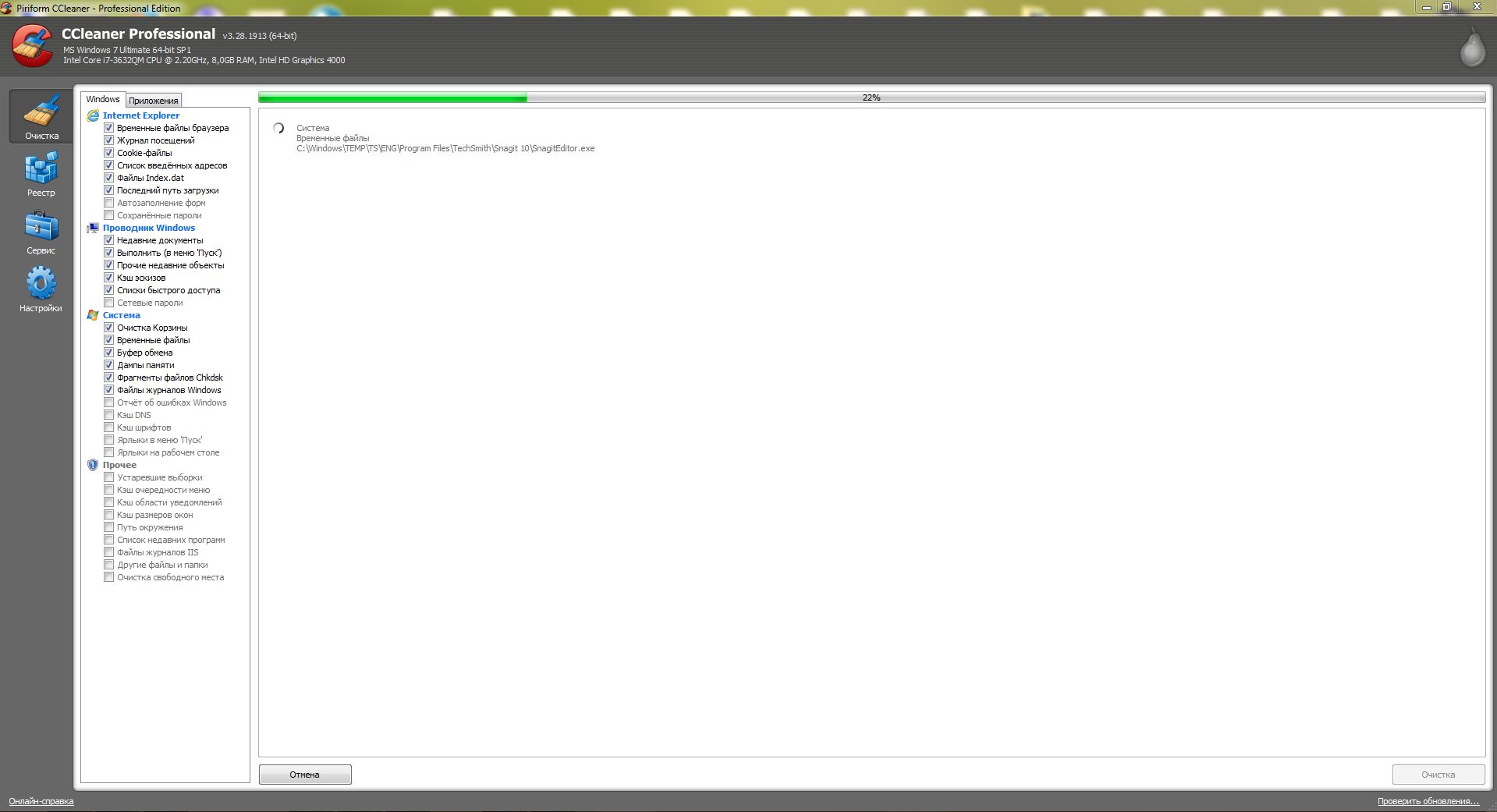
In general, we advise you not to clutter your computer with all sorts of junk, as this significantly affects performance and boot speed. Try to use the CCleaner program at least once a week and perform HDD defragmentation. All this together should speed up both the computer's operation and its startup speed.
Practice shows that after such simple procedures, the computer startup speed increases by about 20-30%, and its operating speed increases by 50-70%.
This method is suitable for all versions of Windows XP/7/8 operating systems.
Related articles on speeding up boot and optimizing Windows:
- Speeding up Windows 7 on a computer and laptop
- Setting up and optimizing Windows 7 performance
- Computer started running slowly
- Windows freezing
Good luck!