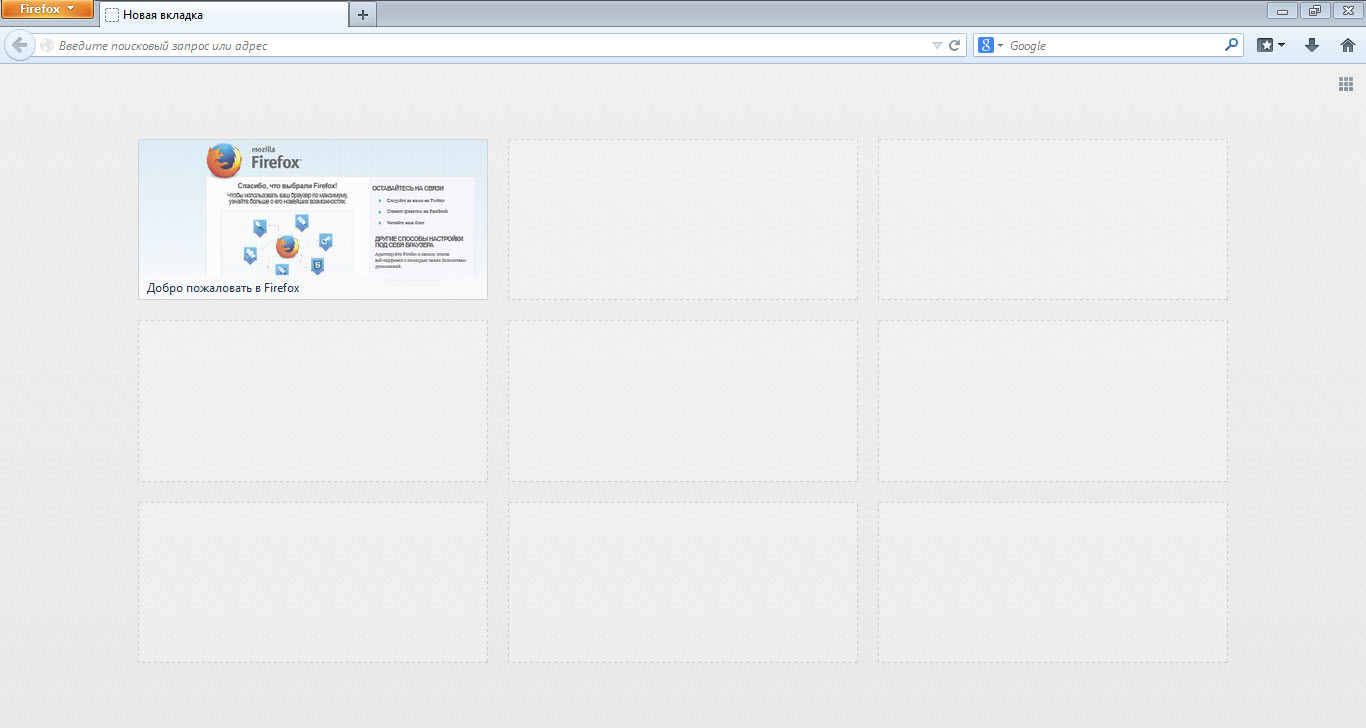
The first thing we see when launching the FireFox browser is the start page. Every user has their own idea of what should be on the welcome page. Everyone customizes their start page the way they want. For example, you can use the standard FireFox browser start page settings.
Also, you can set up your own version. You can install special add-ons that will greatly improve your welcome page.
So, let's talk about how to set up the FireFox start page and what you need to do for that.
Standard Methods for Setting Up the FireFox Start Page
To set up the FireFox start page using standard tools, you need to go to the settings panel. Click the button  after which a context menu will open, where you need to select "Settings".
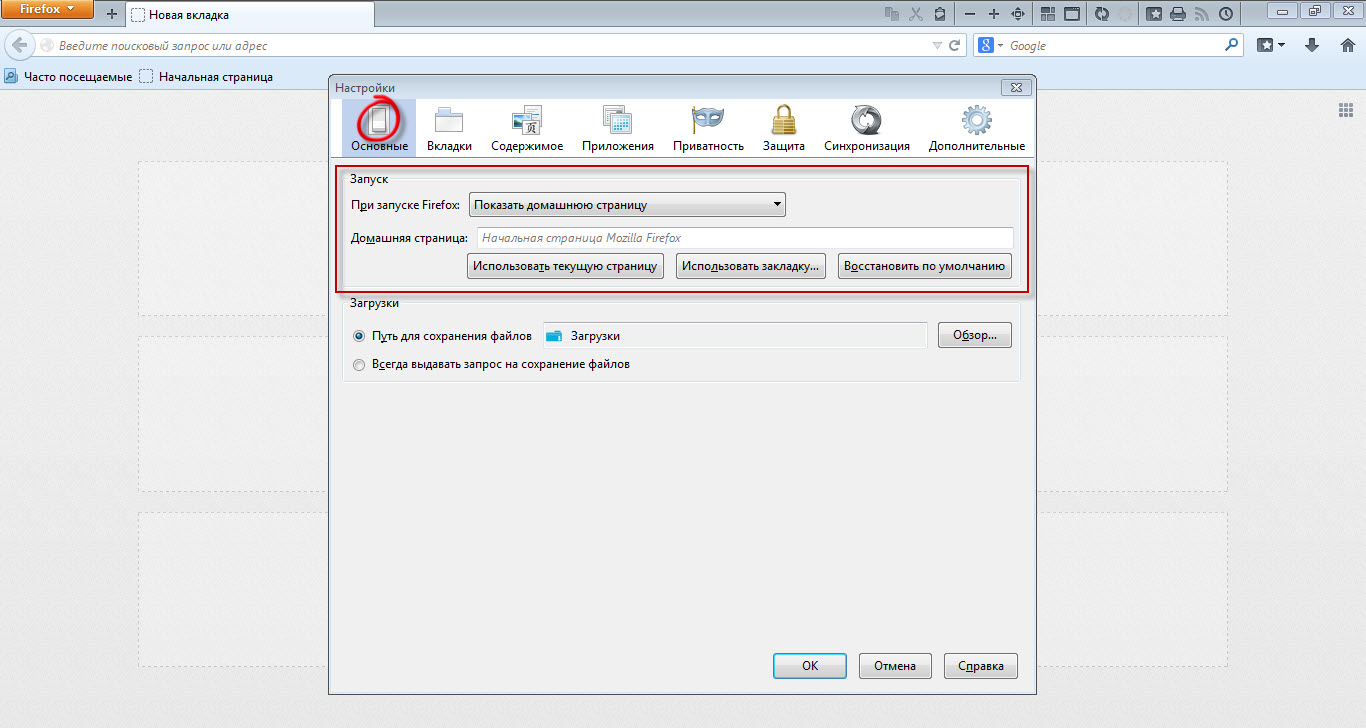
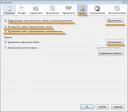
Now go to the settings tab "General". Here, in the "Startup" settings section, you can set up the FireFox start page.
Namely, you can show the home page, a blank page, or the tabs and pages that were open last time. As the home page, you can set any custom page, the current page, or a bookmark. To restore the start page settings to the original, click the "Restore to Default" button.
Custom Start Page Setup
Also, you can set a file from your local computer as the FireFox start page, and this will be quite original.
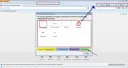
For example, something like this.
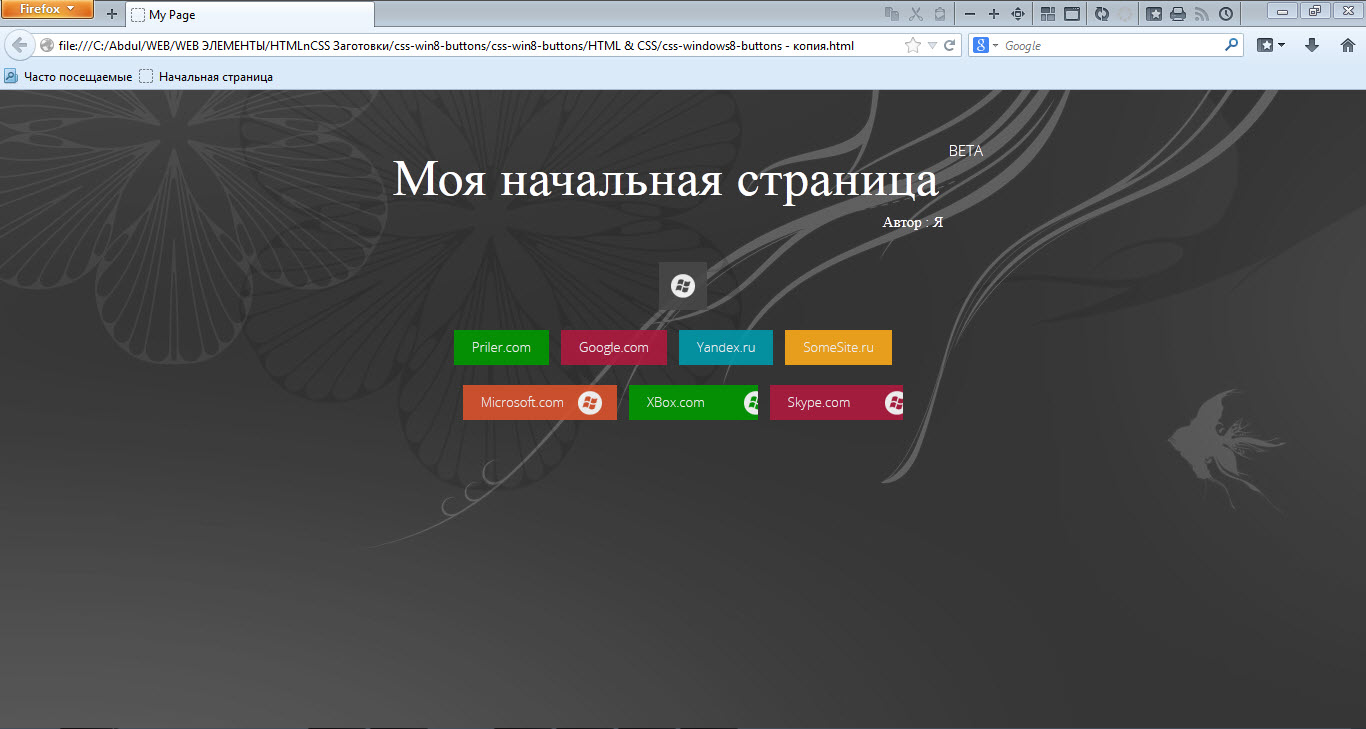 It turns out a custom version of the start page :)
To create a similar one, you need to create an .html file on your local computer, then fill it with your code. The design can be generated using online WYSIWYG editors. After that, paste the resulting HTML, CSS, JS codes into this file.
- Now open it in the browser and you will get a link like file:///C:/My_Page.html
- Next, open the FireFox settings window, and in the General tab select the start page option - home page.
- After that, paste the previously obtained string file:///C:/My_Page.html into the home page address field and save the settings.
That's it, now every time you start the FireFox browser, your own page will open :)
It turns out very original and beautiful.
Add-ons
In addition to the listed methods, you can use special add-ons designed to change the appearance of the start page. For example, in Google Chrome there is a wonderful extension FVD Speed Dials, and its analogues exist for FireFox. Thanks to such extensions, you can get an excellent and very beautiful start page.
Conclusion
That's all, with a little effort, you can get an exclusive start page.
Good luck!