After some time using the Windows operating system, it starts to slow down, and this is not surprising - there is an explanation for it. In principle, all operating systems tend to slow down over time.
Why does Windows XP/7/8 freeze?
It's very simple - workload. It is the workload of the computer that directly affects its boot and operation speed. During a reinstallation or first installation of the OS, the computer always "flies," showing the maximum possible speed. However, you cannot use an empty computer, so users install a number of programs and computer games, most often in the amount of 100-150 various programs/games.
Each program takes its place in the registry, some in services, and some start loading themselves into startup. In addition, space on the HDD also decreases, since all programs consume a certain amount of HDD space to work. Running programs as a process or service also take up additional memory, but already in RAM, which also affects performance.
Thus, it is not surprising that over time the computer starts to freeze. In general, Windows freezing can be avoided by following a set of rules.
Firstly - you should clean the HDD of unnecessary files/programs every week. For this, you can use the CCleaner program, it will automatically delete unnecessary files and optimize the registry. In addition, we recommend you defragment the HDD once a month, this will give a slight performance boost.
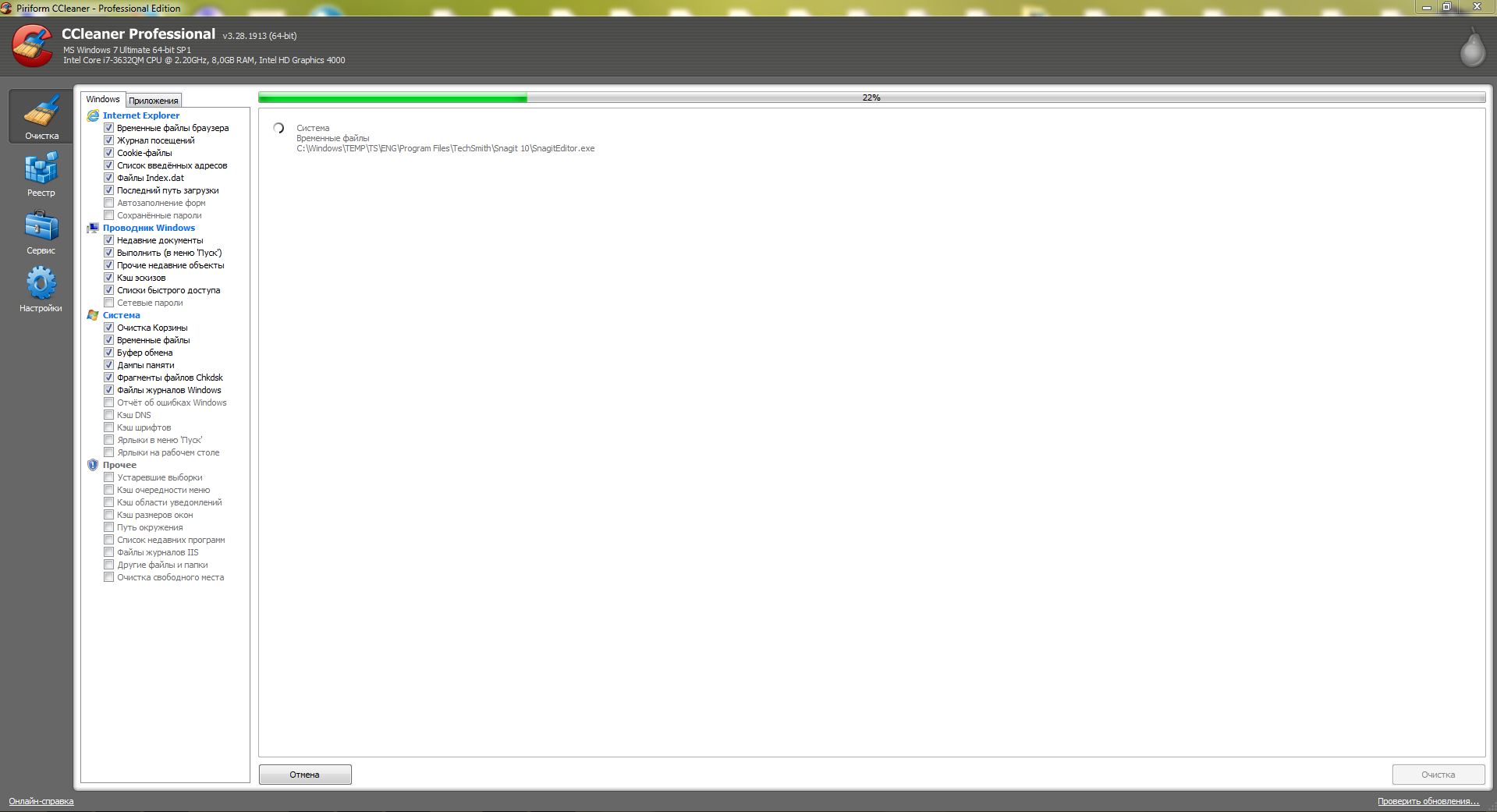
Remove unused programs from startup and disable unnecessary services, this will significantly clear up RAM, thereby allowing other programs to use more memory and not freeze.
If all this did not help, install the TuneItUp program or some other System Care + Booster. In total, all these actions should ensure a high level of computer performance.
Naturally, all these are standard methods and are not capable of providing a strong speed boost. To get a significant increase in speed, you should purchase additional RAM, a new more powerful video card, and of course, a more powerful processor.
Moreover, it is advisable to purchase a multi-core processor, and RAM of at least 4-8GB, since only with such a configuration will the computer stop freezing. As an option, you can install the Windows XP operating system, if your freezes occur in the Windows 7 operating system, this will also help, since Windows 7 typically consumes 1GB of RAM for its operation, not counting all other running processes.
Practice shows that when using the methods described above, computer performance will increase by 50-70%.
Related articles on speeding up boot and optimizing Windows:
- Speeding up Windows 7 on a computer and laptop
- Setting up and optimizing Windows 7
- Computer started running slowly
- Computer freezing
Good luck!