Thanks to the fact that Opera has switched to the new and arguably the most powerful engine today, WebKit, its capabilities have expanded and the browser's speed has increased. However, as a result of this event, some features and available options in the Opera browser have changed.
That is why some Opera users have encountered some difficulties when configuring the browser. But this is for the best, because with the development of the Presto engine, Opera lost significant positions in the web browser market.
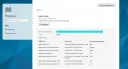
So, today we will talk about configuring a Proxy Server in the Opera browser. To set up a Proxy in Opera, you should click on the Opera browser icon in the top left corner.
[caption id="attachment_1161" align="aligncenter" width="600"]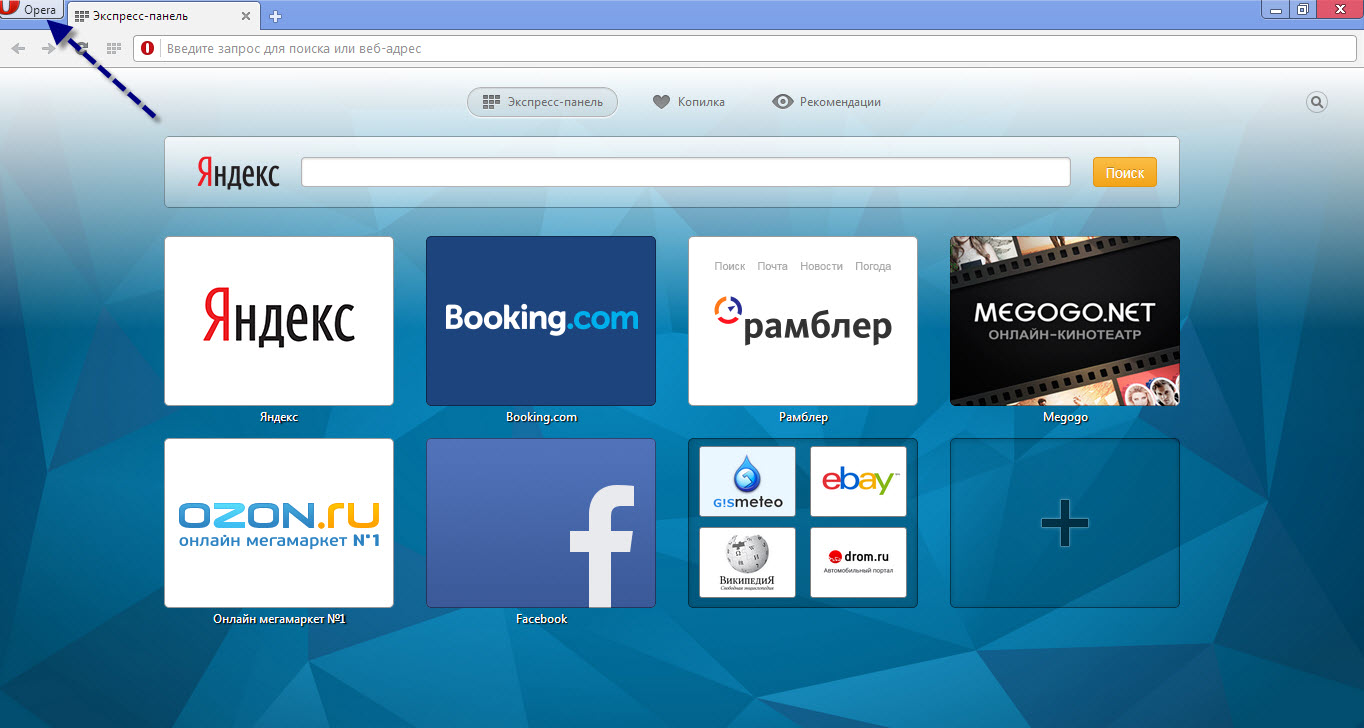 Opera proxy setup[/caption]
In the context menu that appears, select "Settings", after which you will be taken to the Opera browser settings page.
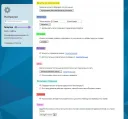
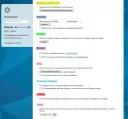
Now, you need to go to the "Browser" settings tab.
[caption id="attachment_1162" align="aligncenter" width="600"]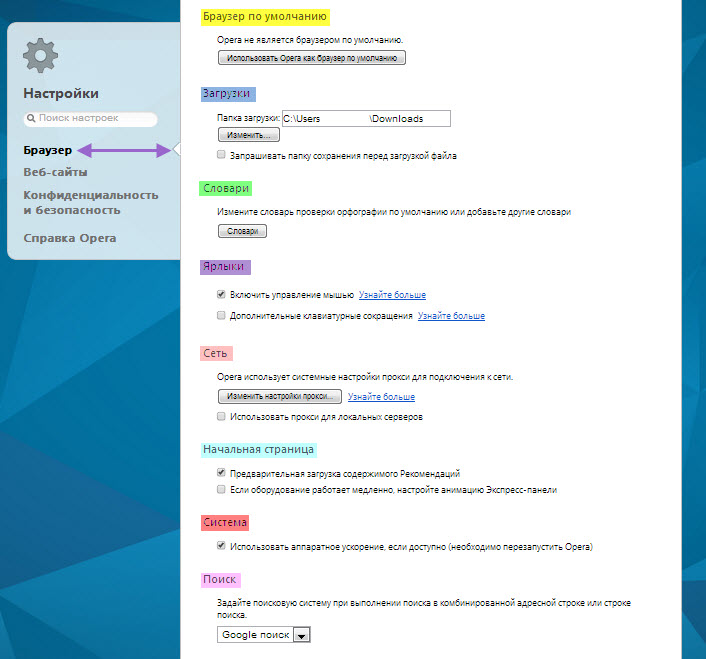 Proxy setup in Opera browser[/caption]
As we can see, in the "Network" settings section, you can configure a proxy server. To do this, simply click the corresponding button. Also, the proxy settings in the Opera browser include all items in the "Network" settings section. That's probably it, now you know how to configure a proxy in Opera, it's a fairly easy operation available to anyone who wants to!
Good luck!